


ENBRIGHTEN CAFÉ LIGHTS FAQ
INSTALLATION & SETUP
HOW FAR APART ARE THE BULBS?
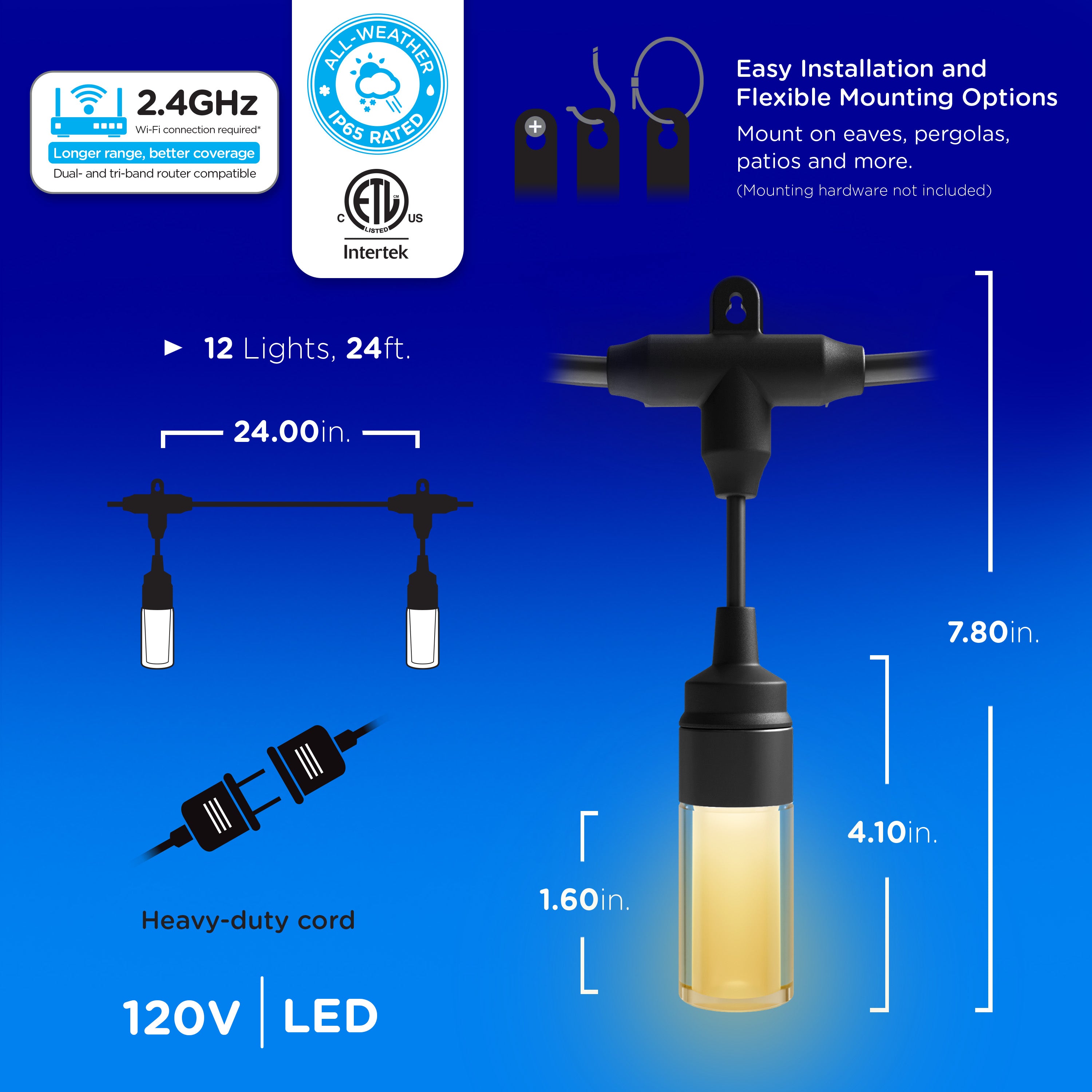
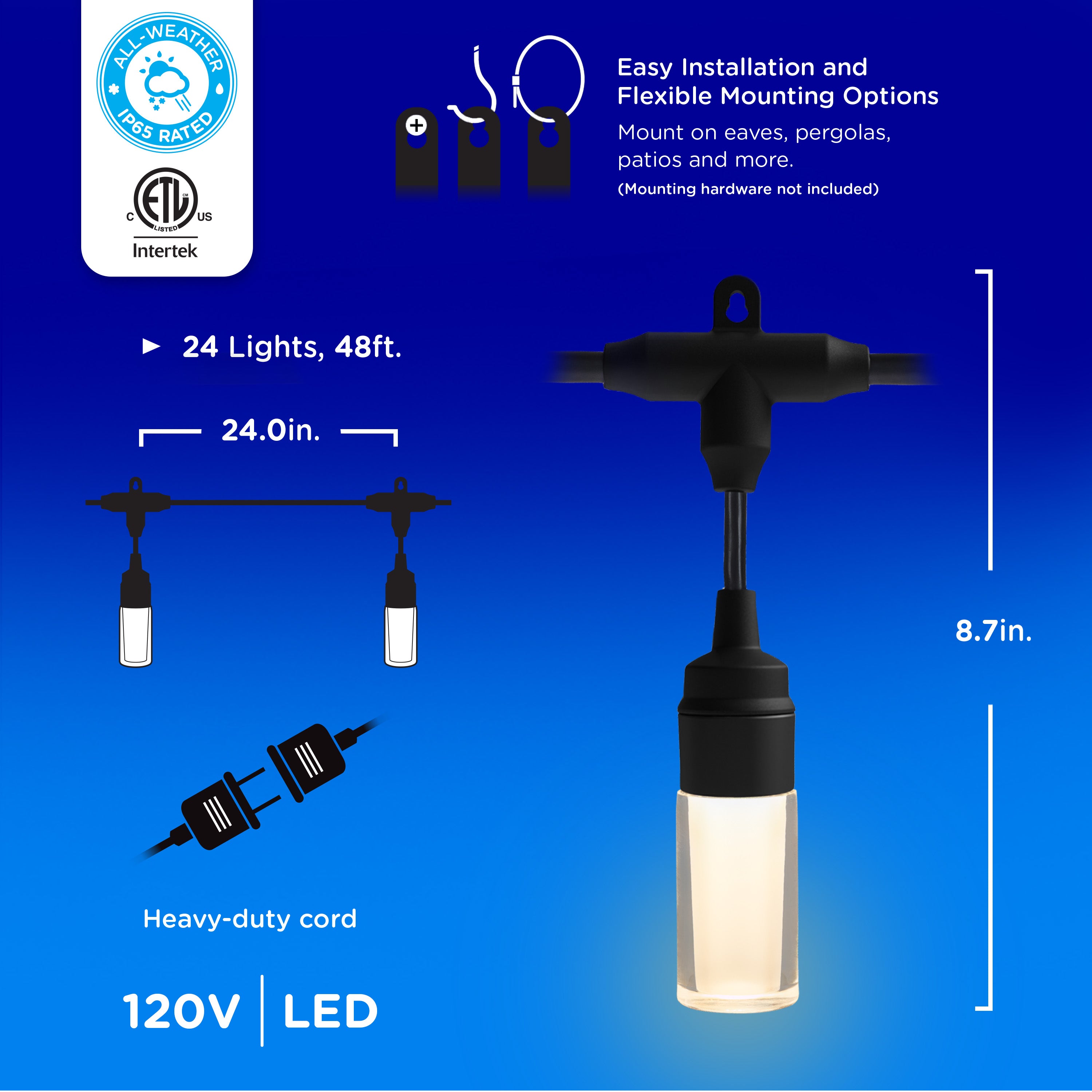
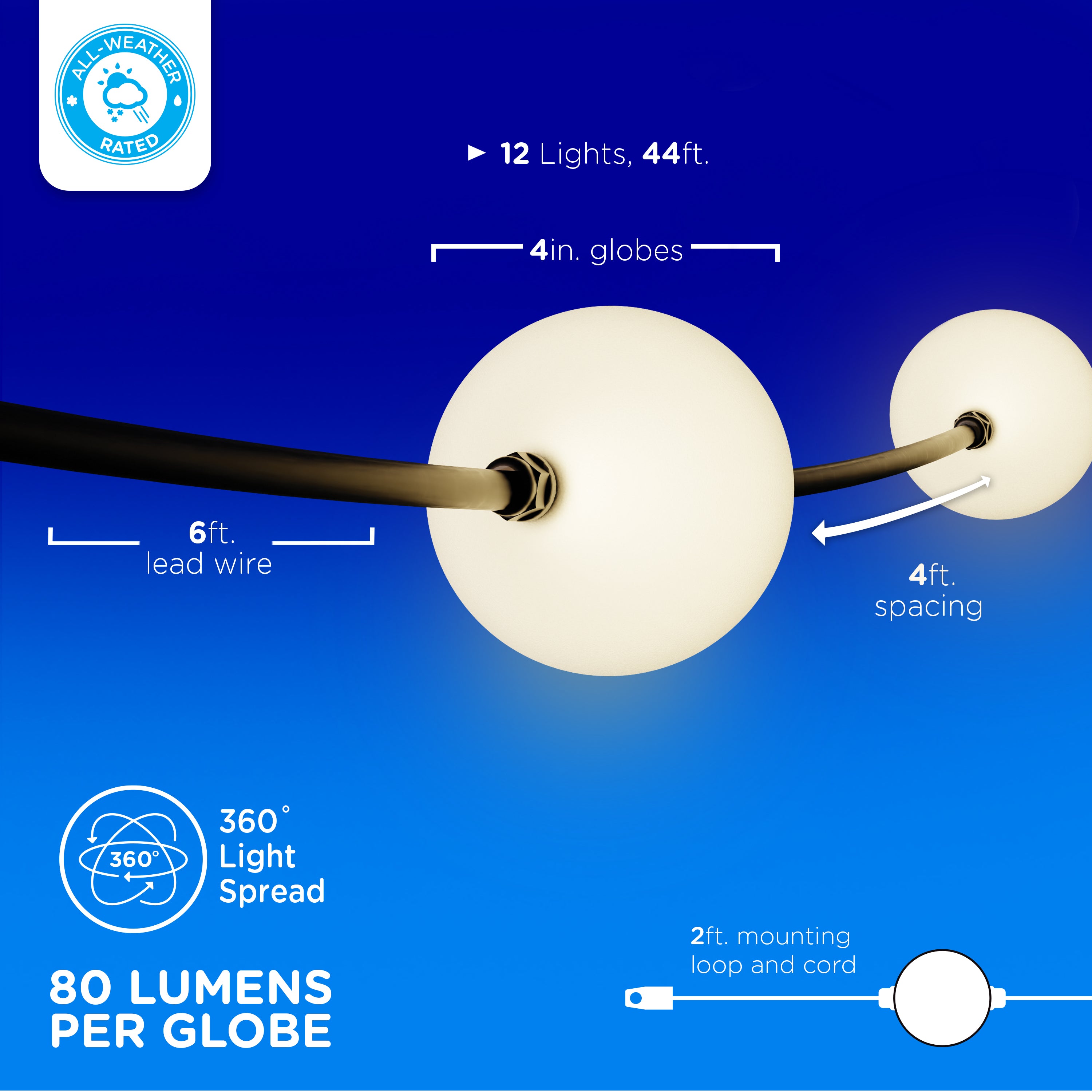
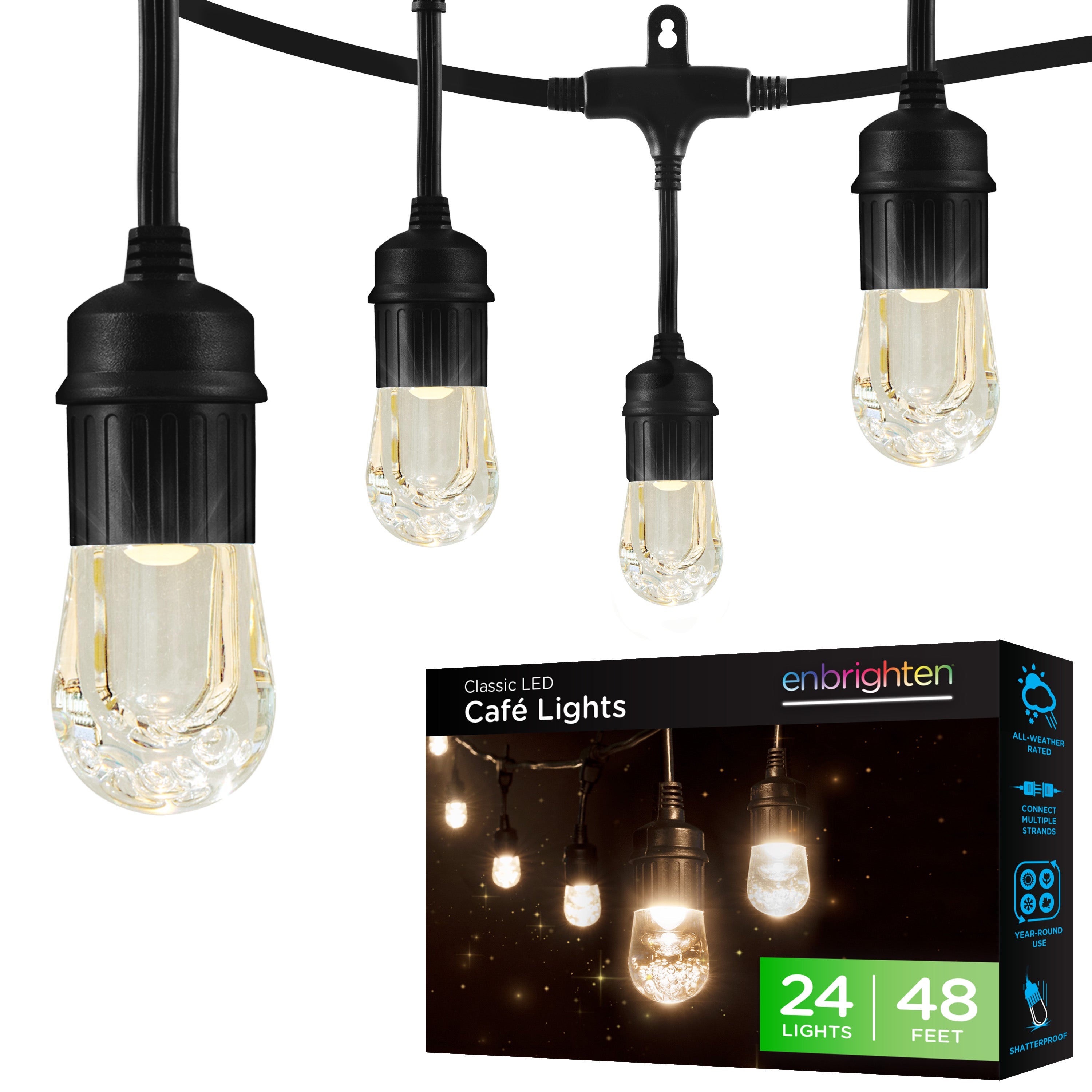
Enbrighten Classic and Vintage Café Lights have 24in. between bulbs. Each strand also has an 18in. lead from the plug to the first bulb and a 6in. tail for linking to the next strand.
WHAT LENGTHS DO THE STRANDS COME IN?
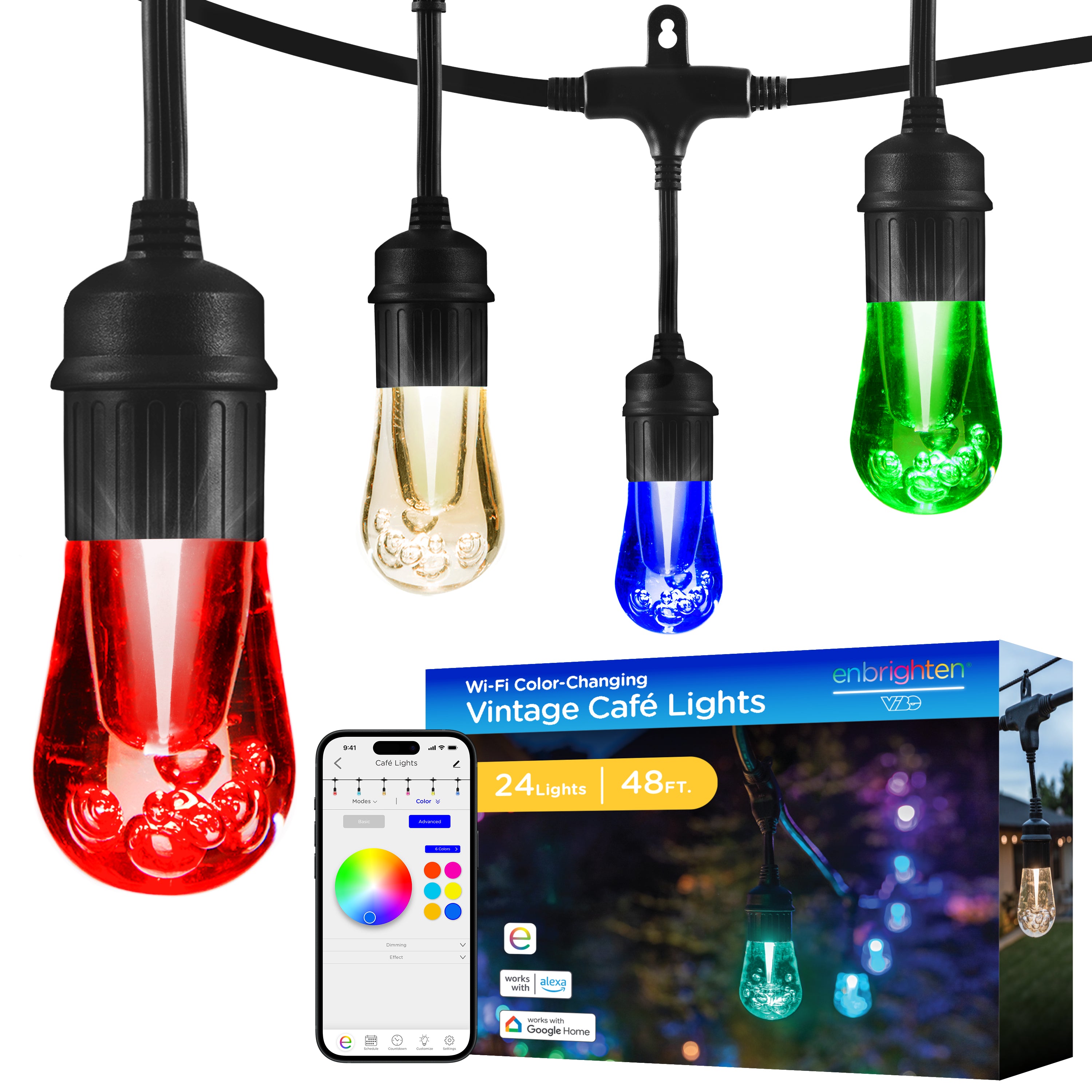
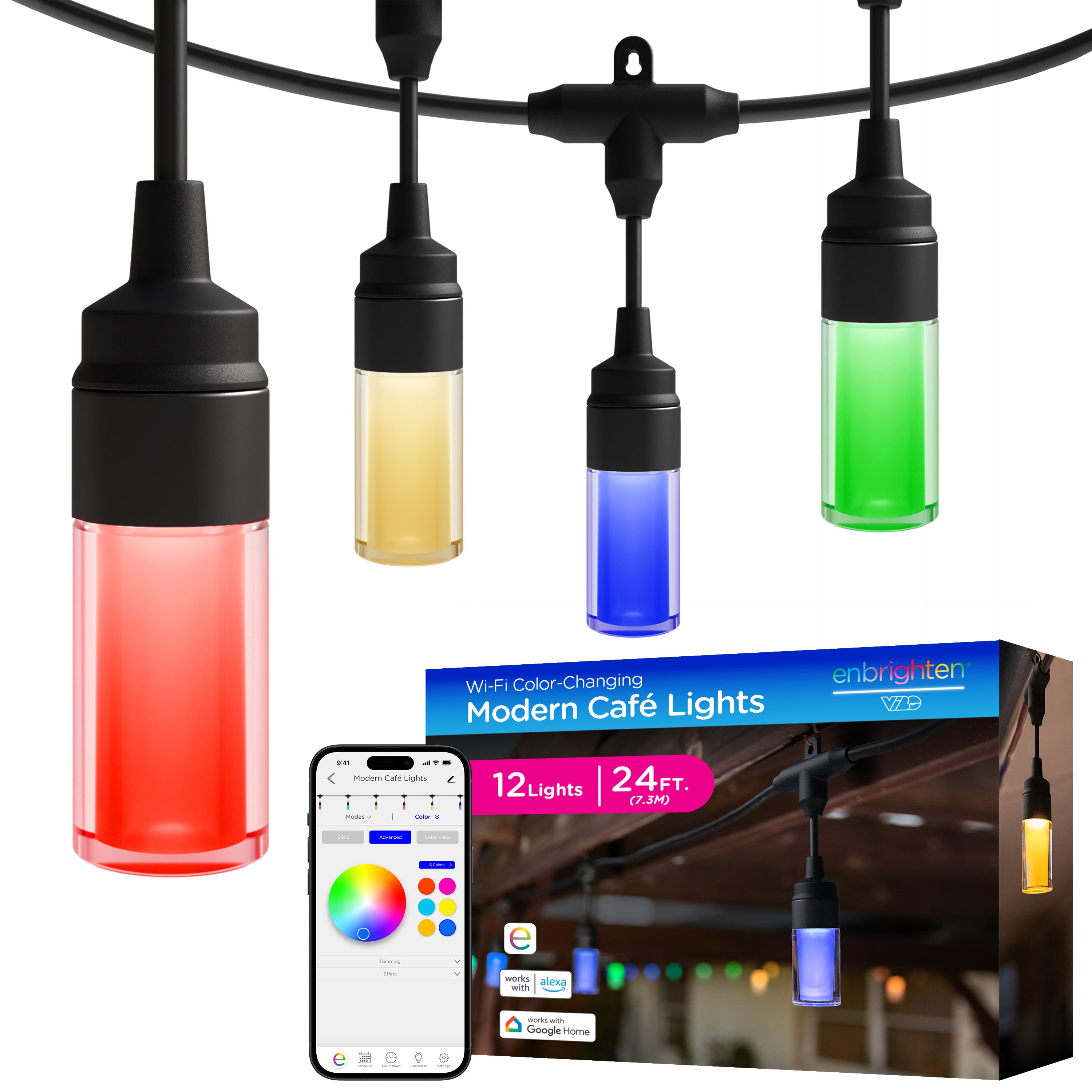
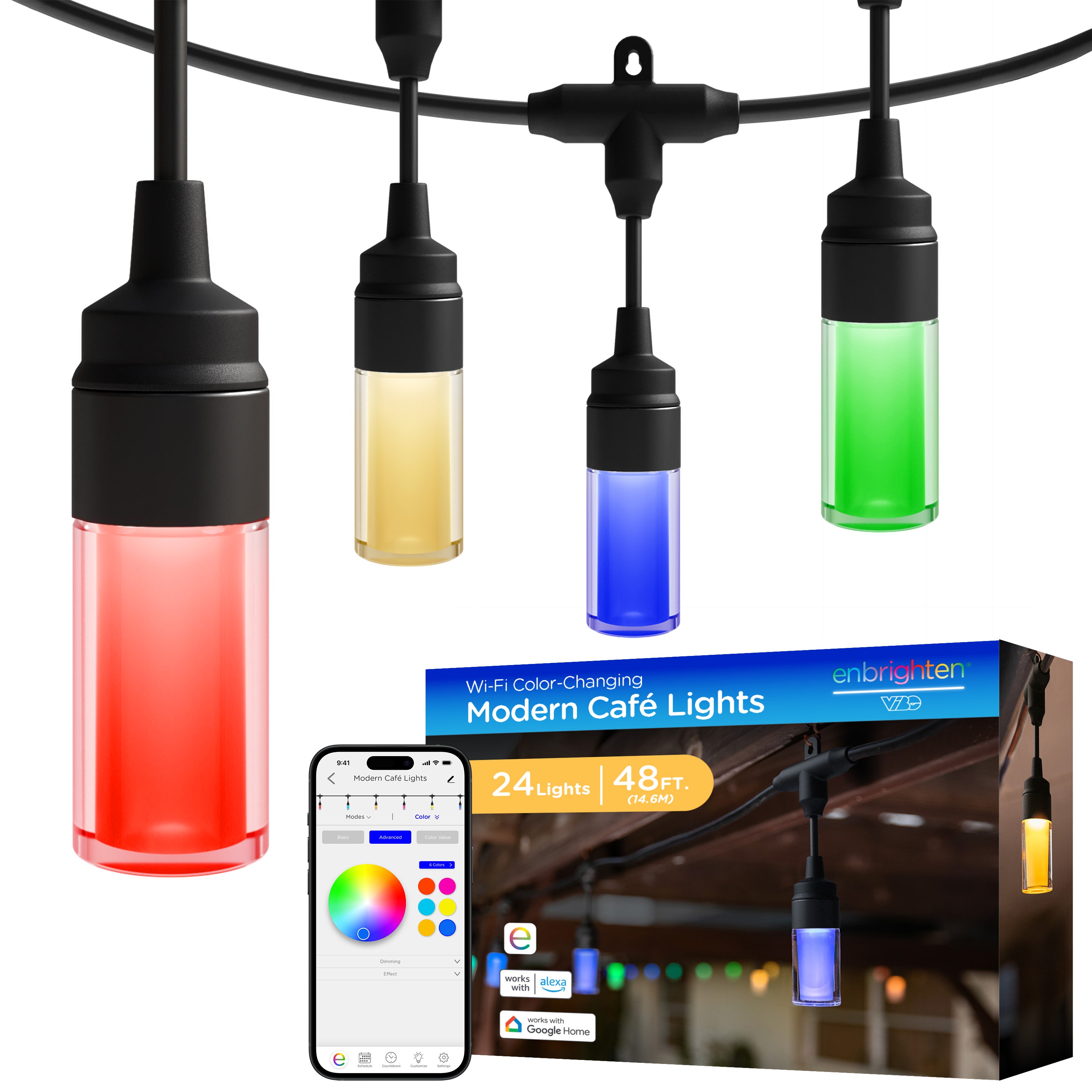
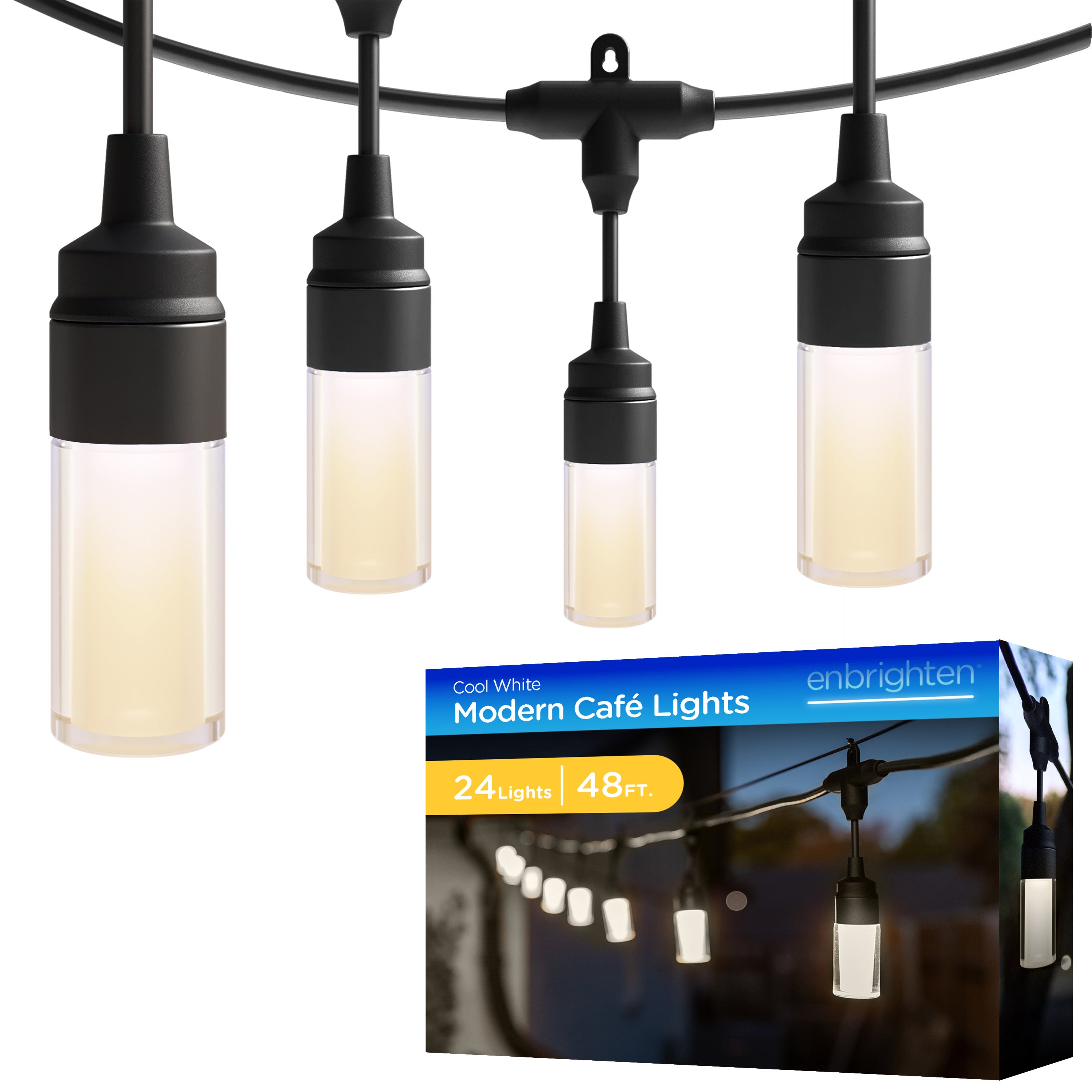
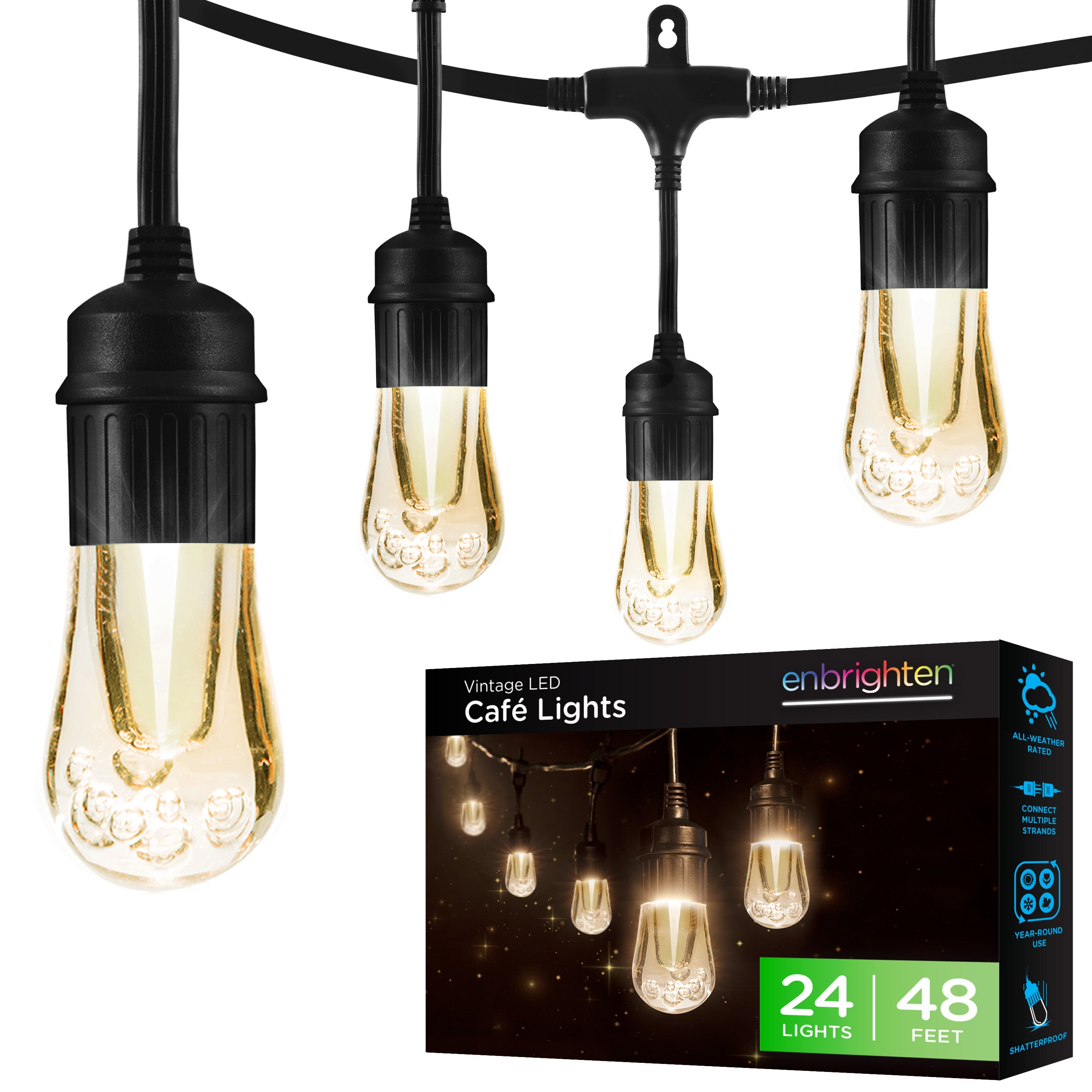
Lengths vary by product family. Classic Café Lights come in 36ft. and 48ft., and Vintage Café Lights come in 24ft. and 48ft. Seasons Color-Changing Vintage Café Lights come in 24ft. and 48ft., while Classic Seasons Café Lights come in 20ft. and 40ft. VIBE Wi-Fi Vintage Gen 2 and VIBE Wi-Fi Modern Café Lights come in 24ft. and 48ft. VIBE Wi-Fi Lightweight Café Lights come in 48ft. and 96ft.
HOW MANY STRANDS CAN I LINK TOGETHER?
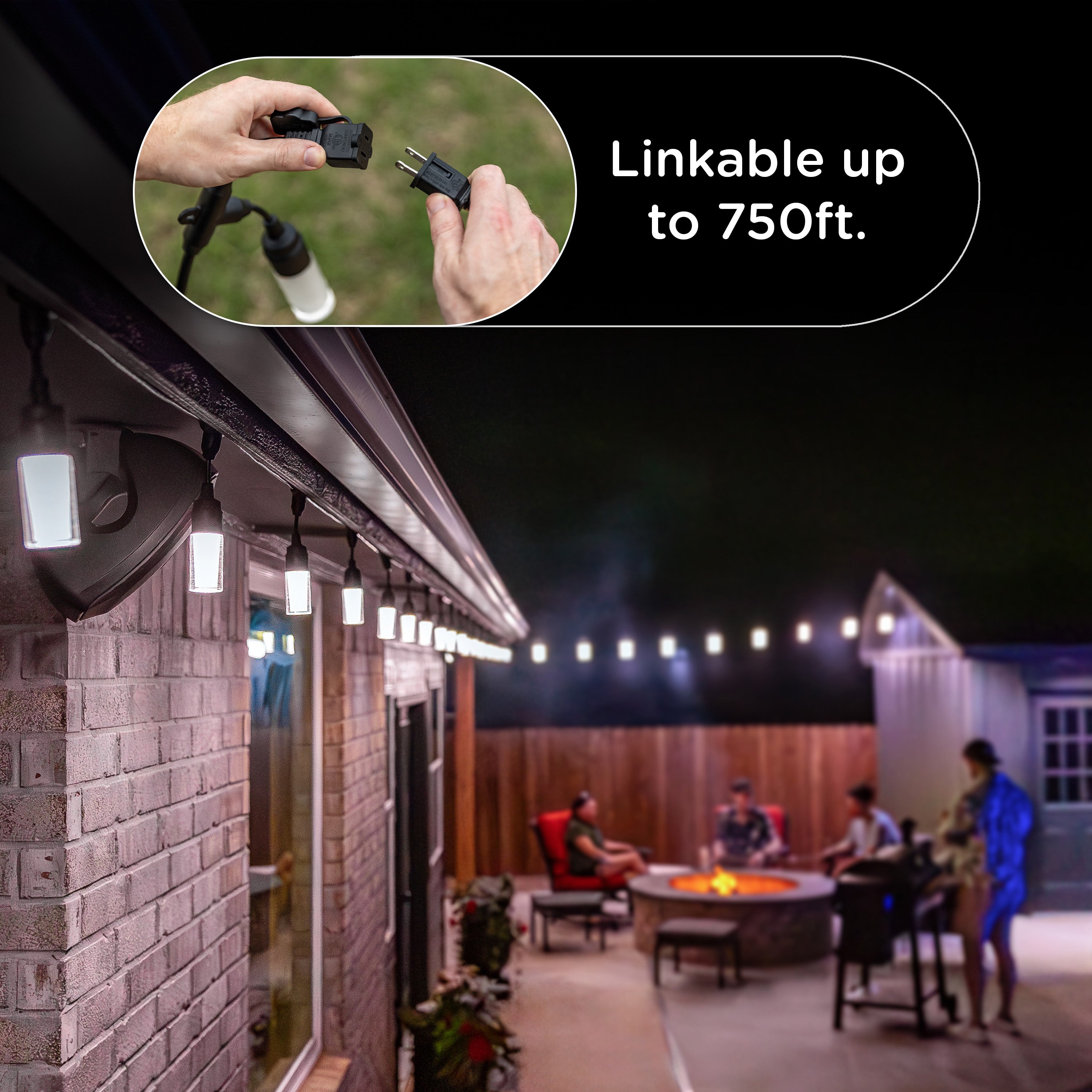
Most Enbrighten café lights link up to 750ft. This includes Classic, Vintage, Seasons, VIBE Wi-Fi Vintage Gen 2 and VIBE Wi-Fi Modern Café Lights. VIBE Wi-Fi Lightweight Café Lights link two sets end to end for 96ft.
ARE CAFÉ LIGHTS SAFE TO USE OUTDOORS?
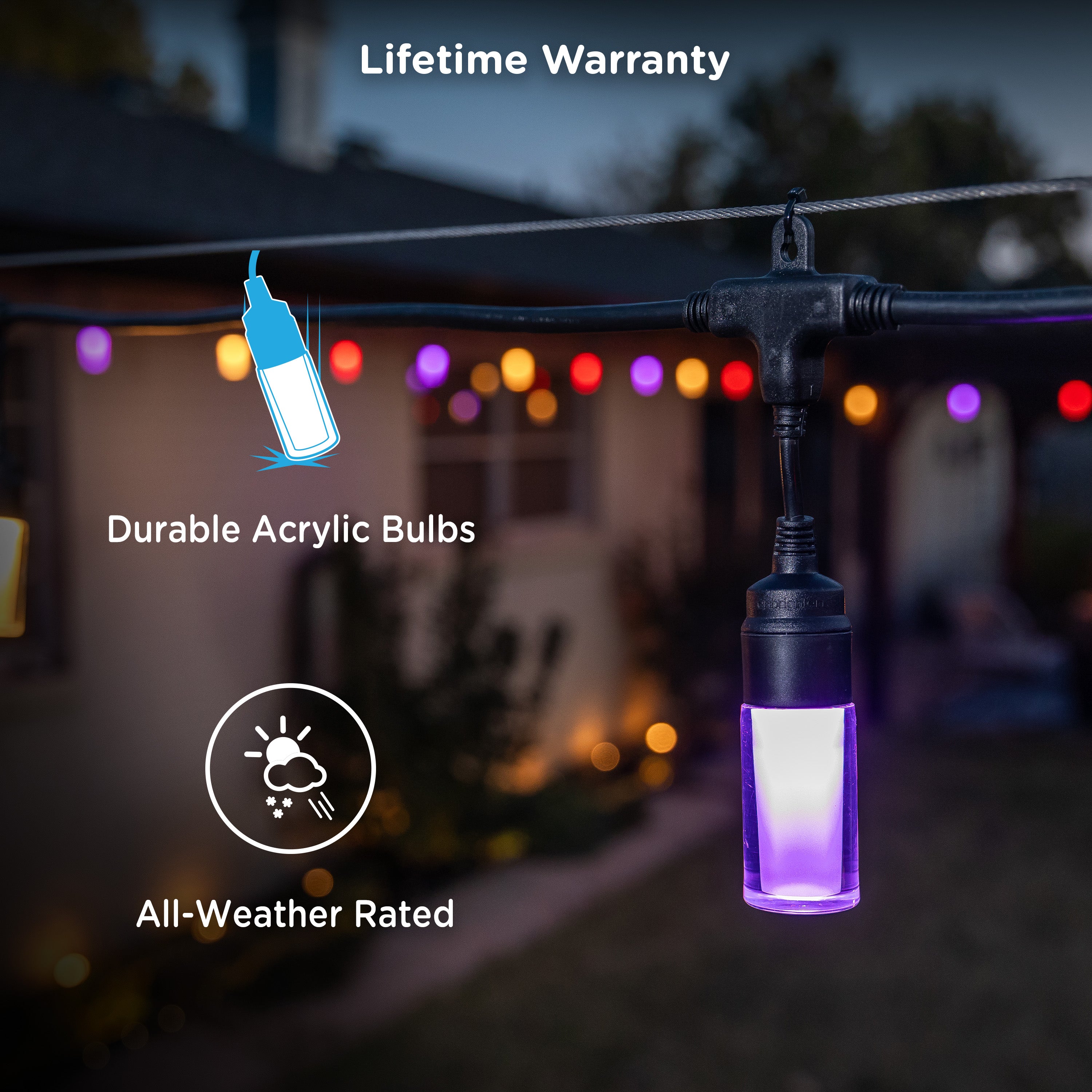
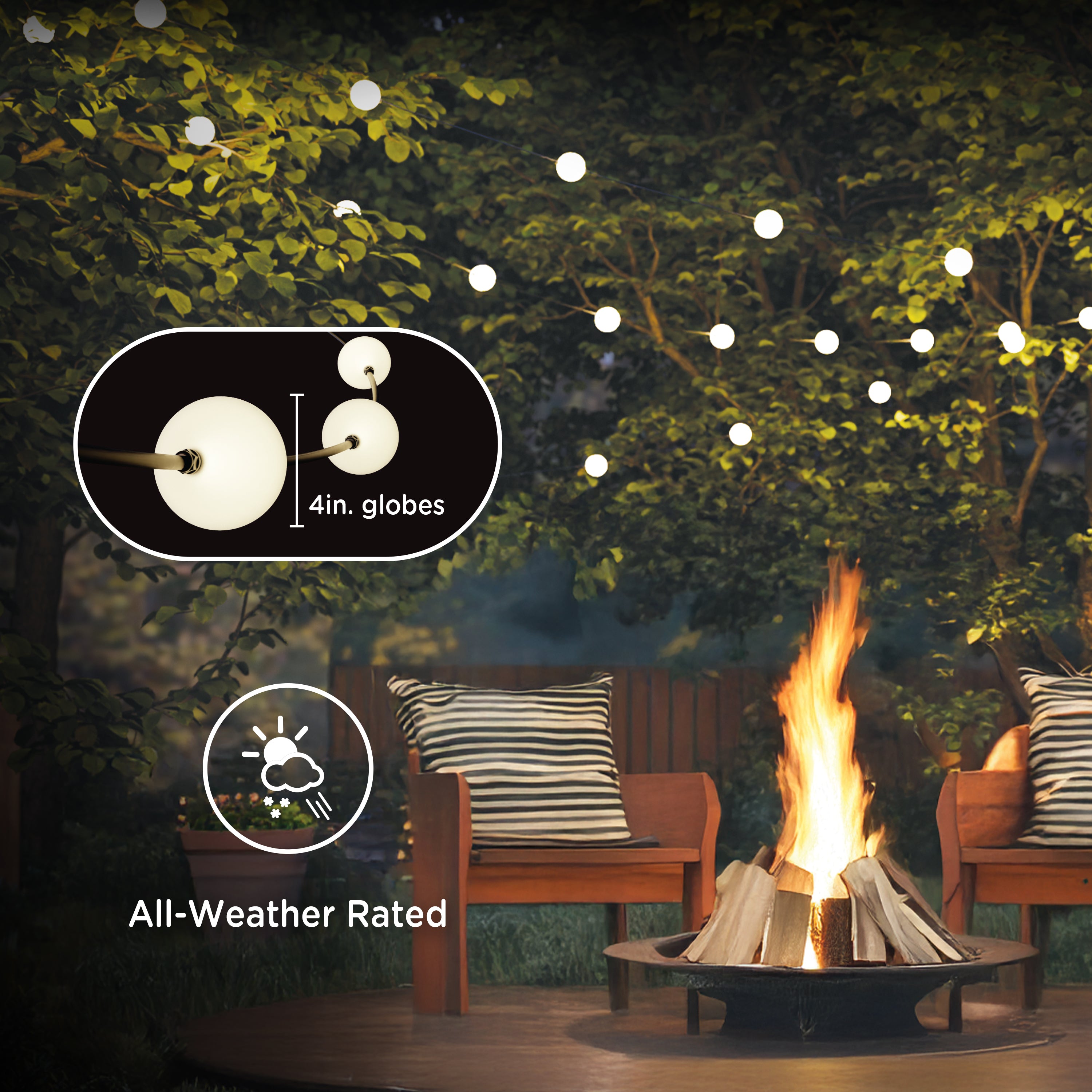
Only outdoor-rated lights should be used outside. Enbrighten café lights are ETL certified and rated for indoor and outdoor use.
HOW WELL DO CAFÉ LIGHTS HOLD UP TO RAIN AND HAIL?
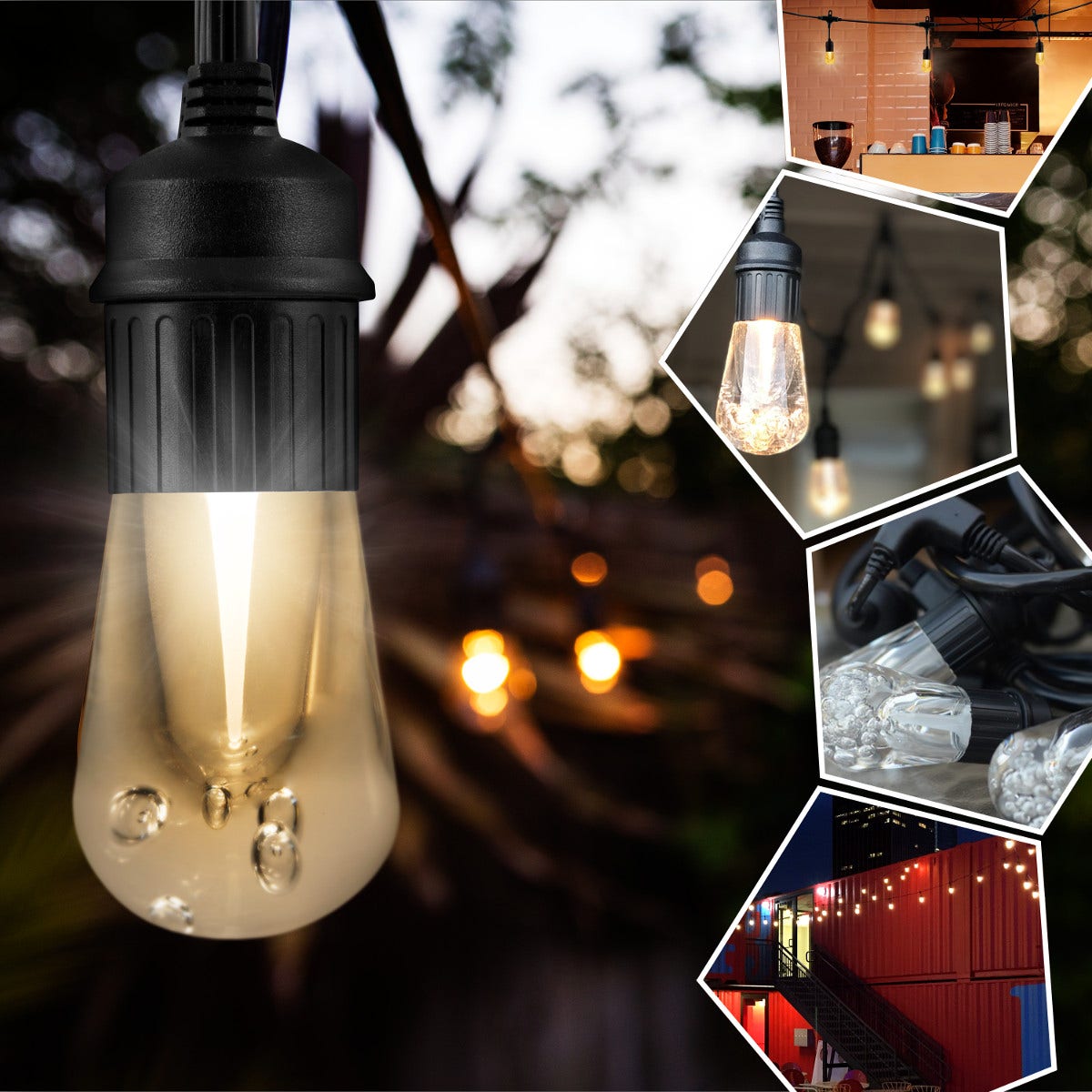
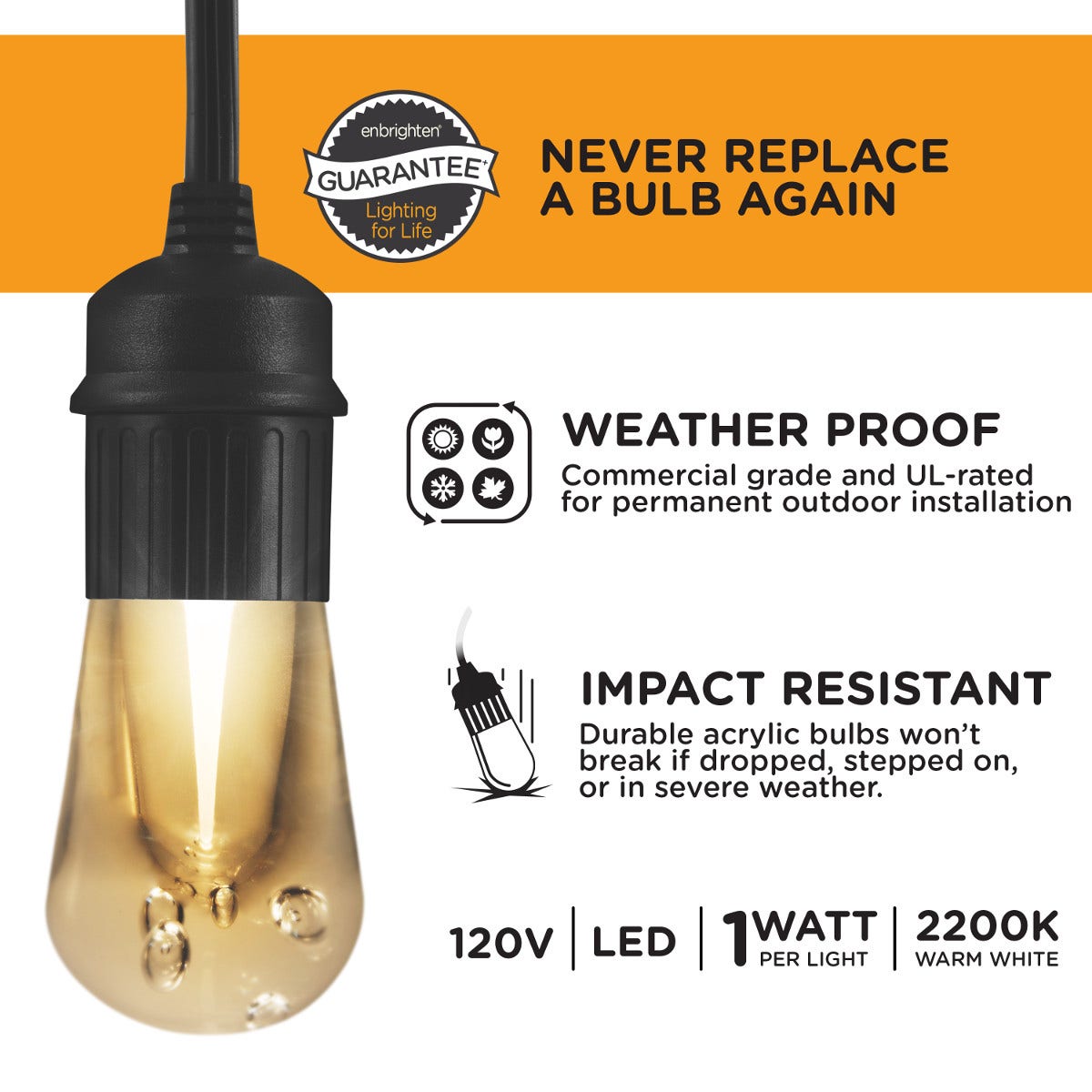
Classic and Vintage Café Lights are fully weatherproof and built for reliable year-round use. Vintage Café Lights have commercial-grade construction, and both Classic and Vintage Café Lights use shatterproof acrylic bulbs. Classic bulbs withstand a 10ft. drop, while VIBE Wi-Fi Lightweight Café Lights use plastic bulbs.
COMPATIBILITY & FEATURES
CAN I DIM MY CAFÉ LIGHTS WITH AN IN-WALL SWITCH?
Classic and Vintage Café Lights are not dimmable with an in-wall switch. Seasons Café Lights dim with the included remote, and VIBE Wi-Fi Café Lights dim in the Enbrighten app.
CAN I CONTROL ALL MY SEASONS CAFÉ LIGHTS FROM ONE REMOTE?
Yes. One RF remote controls all your Seasons Café Lights within range. To pair the remote, hold the ON/OFF button within 8 seconds of plugging in the lights.
DO I HAVE TO UNPLUG THE CORD TO TURN MY LIGHTS ON AND OFF?
No. The Seasons Café Lights remote turns the lights on and off and has built-in timers. VIBE Wi-Fi Café Lights use schedules in the Enbrighten app. For other styles, set up your café lights with an outdoor timer to turn them on and off automatically.
HOW DO I CREATE A MODE IN THE ENBRIGHTEN APP?
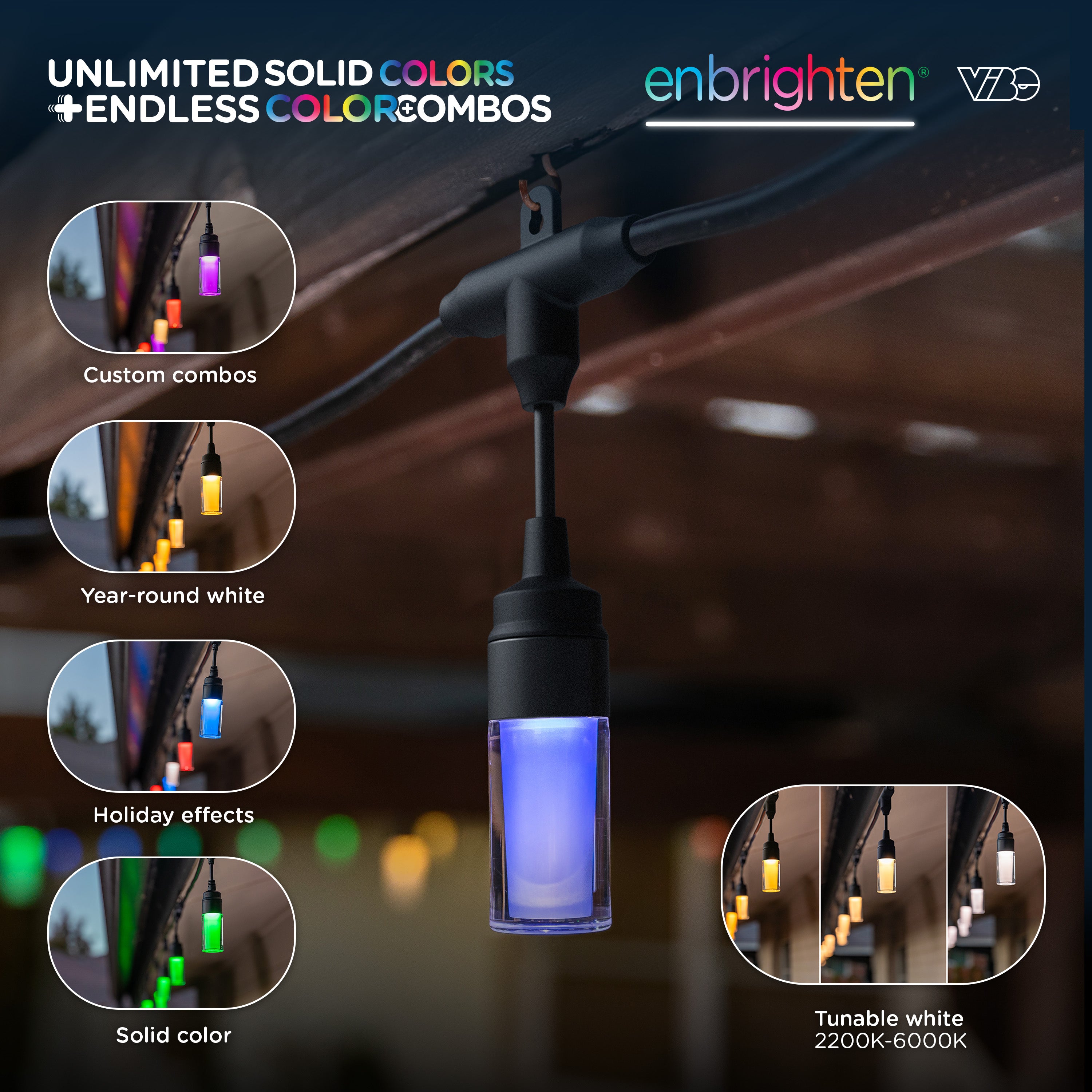
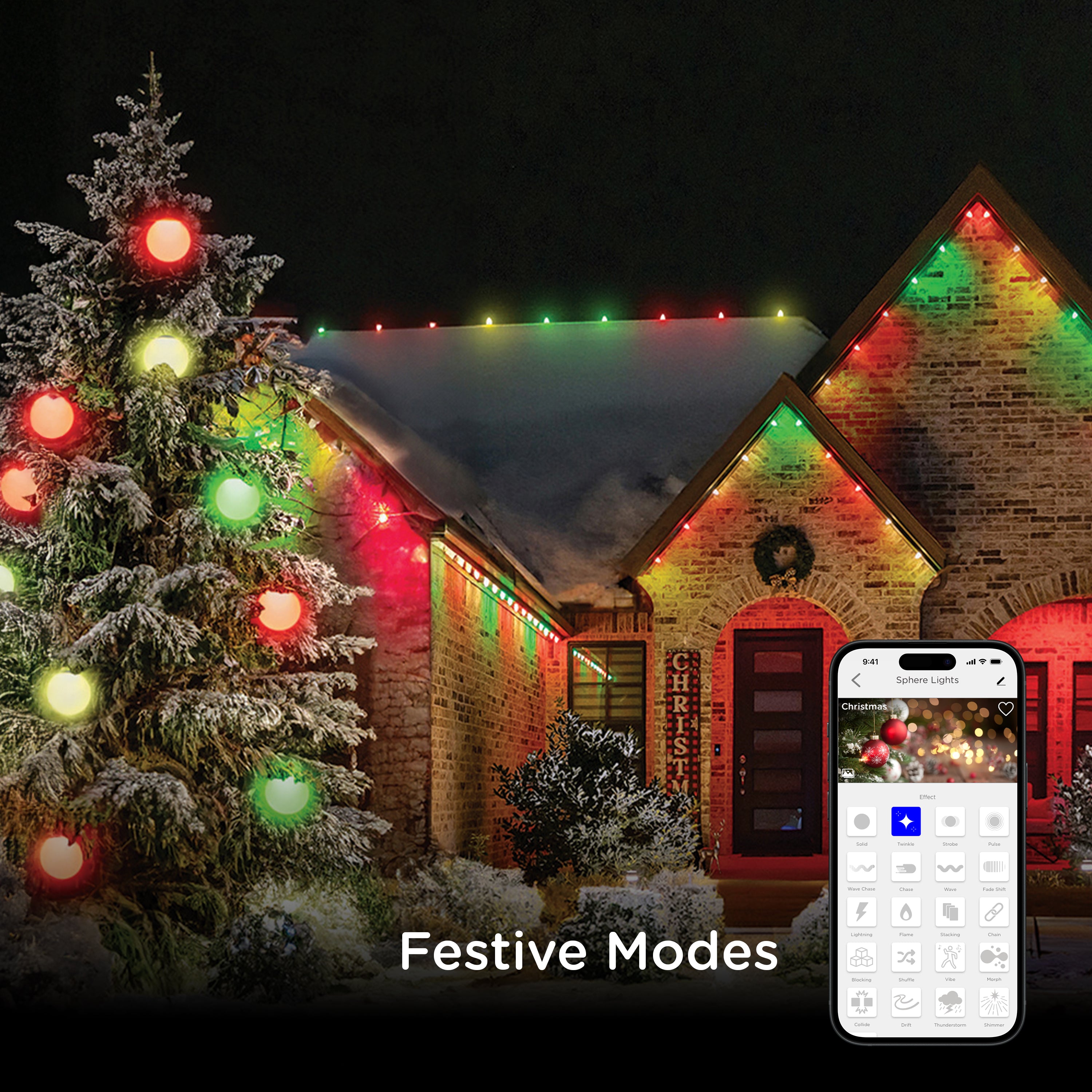
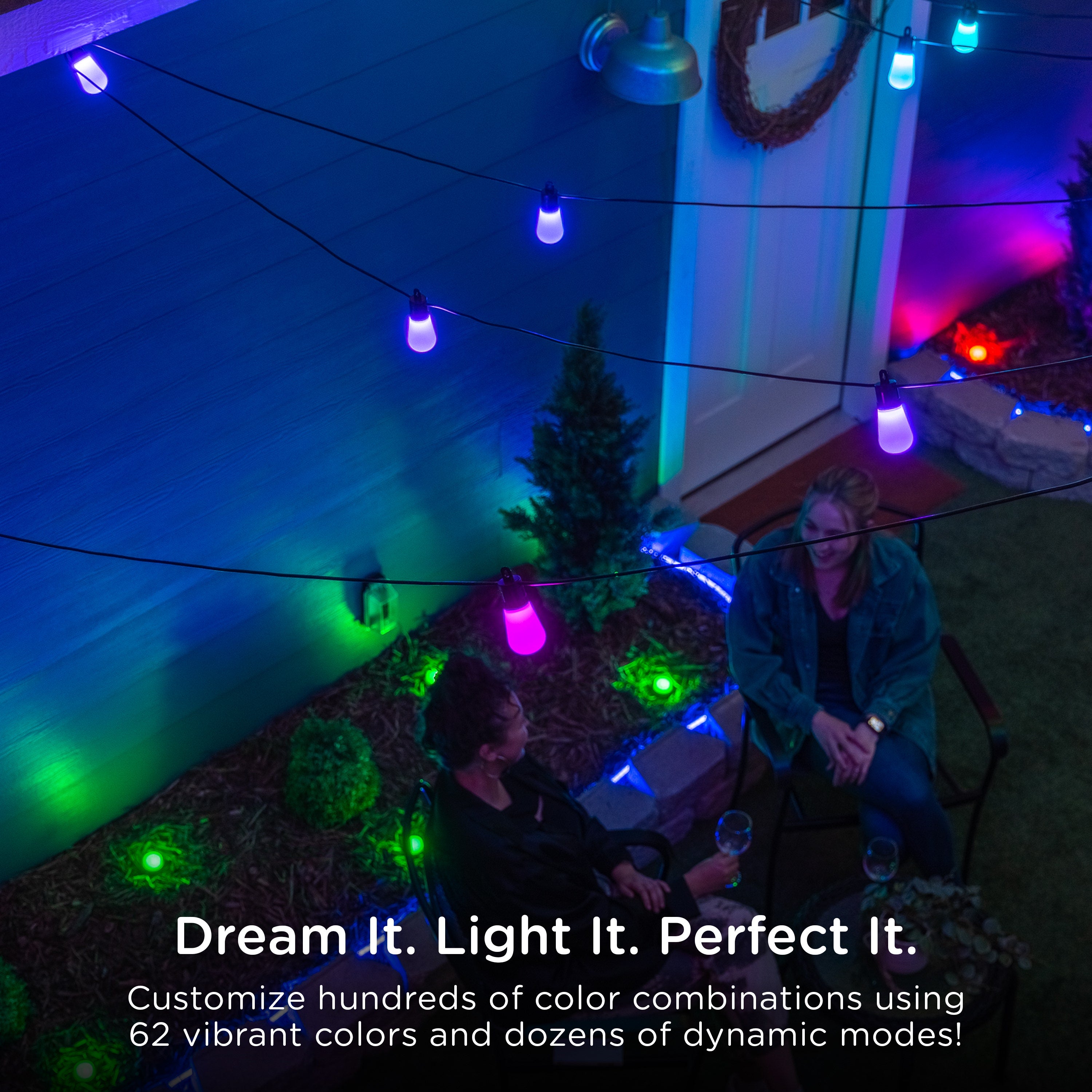
Open the "Mode" menu, scroll to the end of the modes and tap "New." For white light or a single color, choose one of six shades of white light or any of 56 colors. For a color combination, use the three circles next to "Color," which show your chosen two- or three-color combination. Choose any of the 56 colors to fill the first circle, then tap the second circle and choose another color for a two-color combination. Tap the third circle and choose another color for a three-color combination. To set brightness, open the "Dimming" dropdown menu and adjust the brightness of your mode. To add an effect, open the "Effect" dropdown menu, select an effect and adjust its speed. When you finish, tap "Save" and choose a name for your mode. Tap the pencil icon next to the name to change it. Tap the picture icon to take or upload an image for your mode. Your custom mode appears next to the preset modes in the "Mode" menu.
HOW DO I EDIT A MODE IN THE ENBRIGHTEN APP?
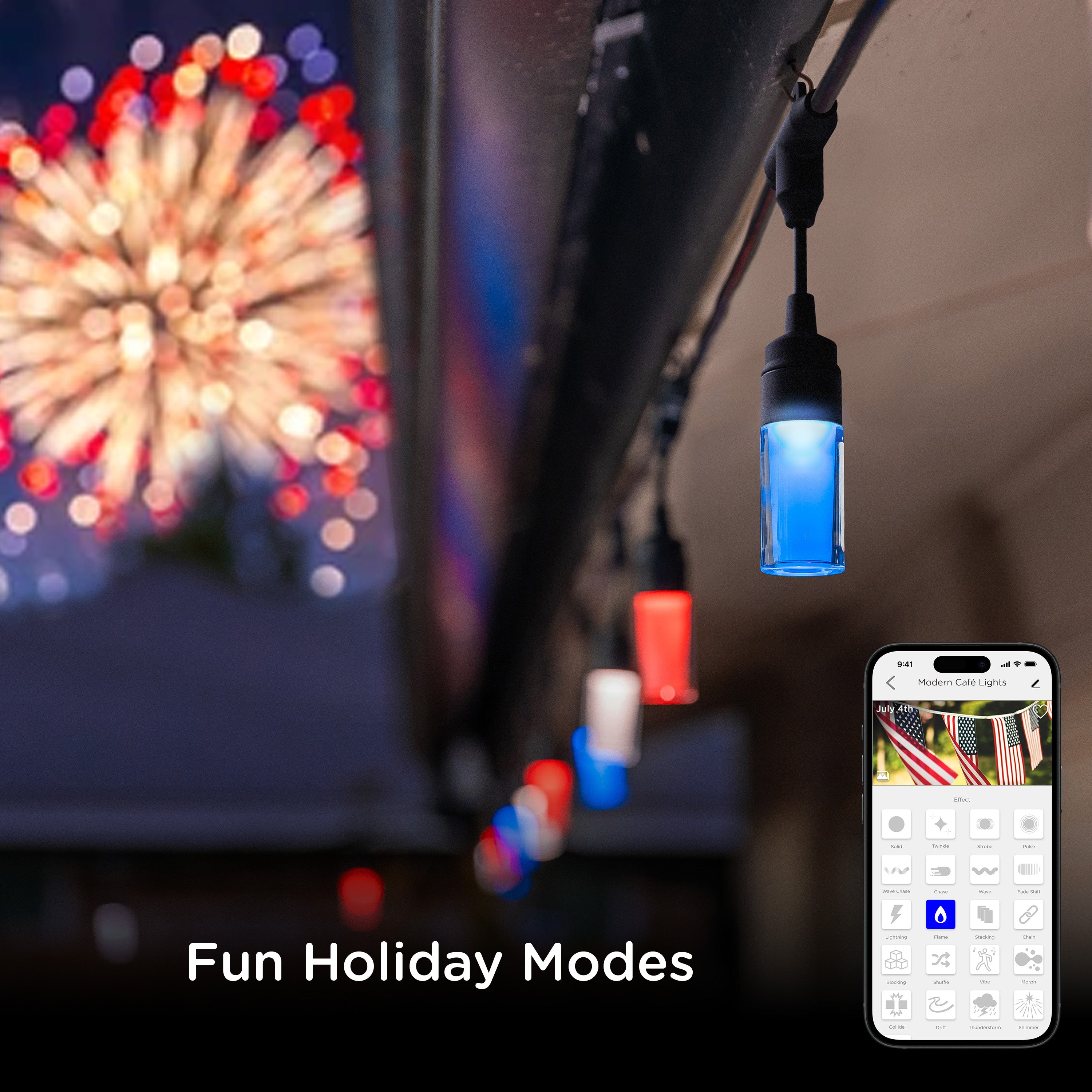
From the "Mode" menu, select a mode, such as "July 4th," and tap the pencil icon. Choose an available effect, such as "Strobe" or "Pulse," then adjust the speed and dimming of the selected effect. Tap "Save" to keep your edits, or tap "Reset to default" to return the mode to its original effect.
HOW DO I TURN OFF INDIVIDUAL BULBS IN THE ENBRIGHTEN APP?
From the "Color" menu, tap "My Lights." The numbered circles represent each of your product's LEDs. Tap a circle to turn OFF that LED, and the circle turns gray. Tap it again to turn the LED back ON. Turning off an LED saves power when a bulb or puck will be out of sight once installed.
DO I HAVE TO GROUP LINKED LIGHTS IN THE ENBRIGHTEN APP?
Yes. Linked lights must be grouped in the Enbrighten app to be controlled at the same time.
TROUBLESHOOTING
HOW DO I CHECK MY DEVICE'S NETWORK CONNECTION?
On your device's main menu, tap the pencil icon in the top right corner, then tap "Check Now" next to "Check Device Network." The app automatically checks whether the device is connected. It also checks signal strength and connection status. When the test is complete, the app displays information about your Wi-Fi connection, and you can tap "Re-test" to try again if needed.
HOW DO I PUT A DEVICE INTO PAIRING MODE?
The indicator LED flashes quickly when a device is in pairing mode. If the device is not connected to a network, disconnect power to the device, then restore power to activate pairing mode automatically. If the device is connected to a network, follow the steps for your device type. For Plug-in devices, surge protectors, BrightLink modules and café or landscape lights, press the programming button for 5 seconds. For under-cabinet lighting, press the power button six times within 5 seconds and hold the sixth press for 5 seconds. For bulbs and tabletop lamps, start with the switch ON and cycle the power OFF and ON five times, pausing briefly between each flip. You can also use the "remove devices" function in the Enbrighten app, which places any device into pairing mode.
WHAT SHOULD I DO IF WATER GETS INTO A LENS?
If your lenses unscrew, unscrew them and pour out the water.
SUPPORT & PRODUCT CARE
ONE OF MY BULBS WENT OUT. WHAT SHOULD I DO?
Contact Enbrighten Consumer Care at 1-800-225-0653, 7am–6pm CST, Monday–Friday. The Consumer Care team is part of Enbrighten's parent company, Jasco Products. Have your receipt or other proof of purchase ready. You can also reach the team through the contact page.
ARE THE BULBS REPLACEABLE?
No. Enbrighten Classic and Vintage Café Lights use built-in long-life LED bulbs that never need replacing.
Shop Cafe Lights
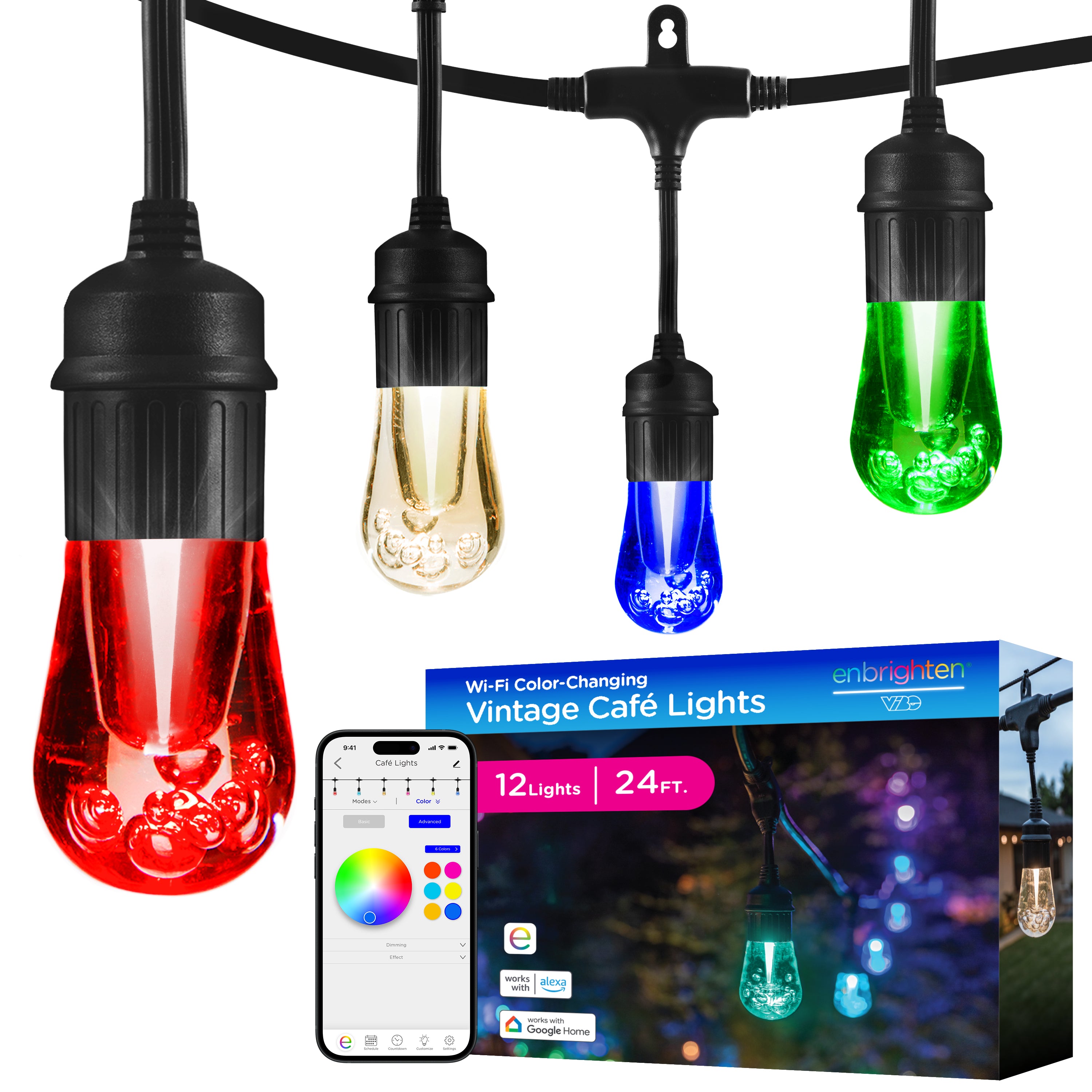
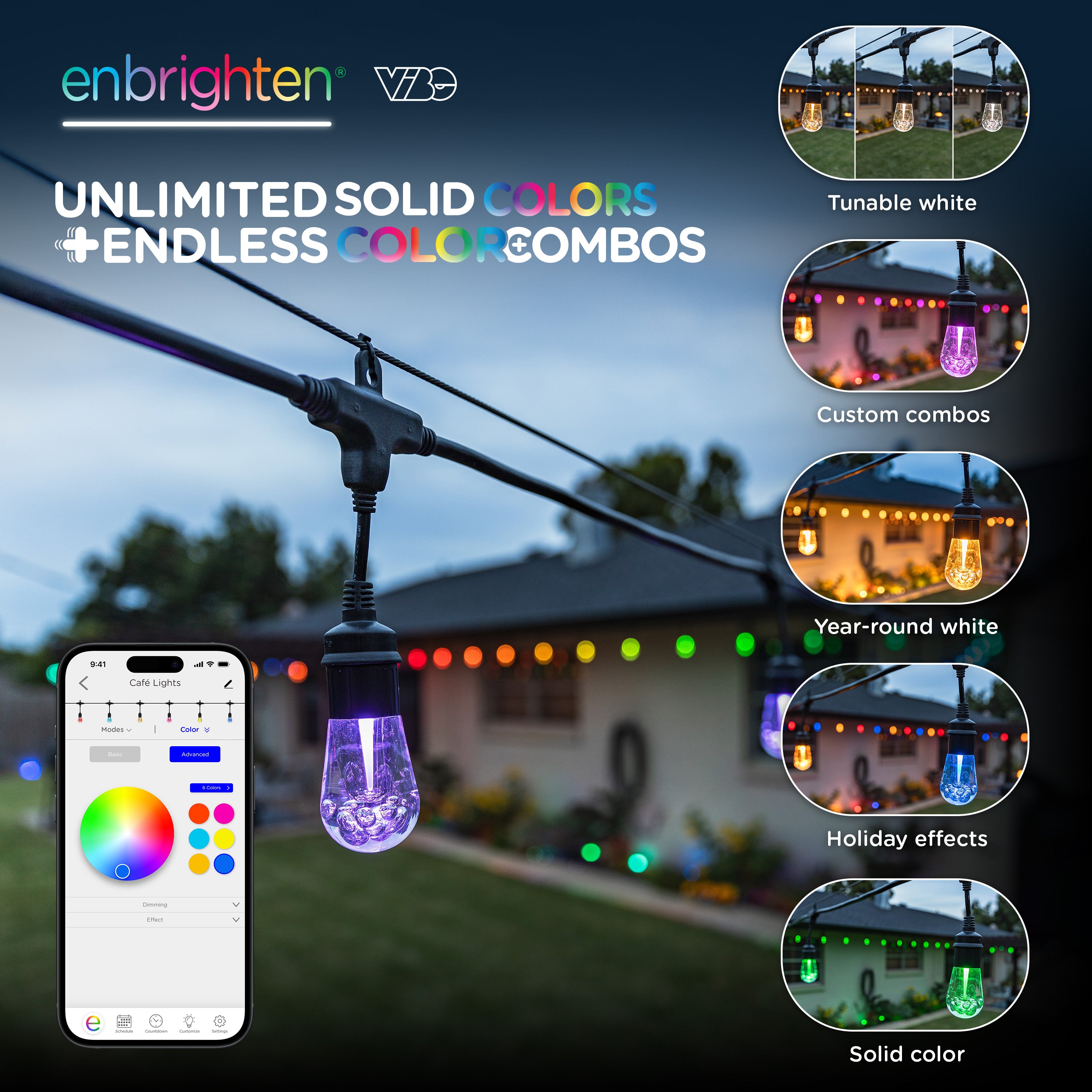
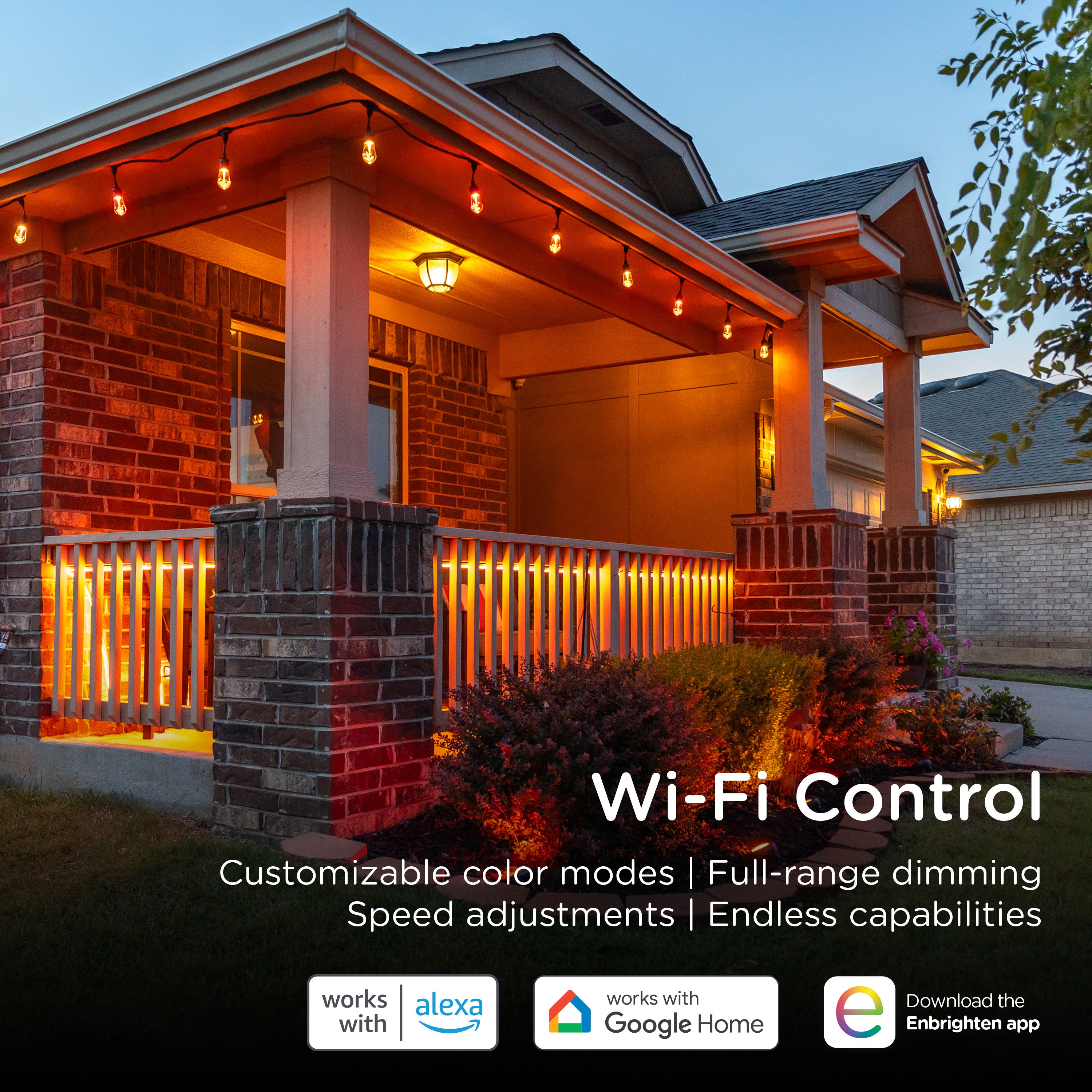
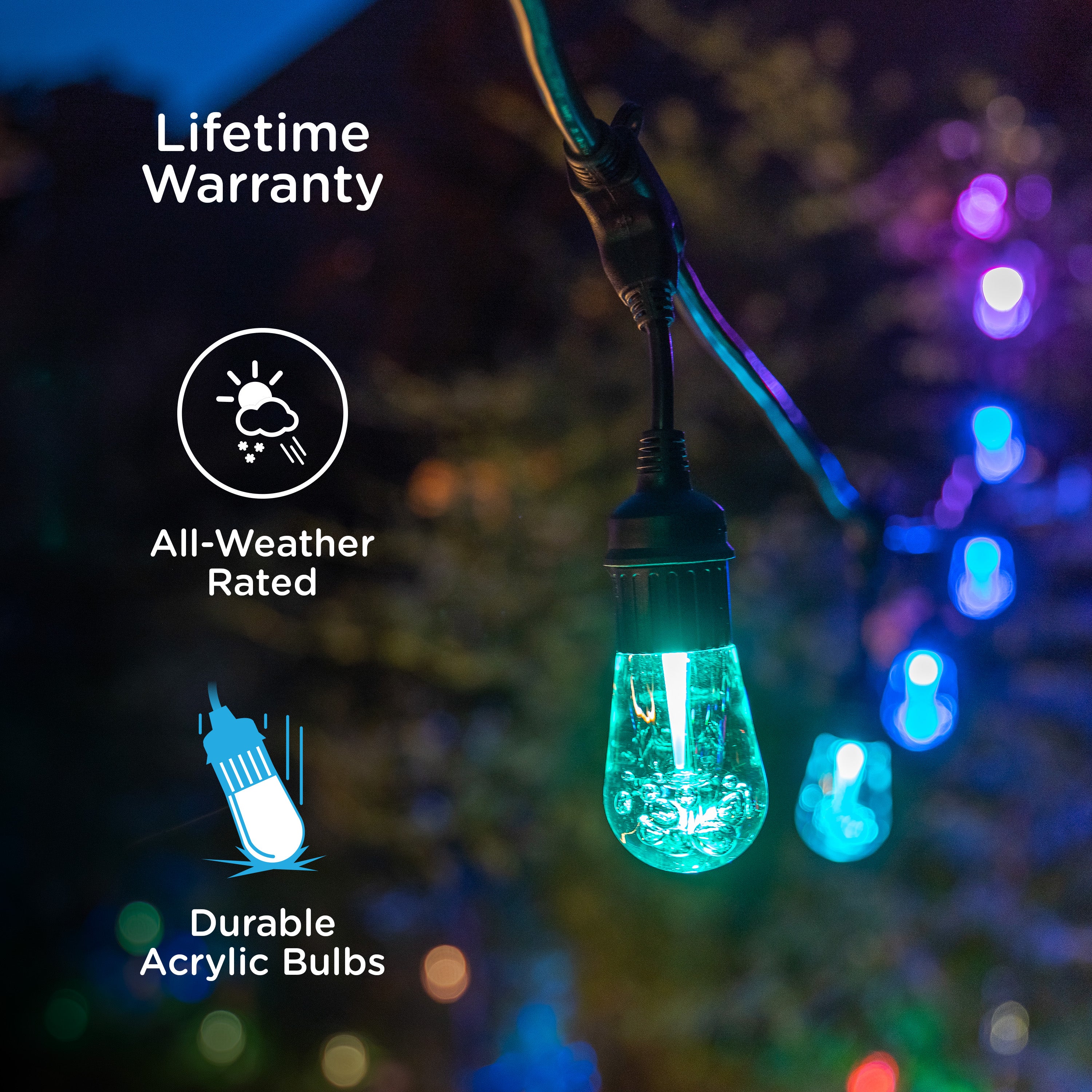



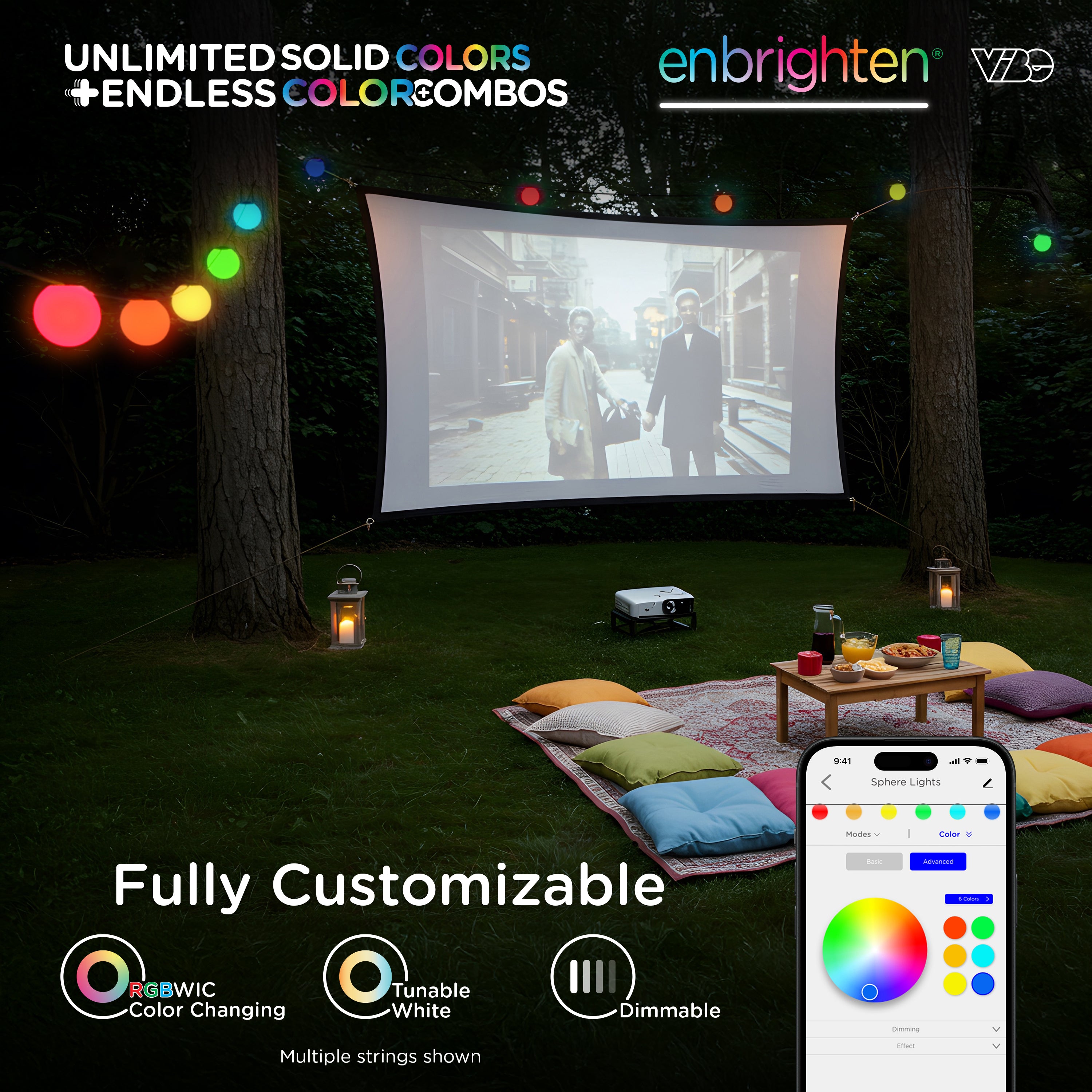
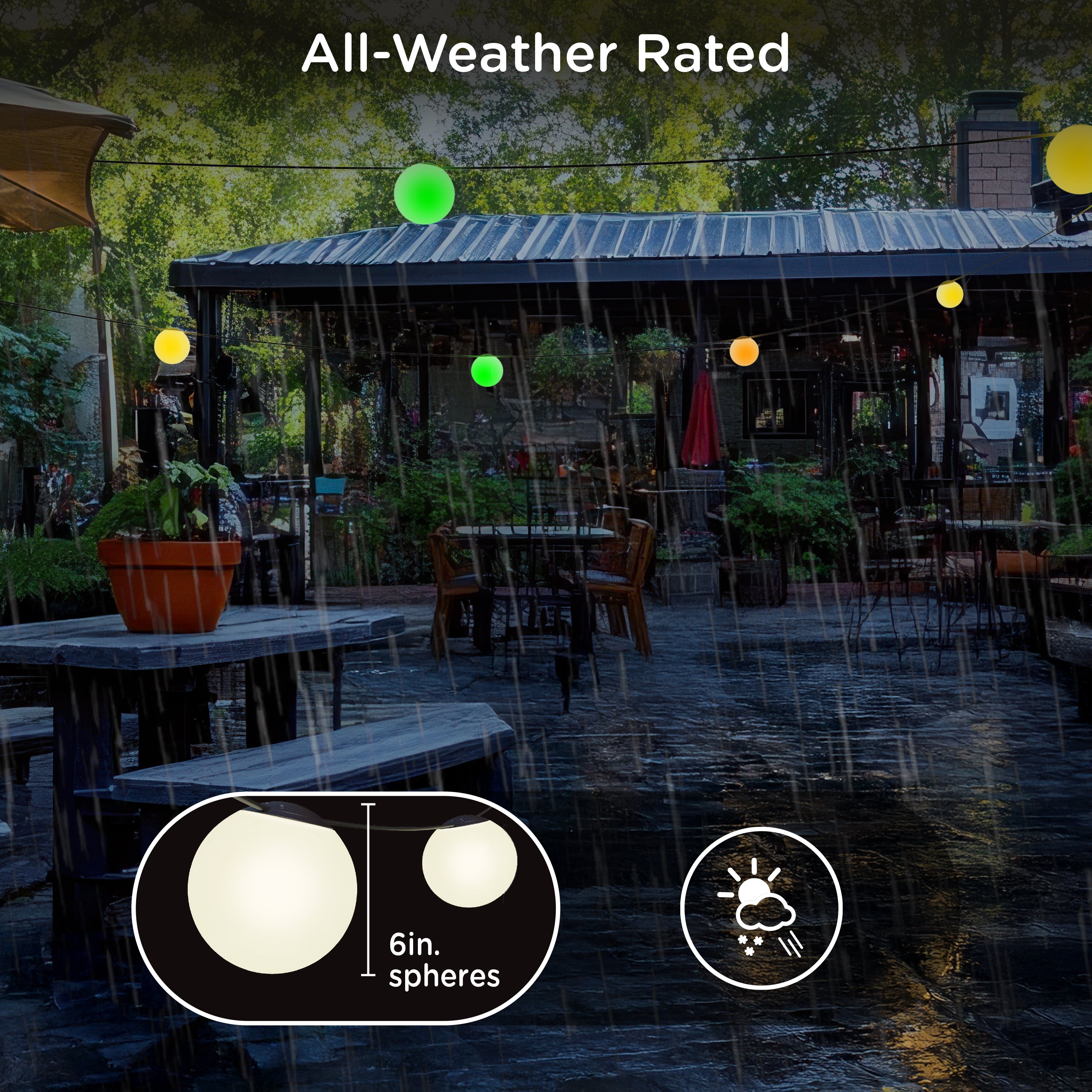
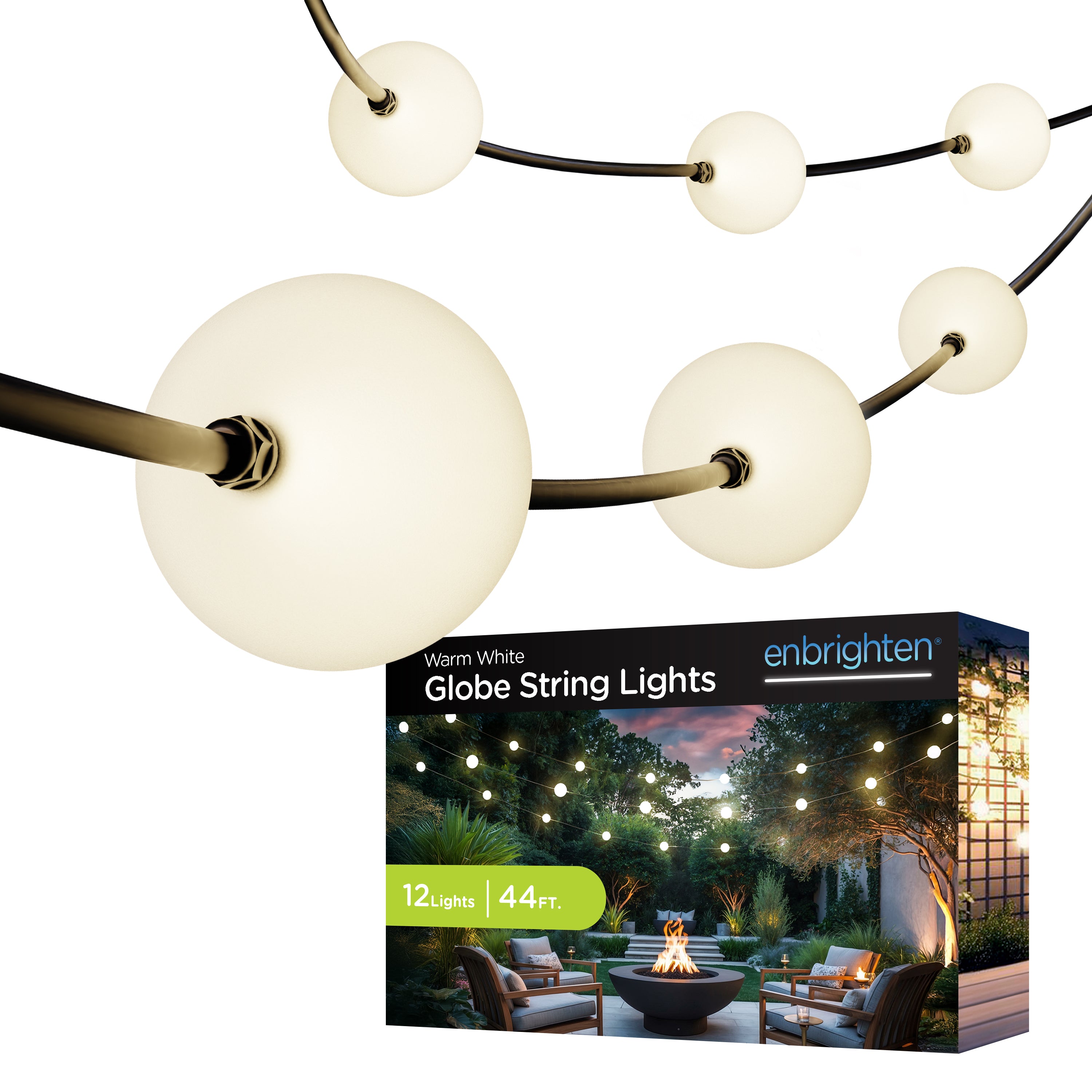
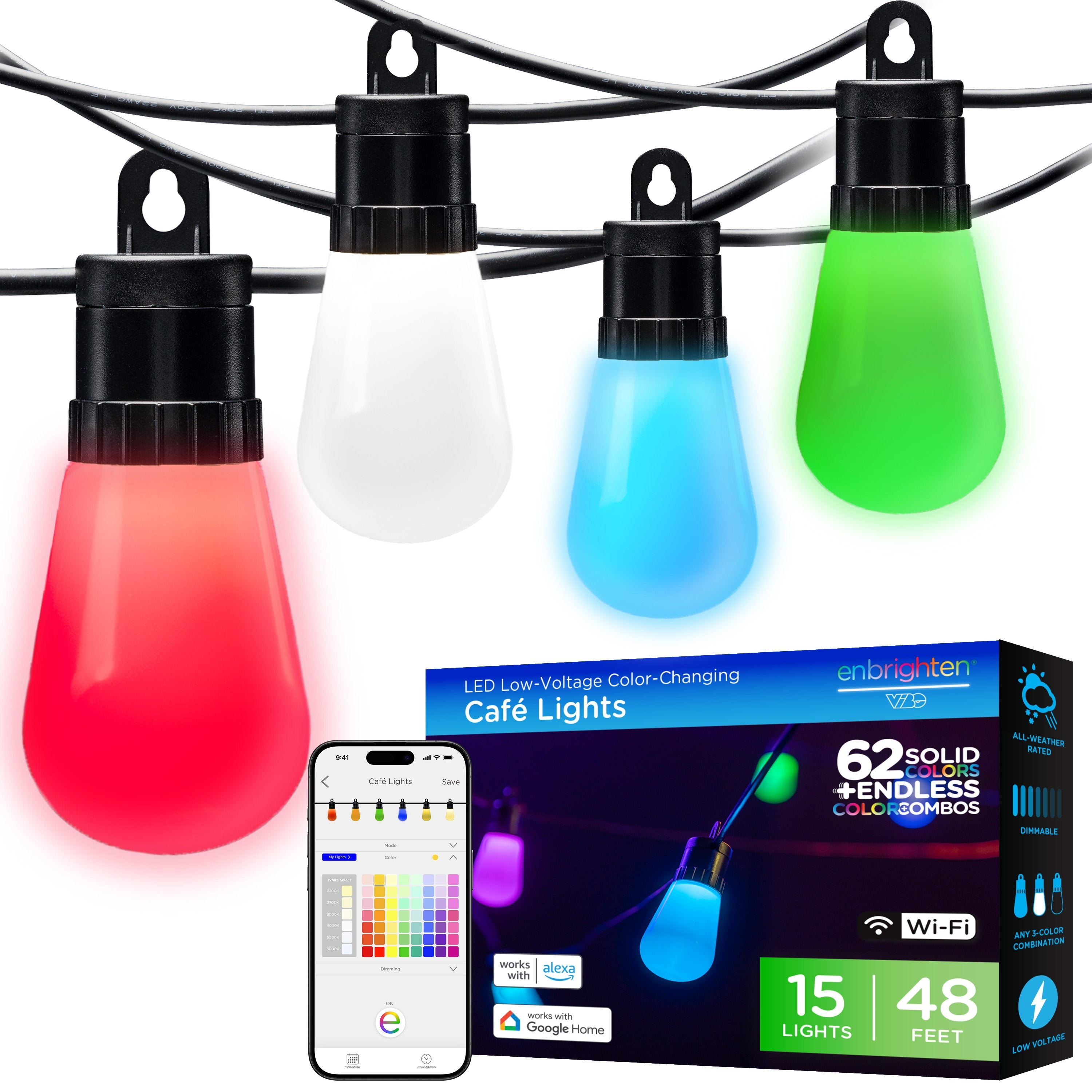
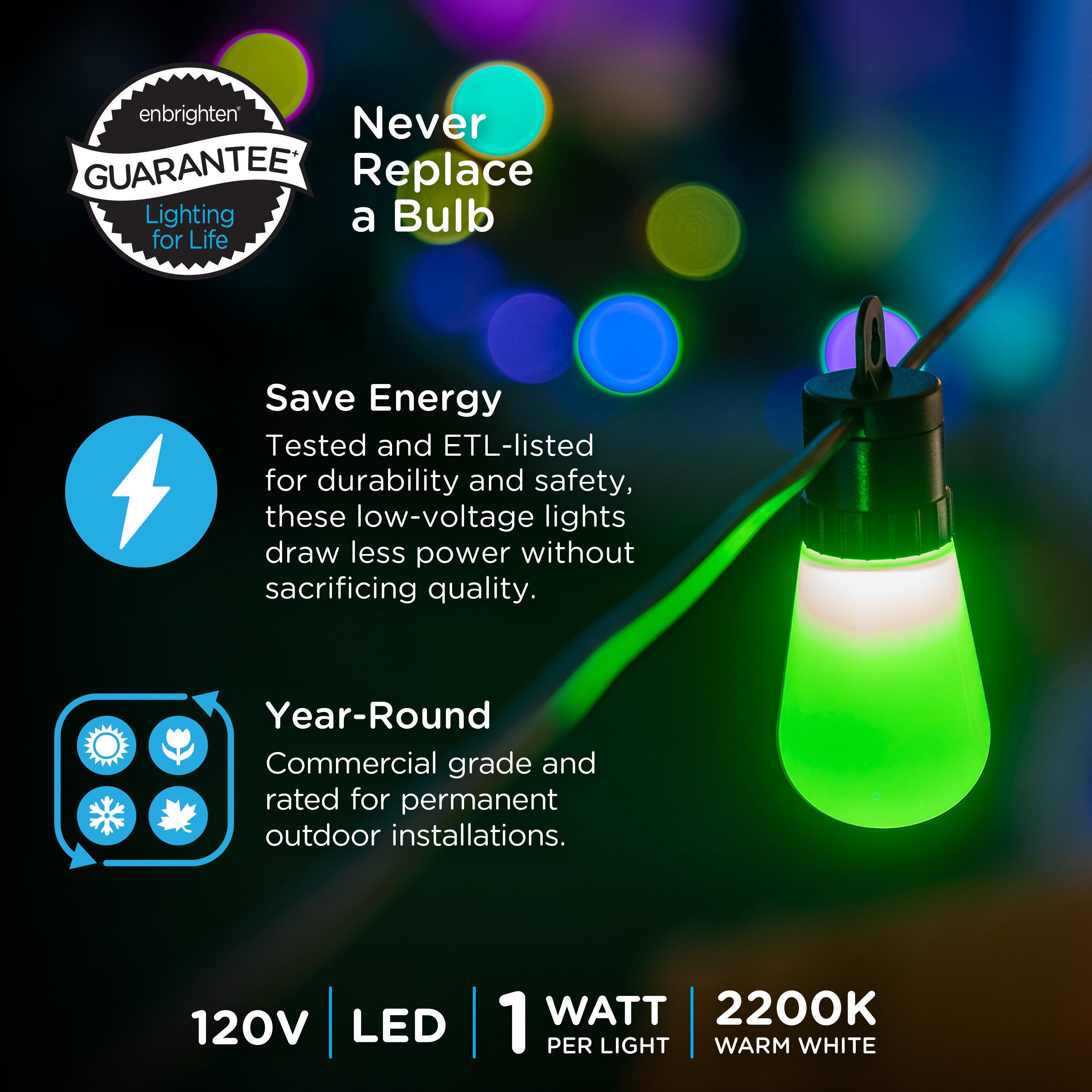
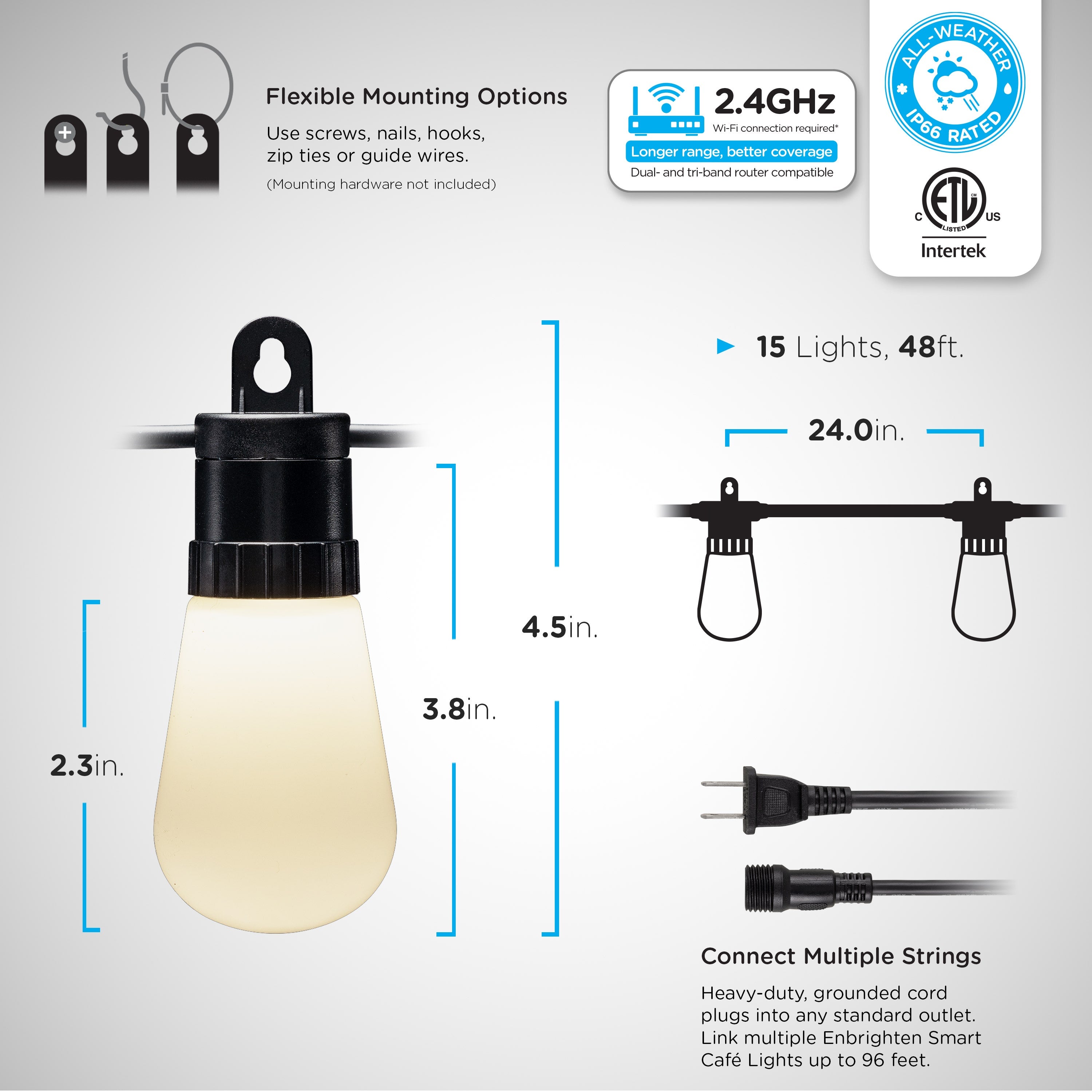
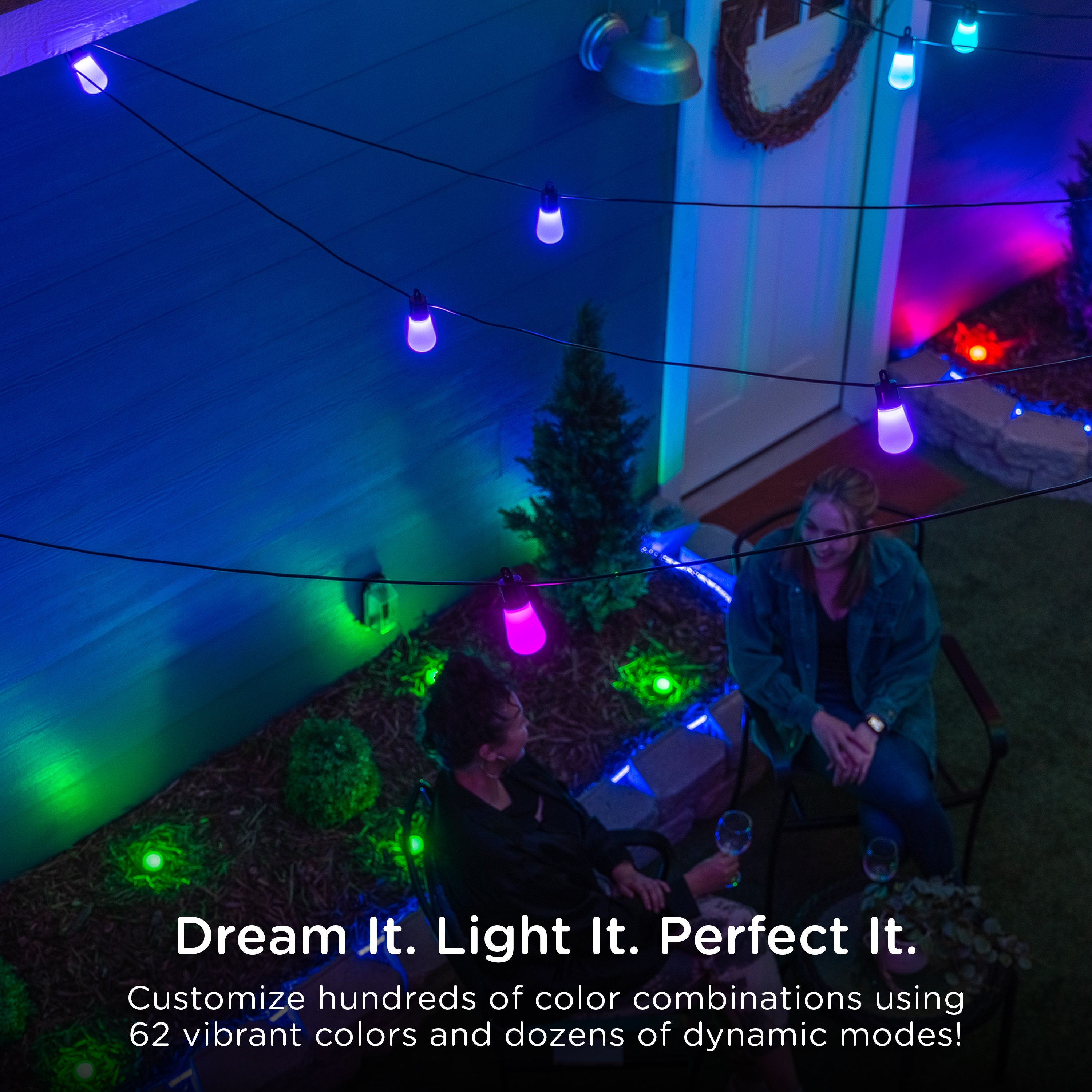
Enbrighten VIBE WiFi Color-Changing Lightweight LED Cafe Lights, 15 Plastic Bulbs, 48ft. Black Cord
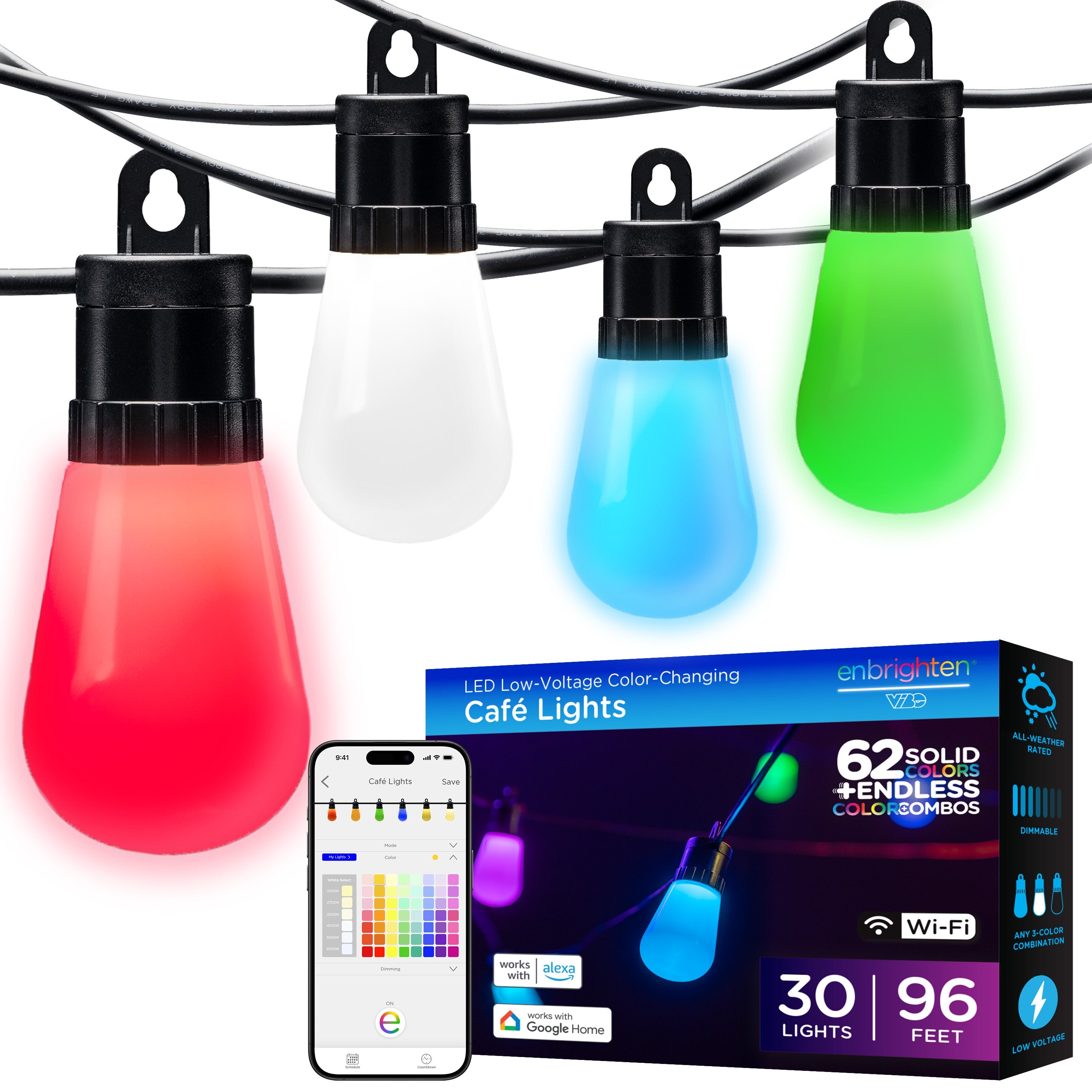
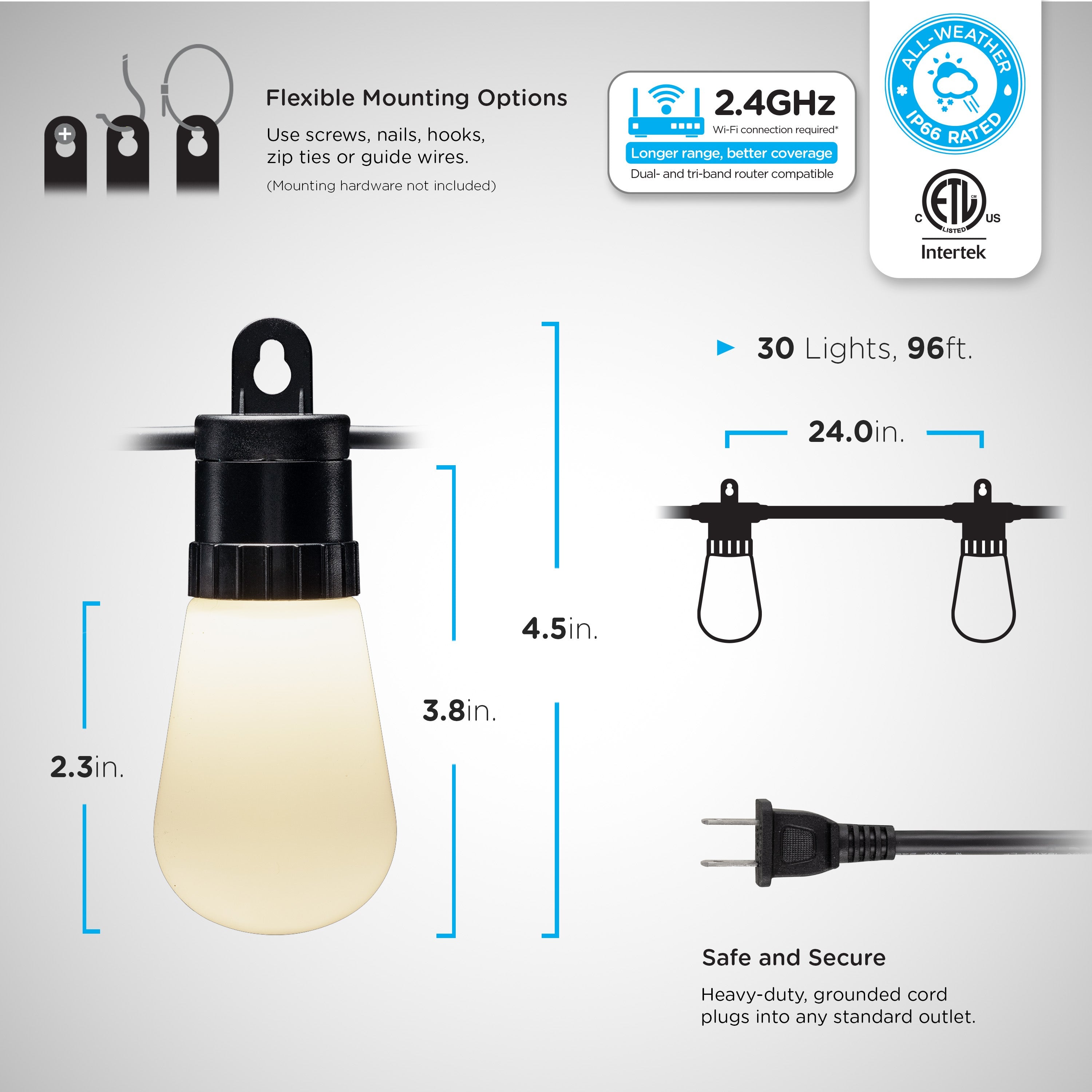
Enbrighten VIBE WiFi Color-Changing Lightweight LED Cafe Lights, 30 Plastic Bulbs, 96ft. Black Cord