

ETERNITY LIGHTS FAQS
INSTALLATION & SETUP
HOW DO I LINK STRANDS TO A SET OF ETERNITY EAVE LIGHTS?
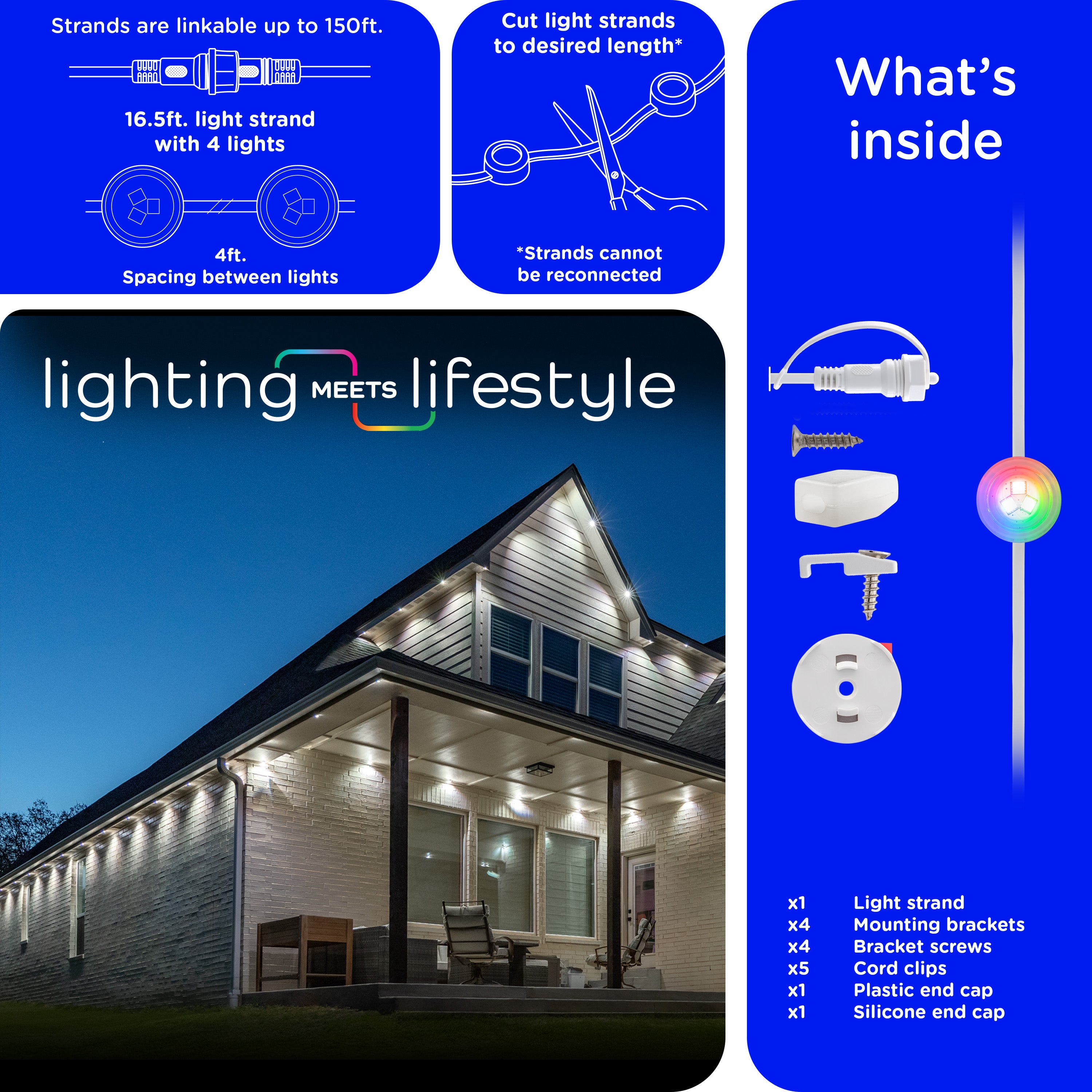
Disconnect power before installing Eternity Eave Lights. Remove the cap at the end of the first strand, connect a second strand and secure it with the gasket. Plug in the lights near your router and check that all lights flash.
HOW DO I CONNECT AN EXTENSION CABLE?
With the lights unplugged, remove the cap at the end of a light strand, connect the extension cable and secure it with the gasket. Repeat this process to connect the next strand to the extension cable.
Do not connect the extension cable directly to the power supply. Only one extension cable can be installed between two light strands.
WHAT MOUNTING SURFACES DO ETERNITY EAVE LIGHTS SUPPORT?
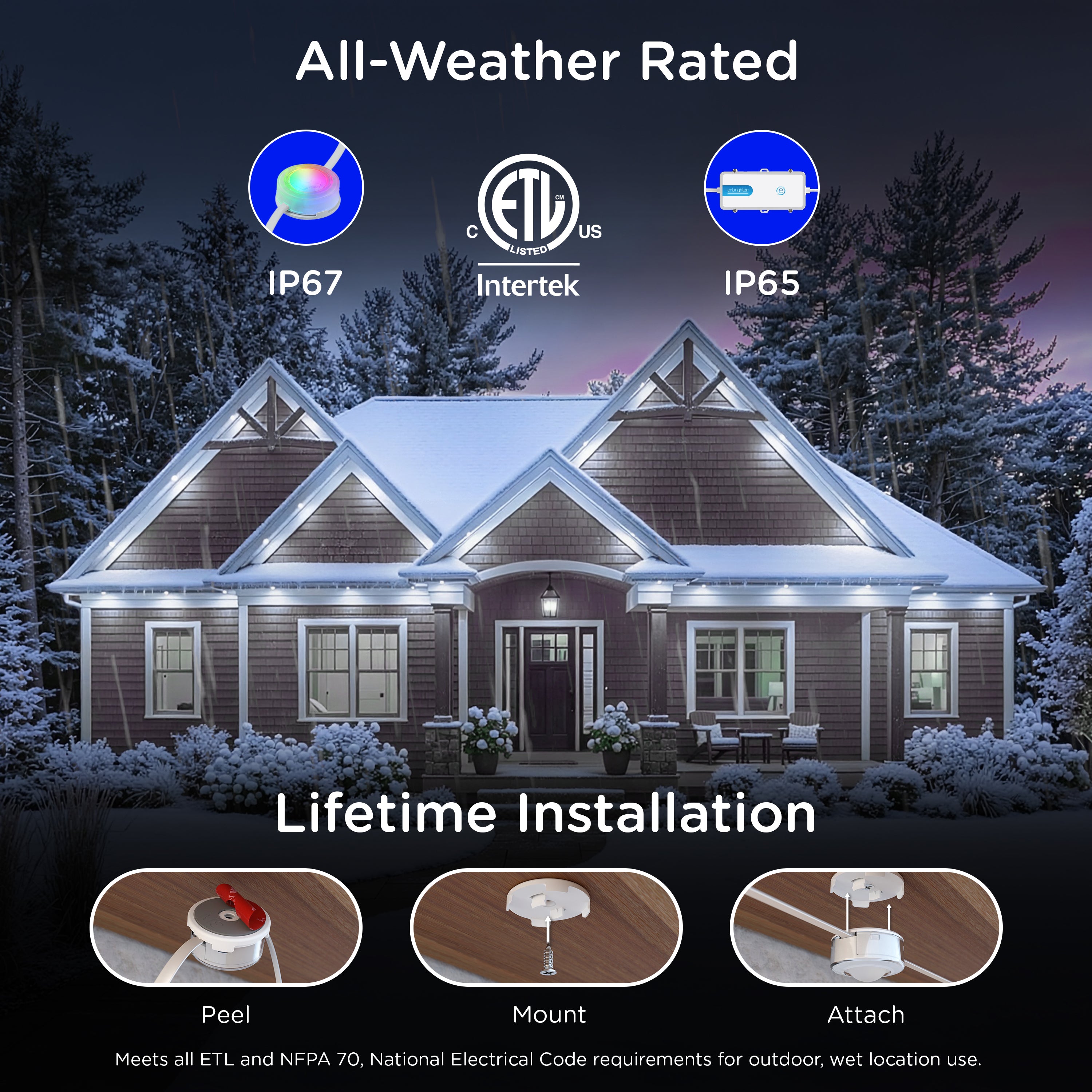
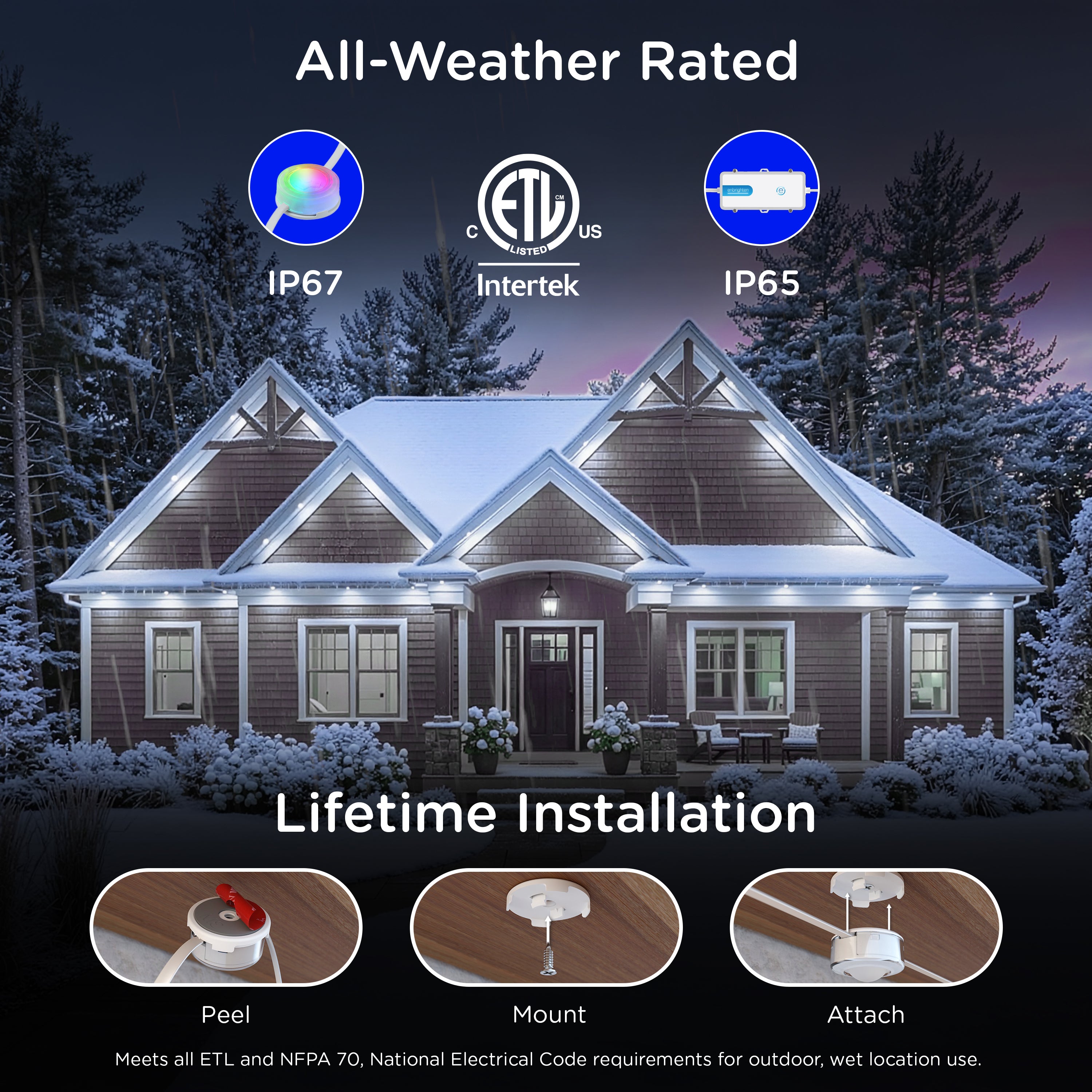
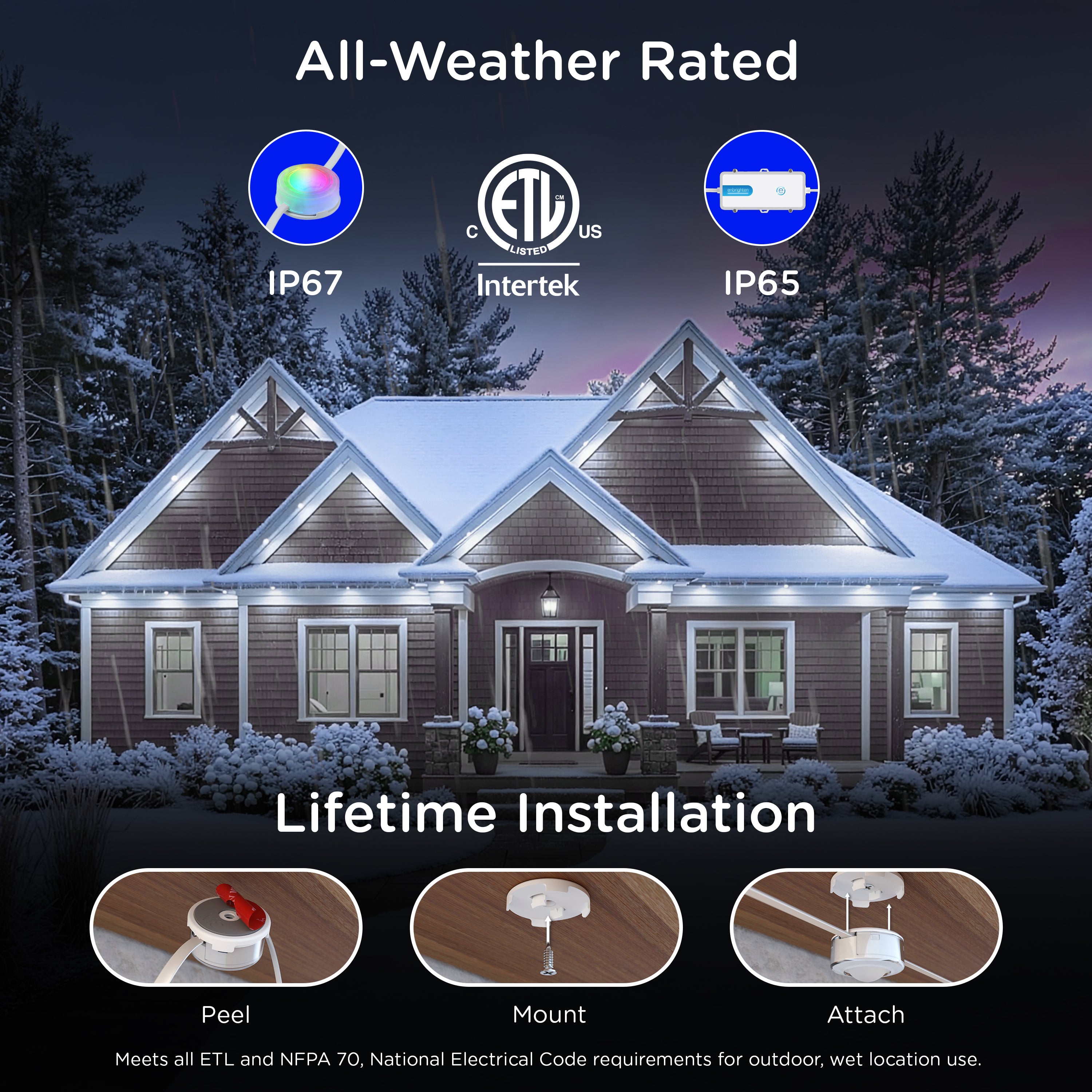
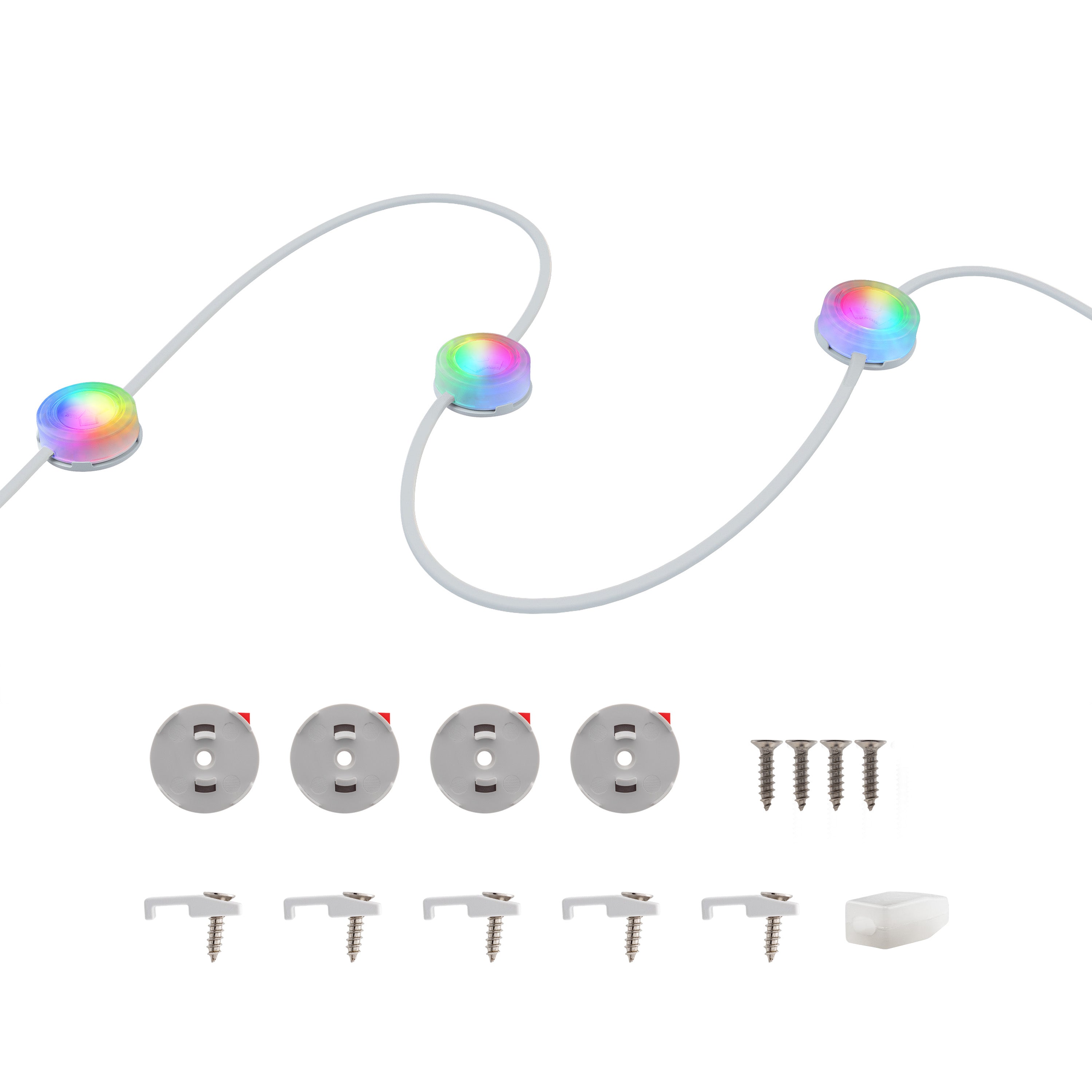
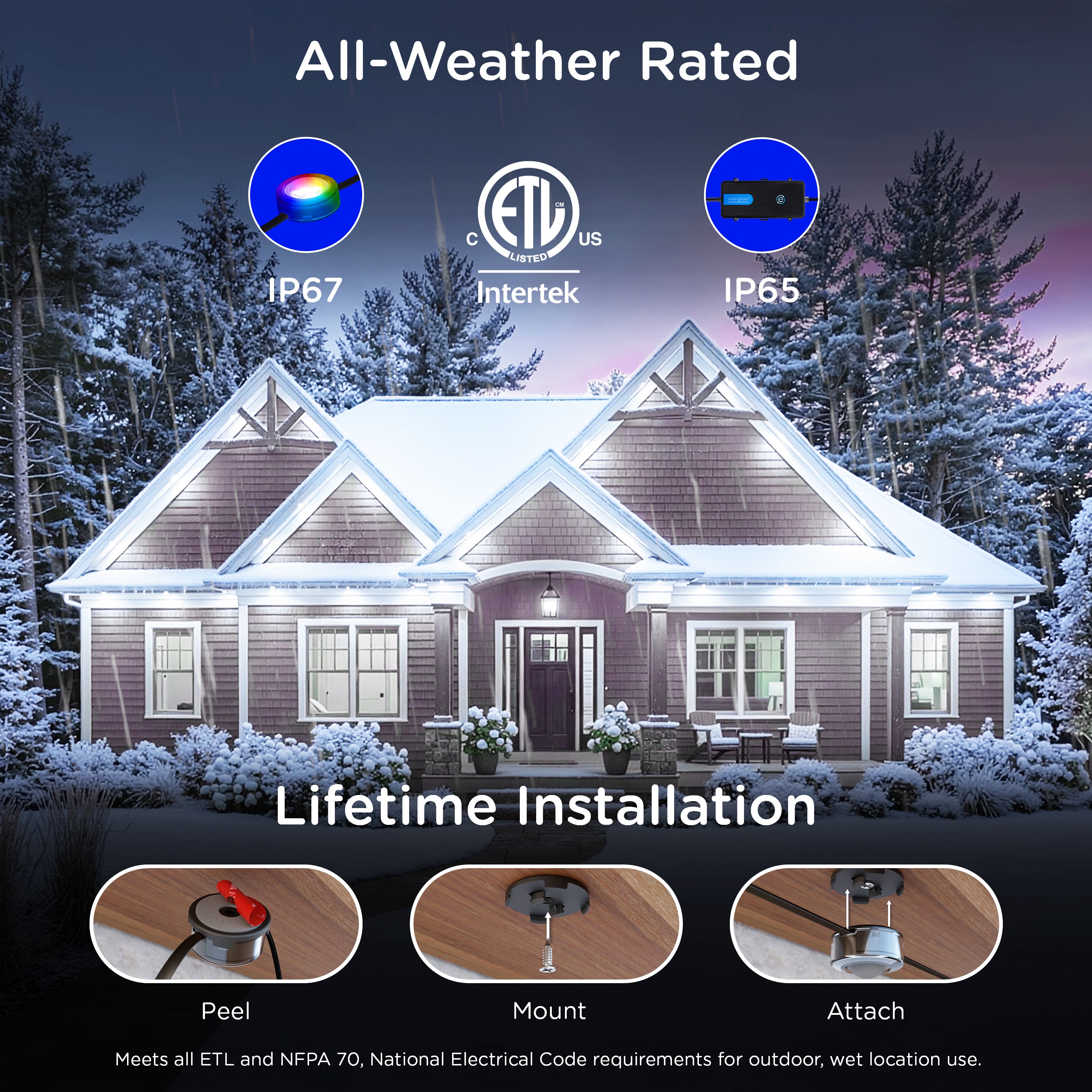
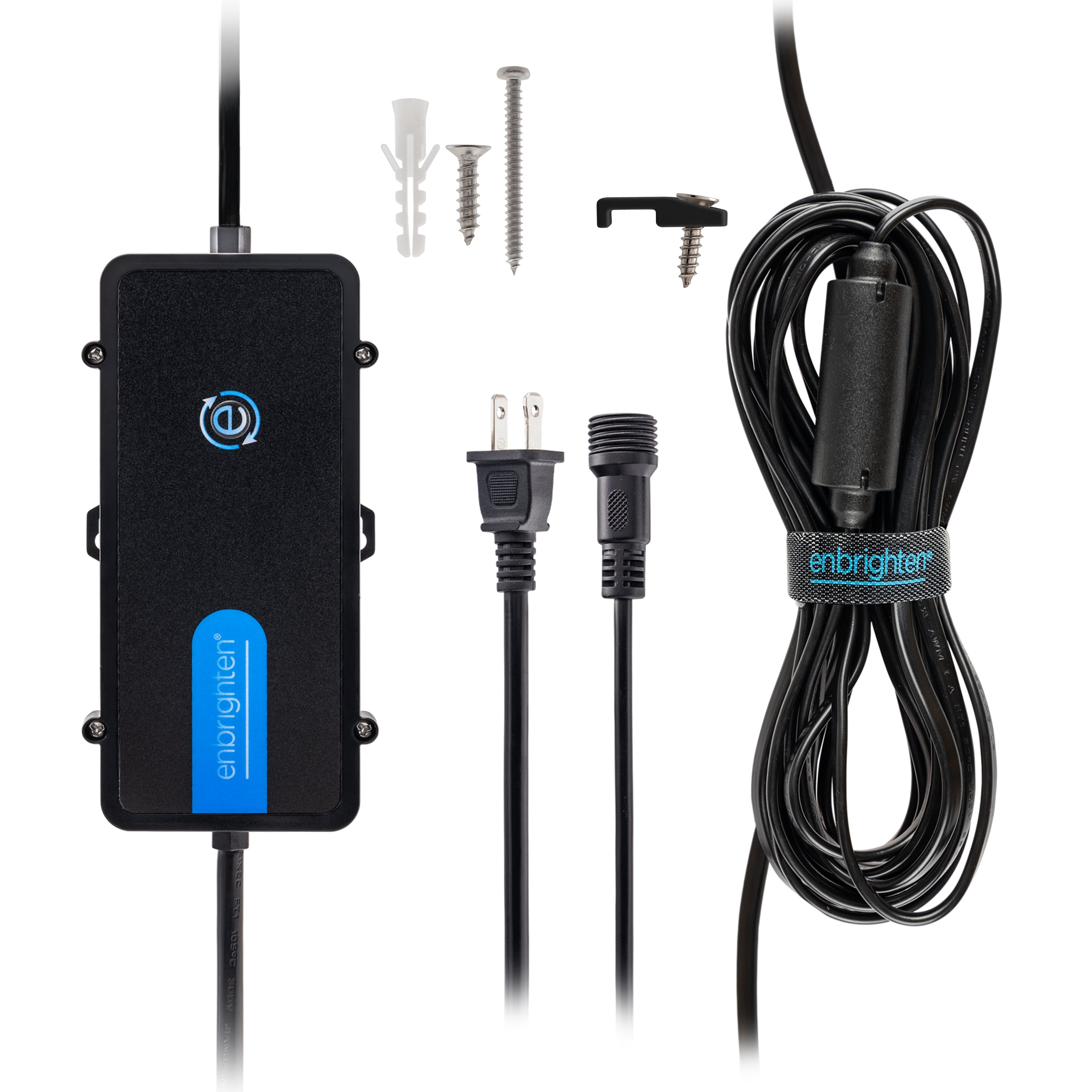
The included brackets install securely on wood, vinyl and aluminum using 3M VHB double-sided tape and screws. For brick or concrete, replace the provided screws with appropriate masonry screws (not included).
WHERE IS THE BEST PLACE TO MOUNT ETERNITY EAVE LIGHTS?
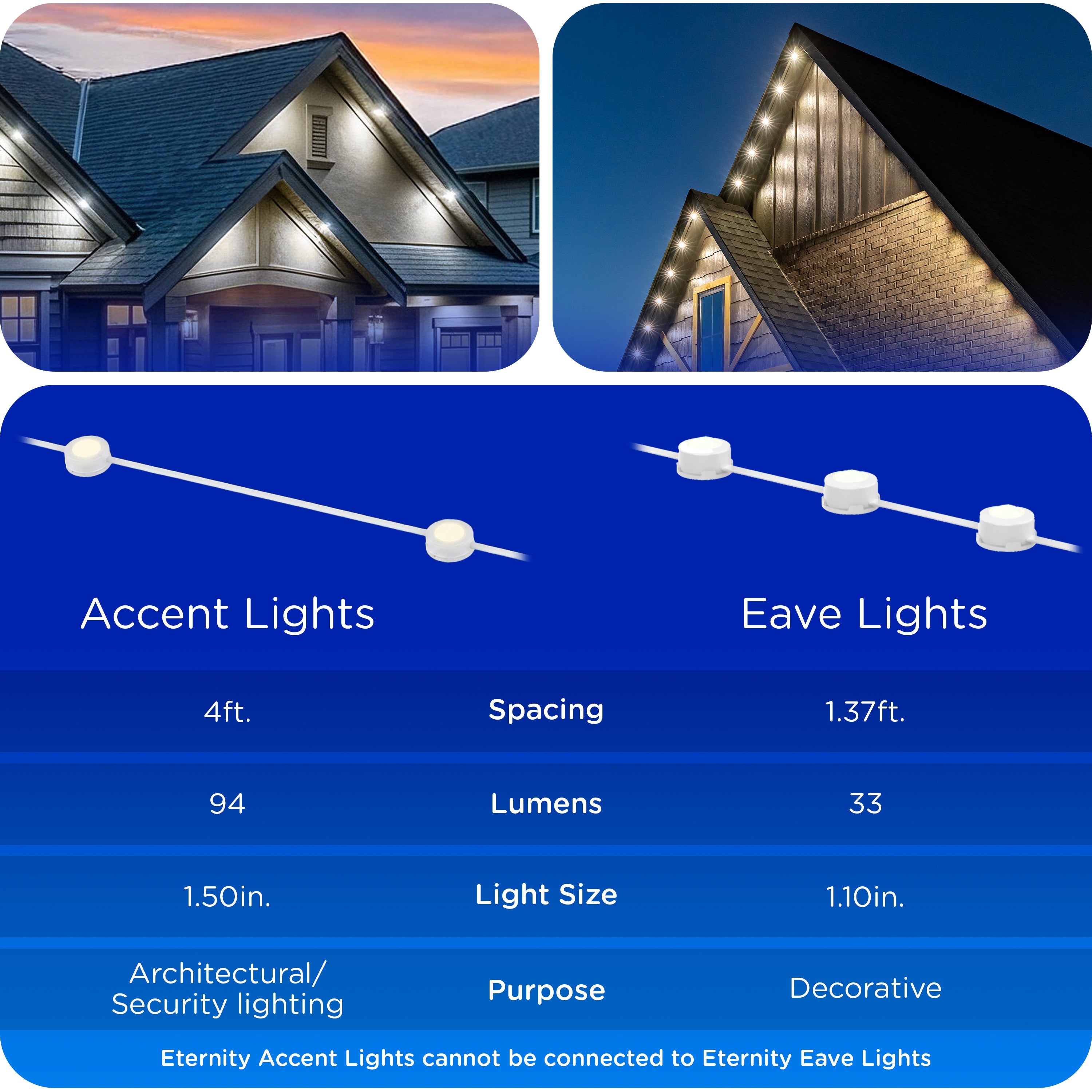
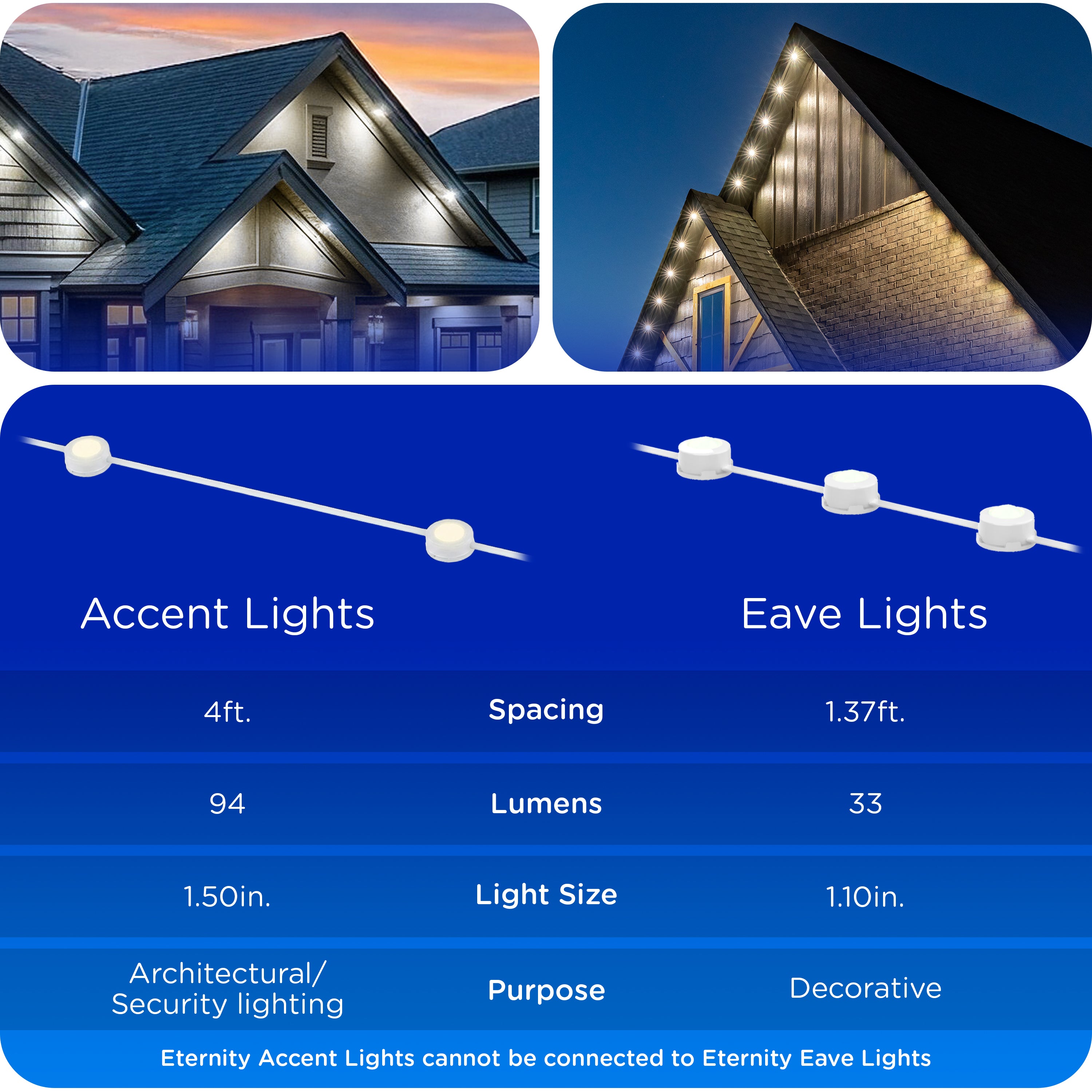
You can place the lights as far from or as close to the wall as you like. Lights placed farther from the wall spread the light for more coverage of your home.
HOW ARE ETERNITY EAVE LIGHTS POWERED?
The lights plug in to any 120VAC outlet. Use a GFCI-protected outlet for outdoor use.
HOW MANY STRANDS OF ETERNITY EAVE LIGHTS CAN BE LINKED?
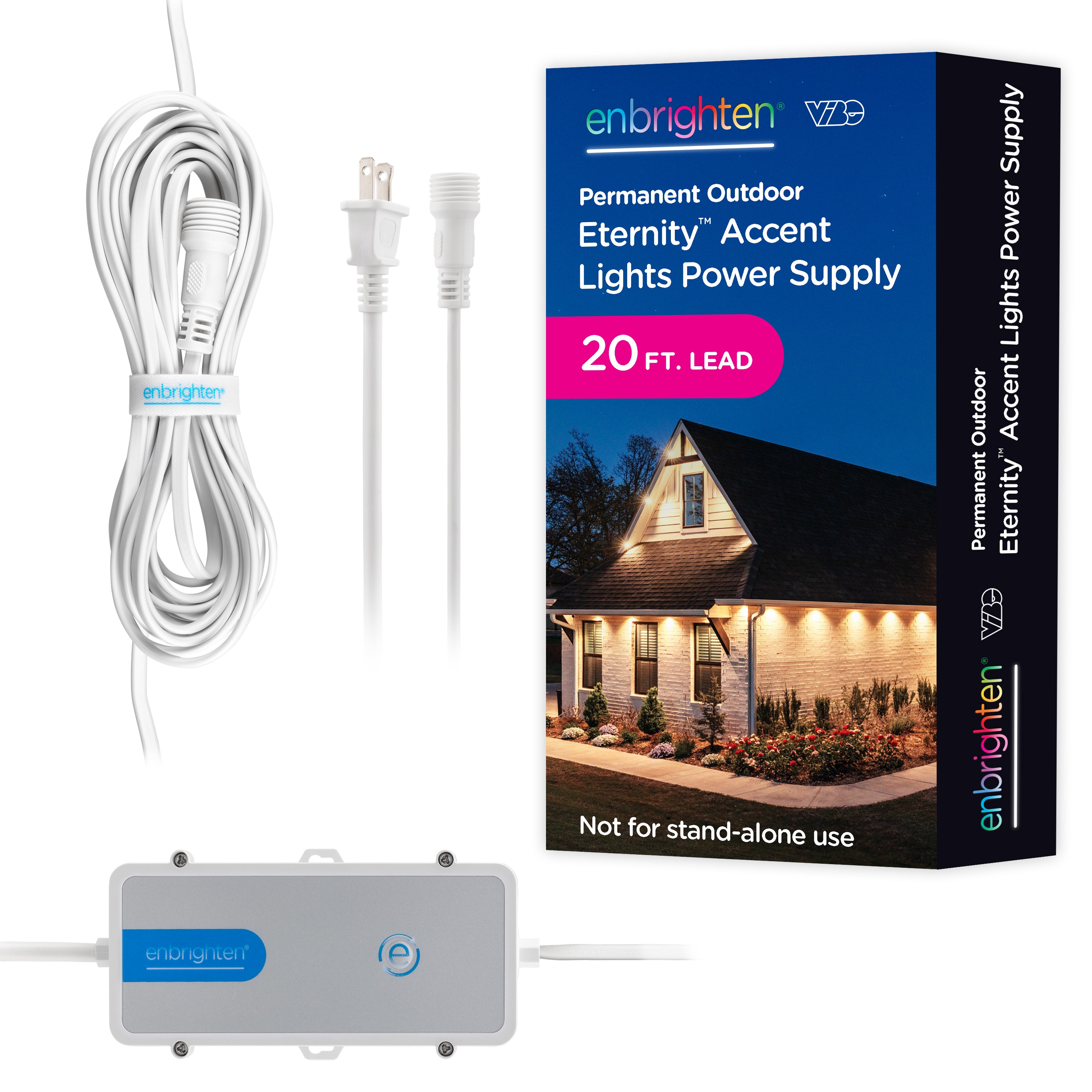
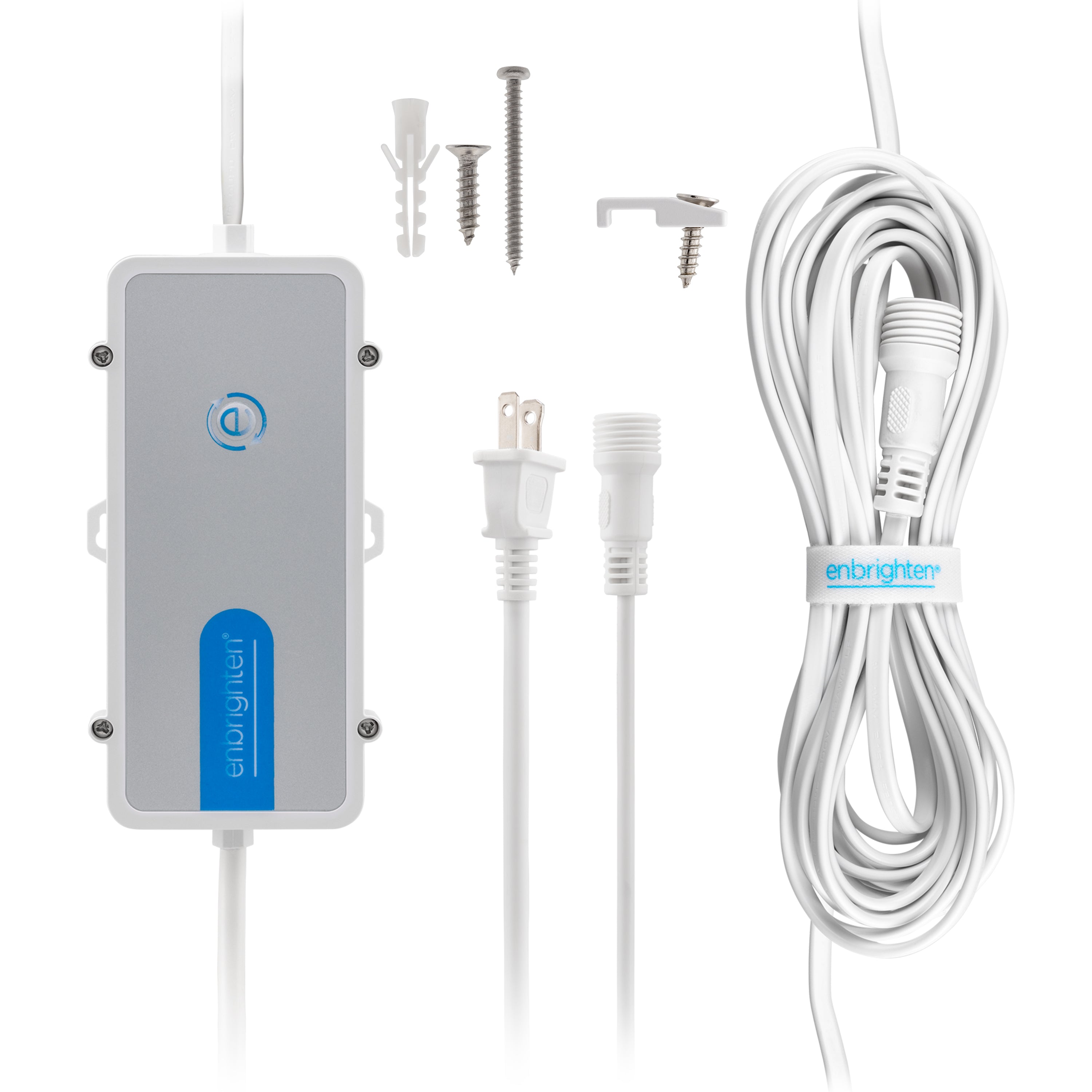
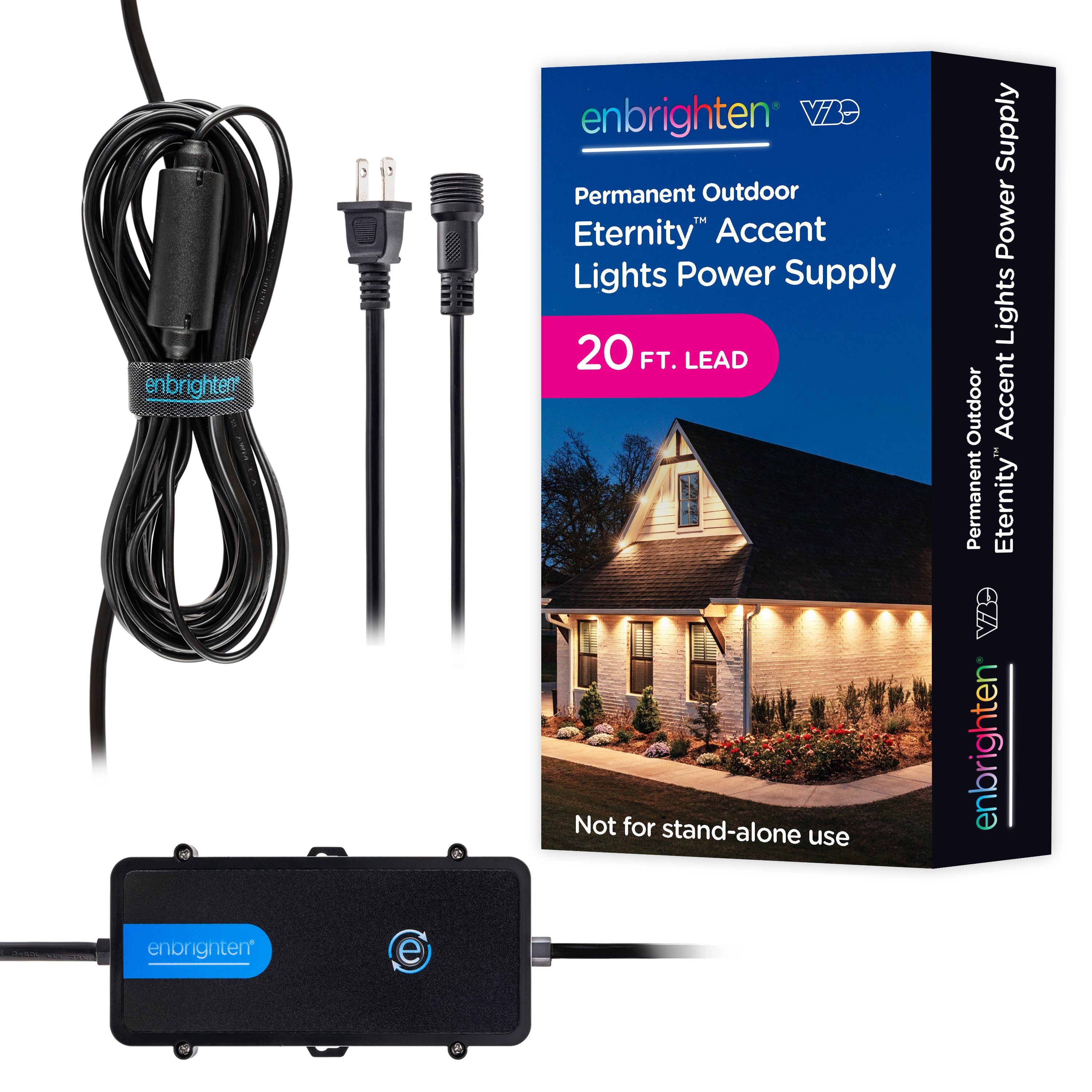
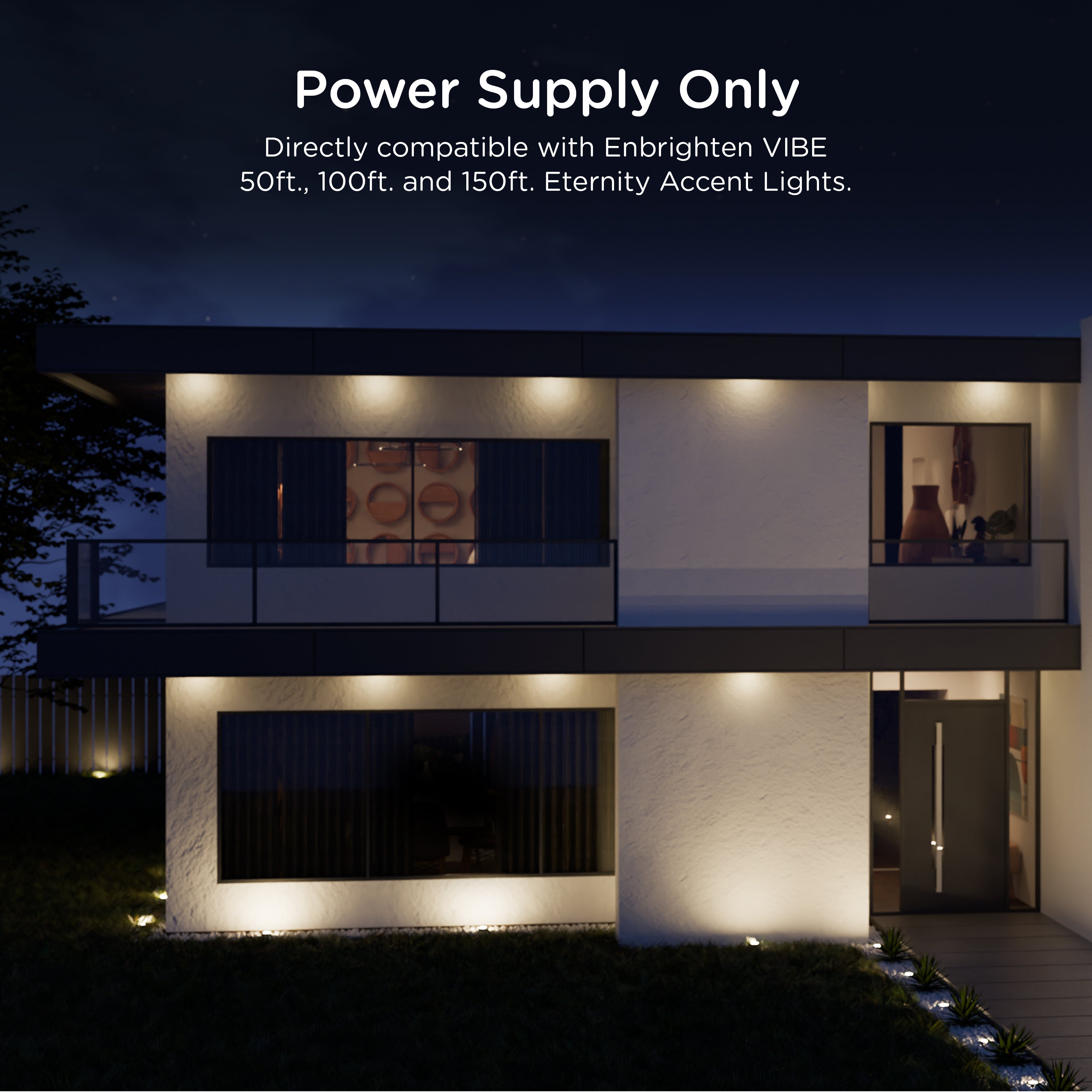
One power supply can run up to 150ft. at 100% lumen output and 200ft. at 75% lumen output. These totals include light strands and extension cables.
Runs over 200ft. need a second power supply, the Enbrighten Eternity Eave Light Power Supply With Repeater. It is available on enbrightenme.com.
WHAT LENGTHS DO ETERNITY EAVE LIGHTS COME IN?
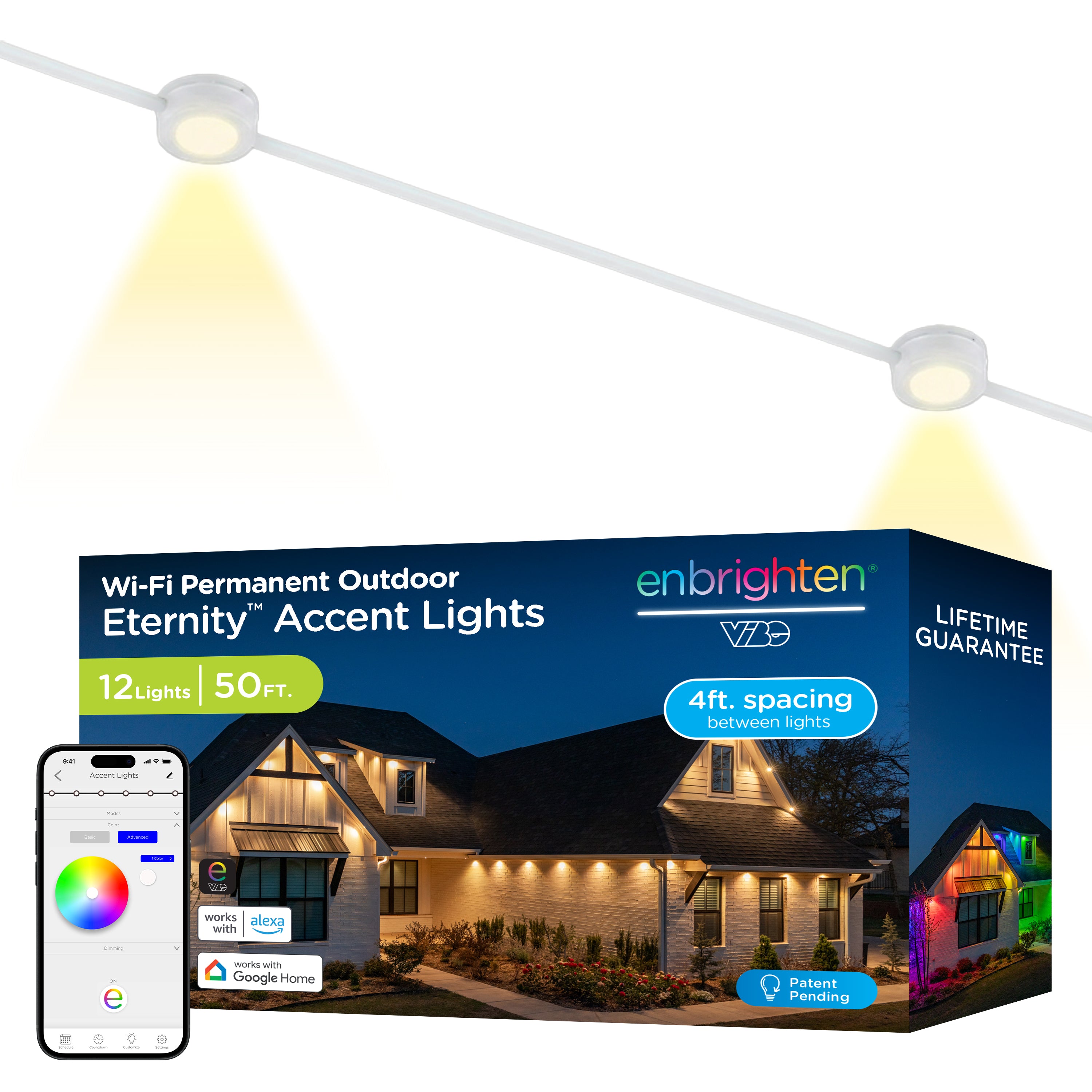
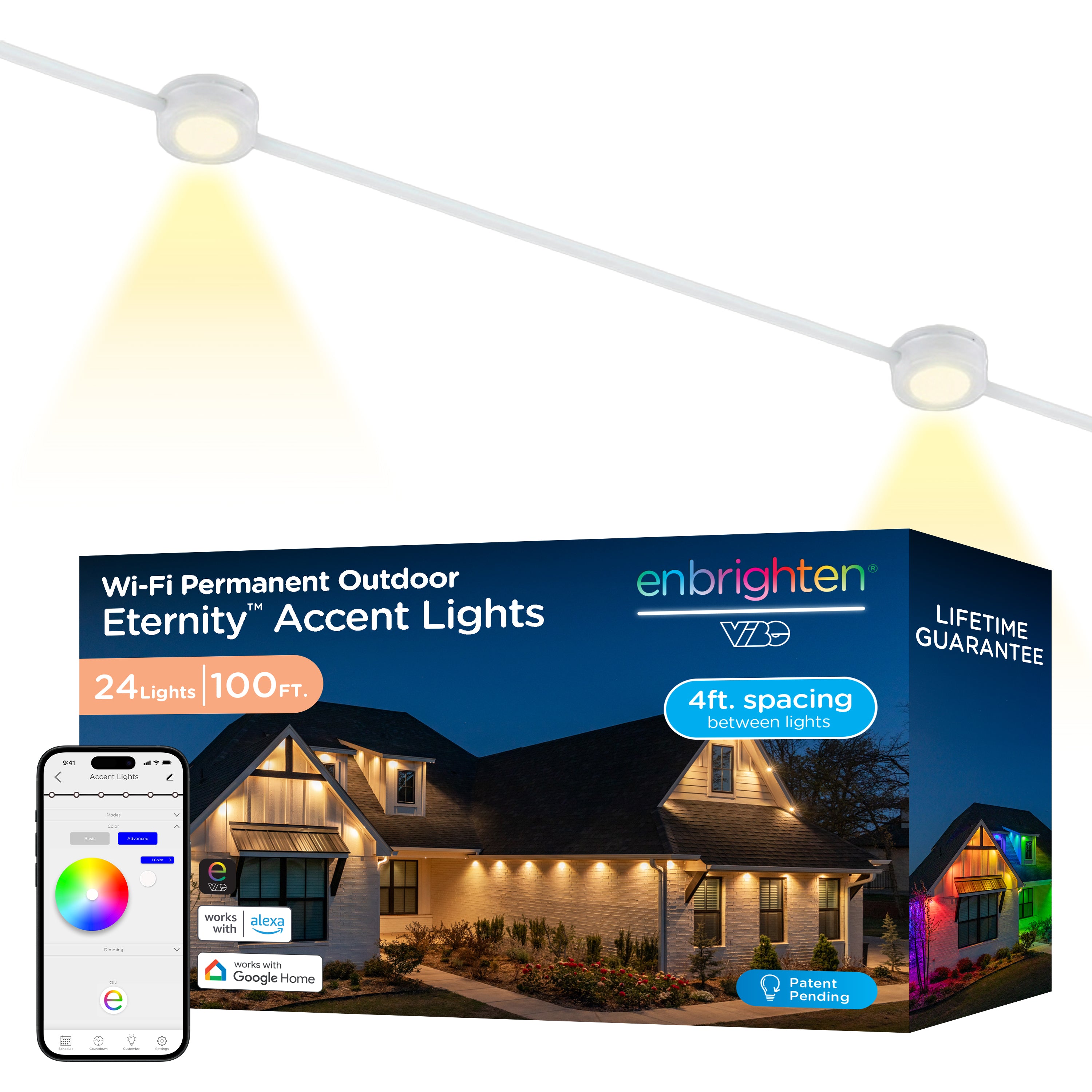
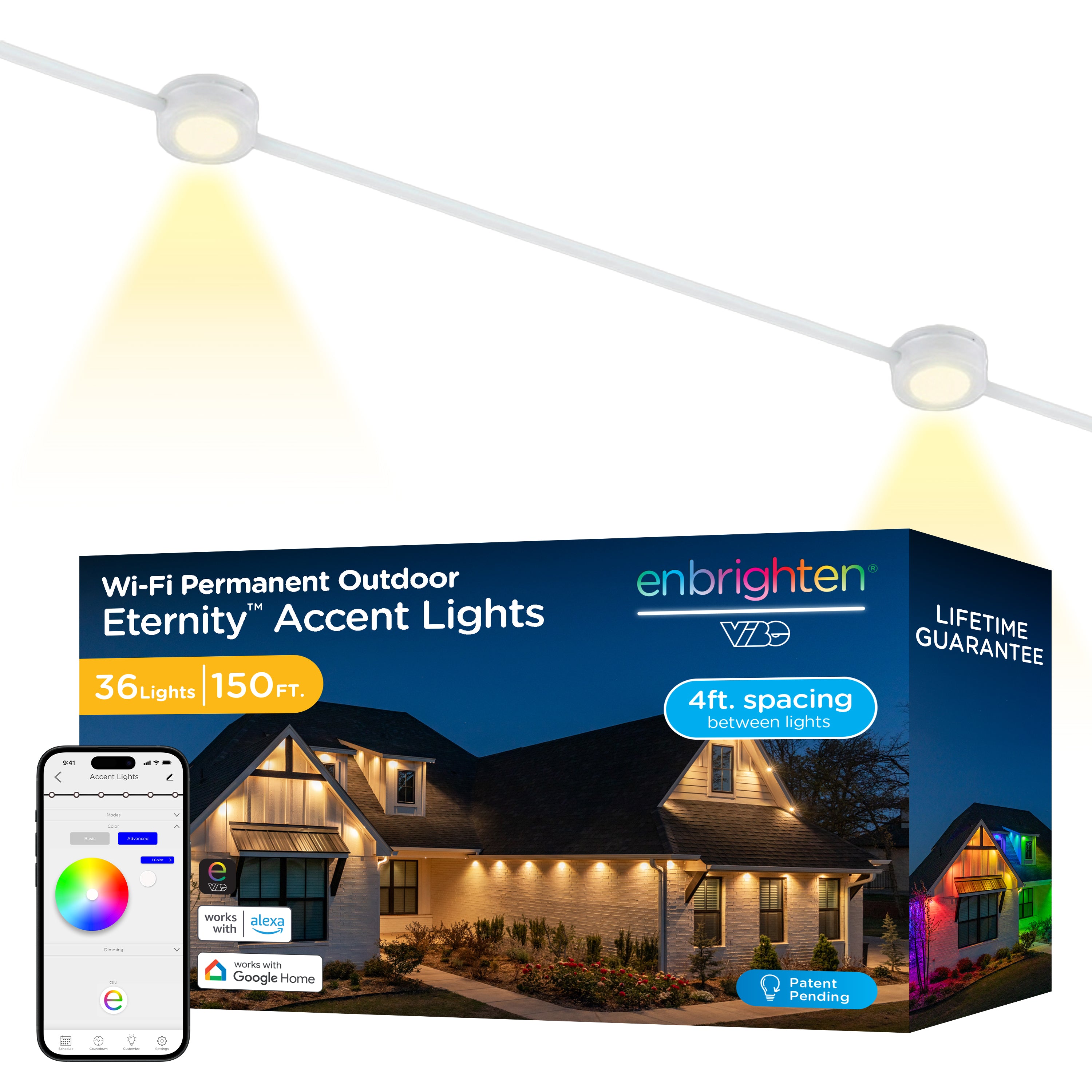
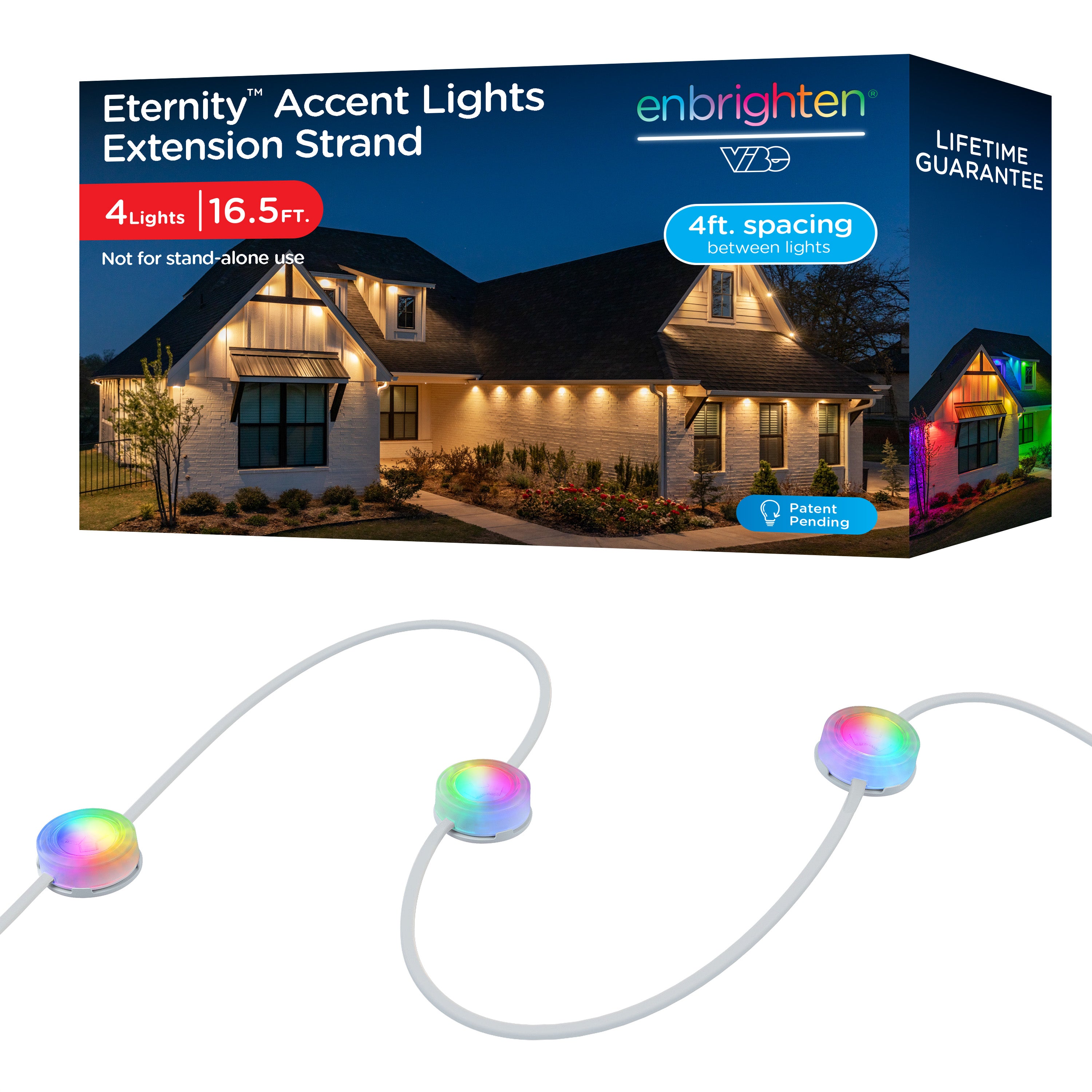
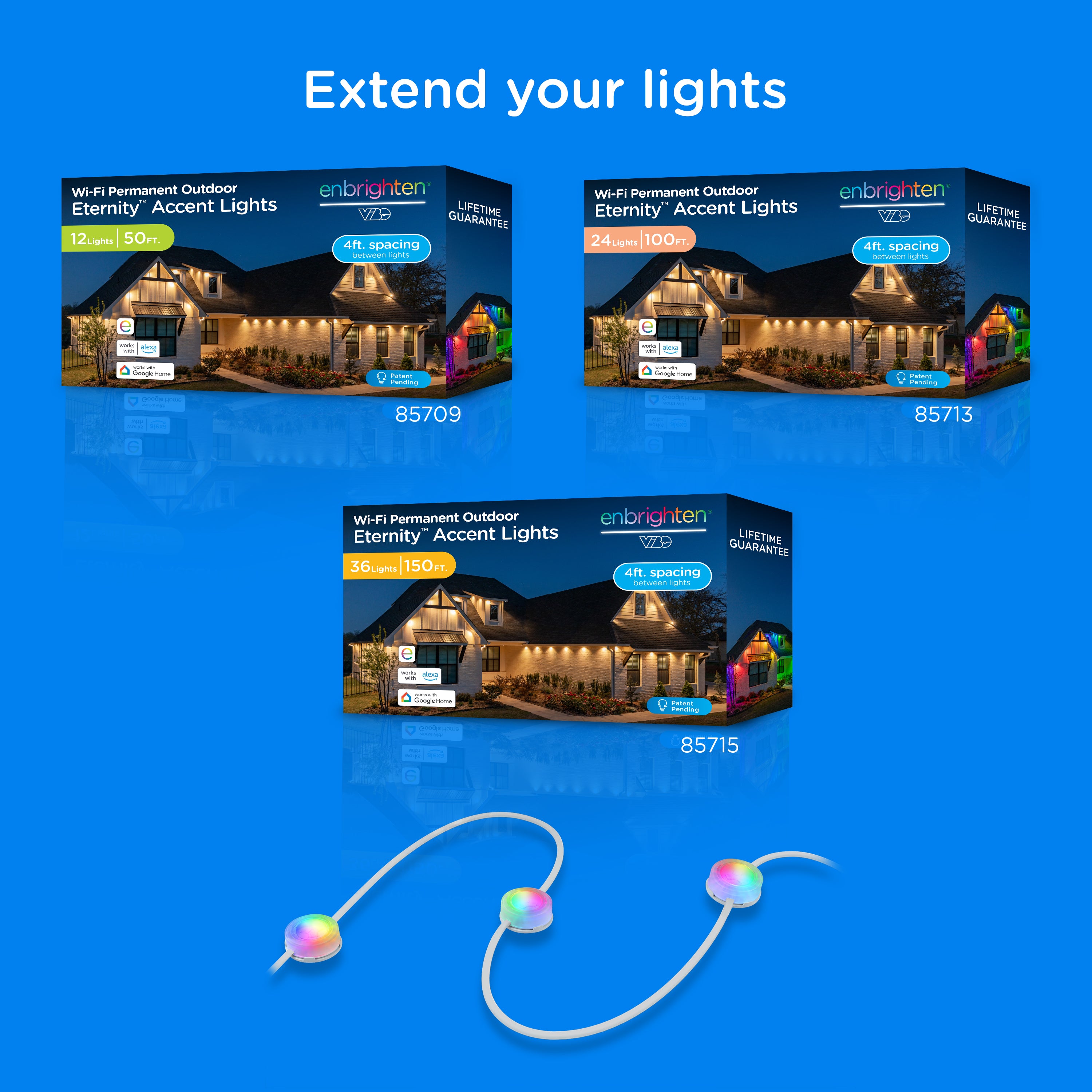
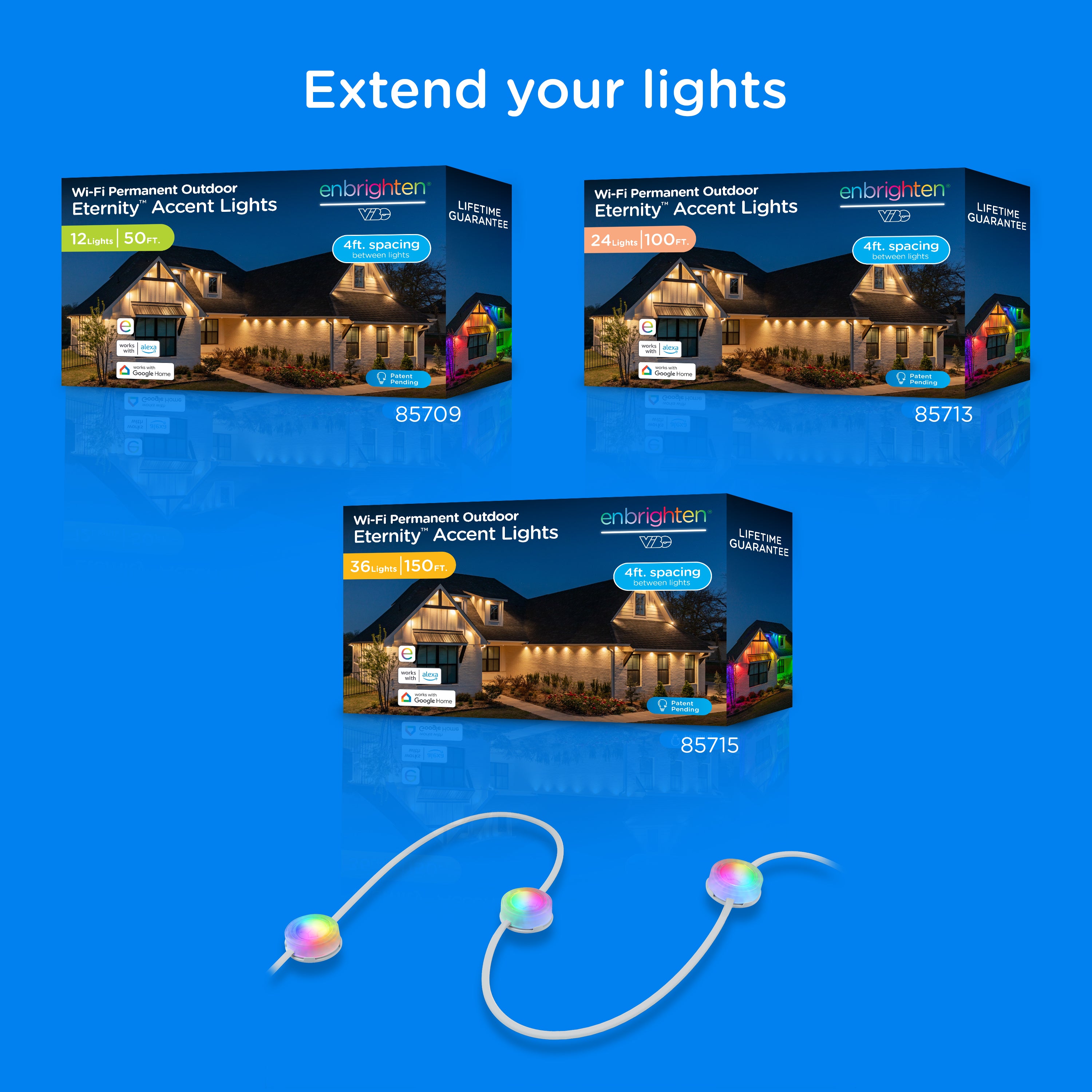
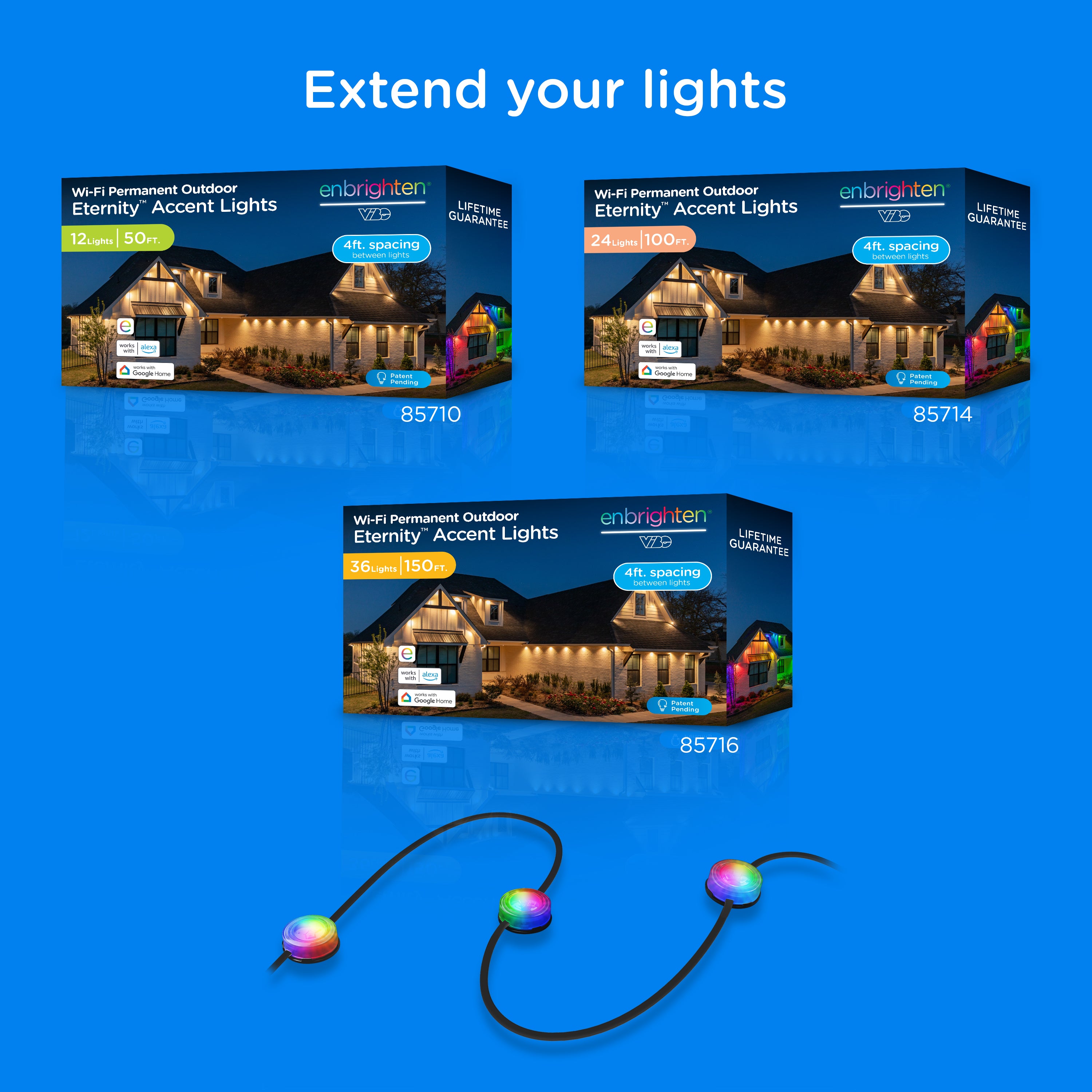
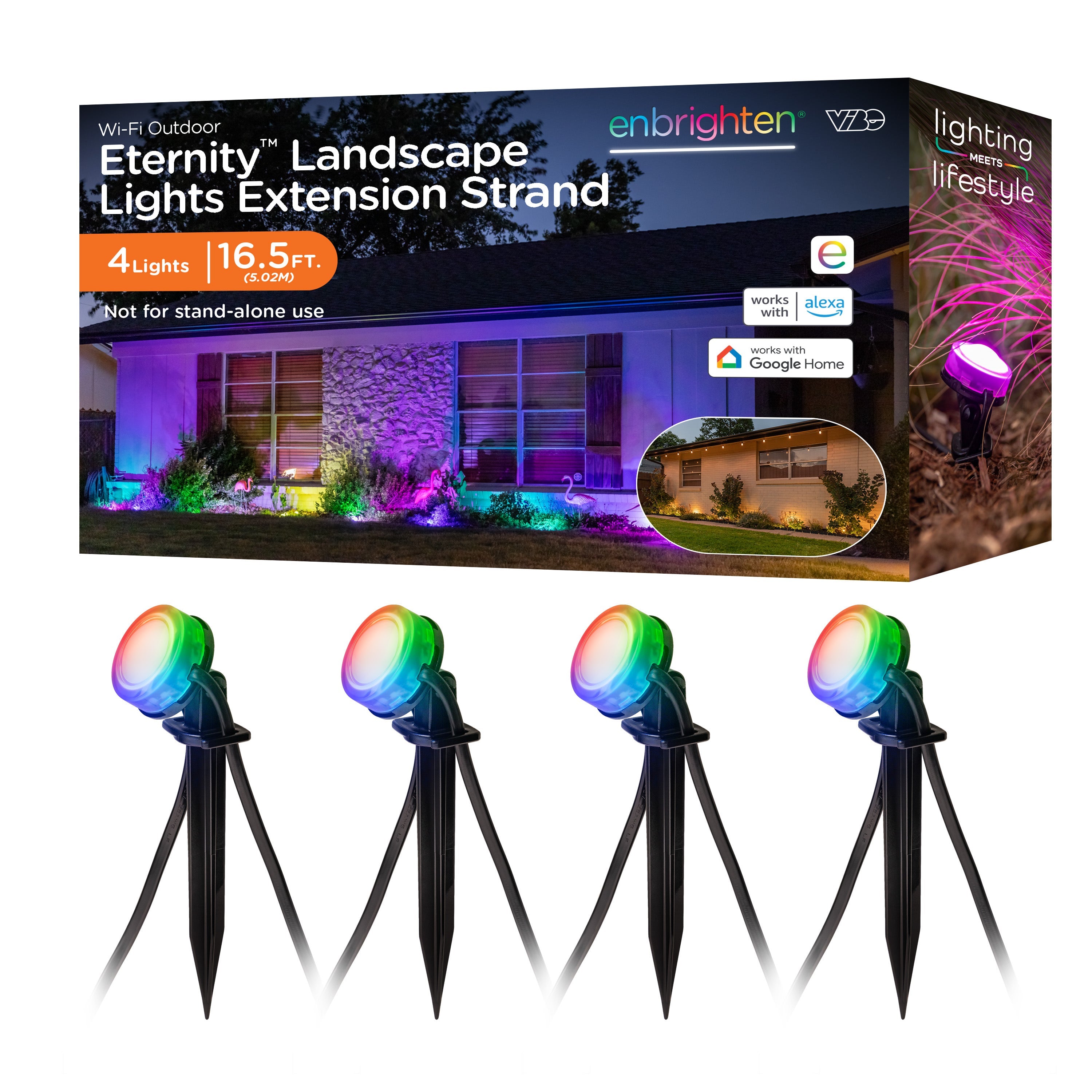
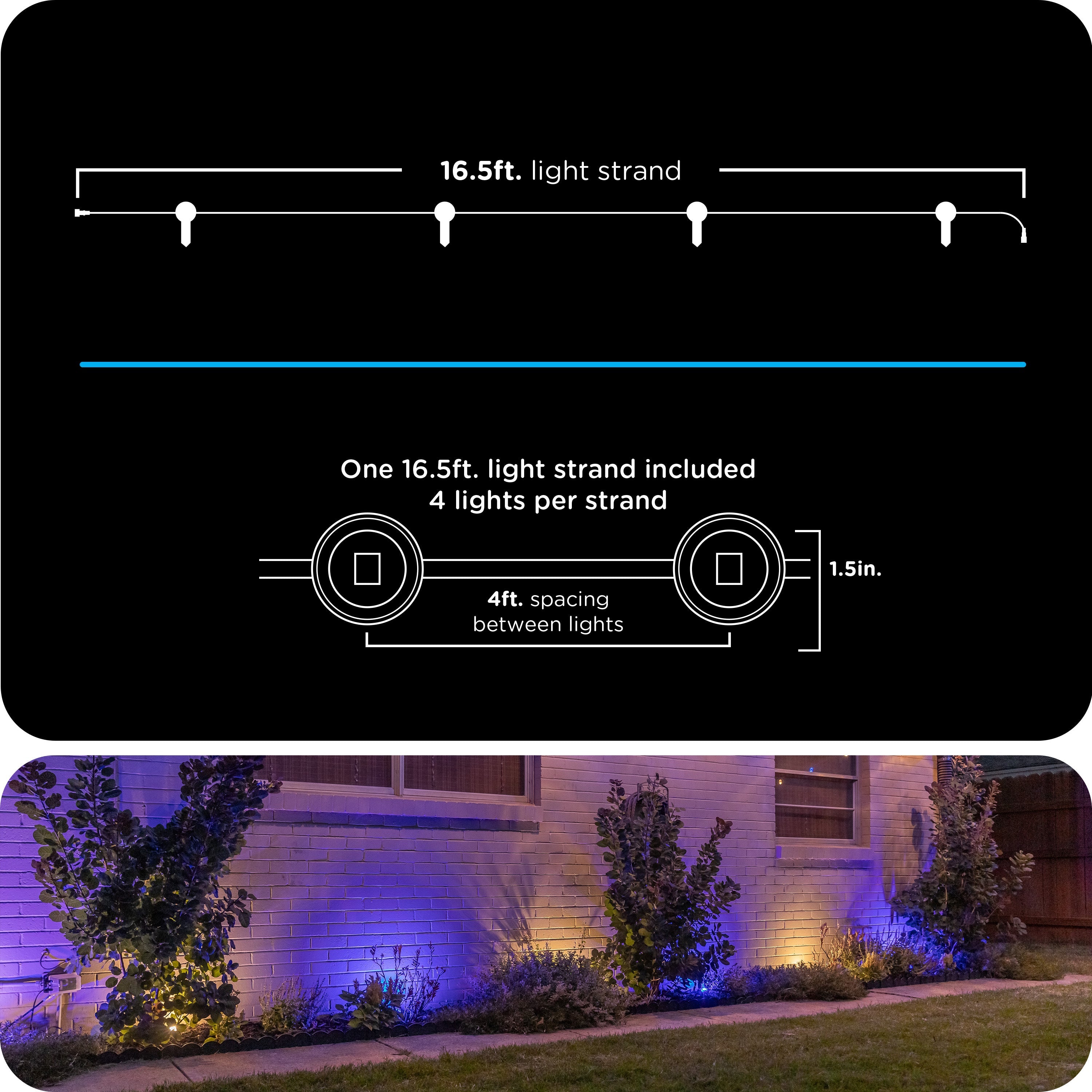
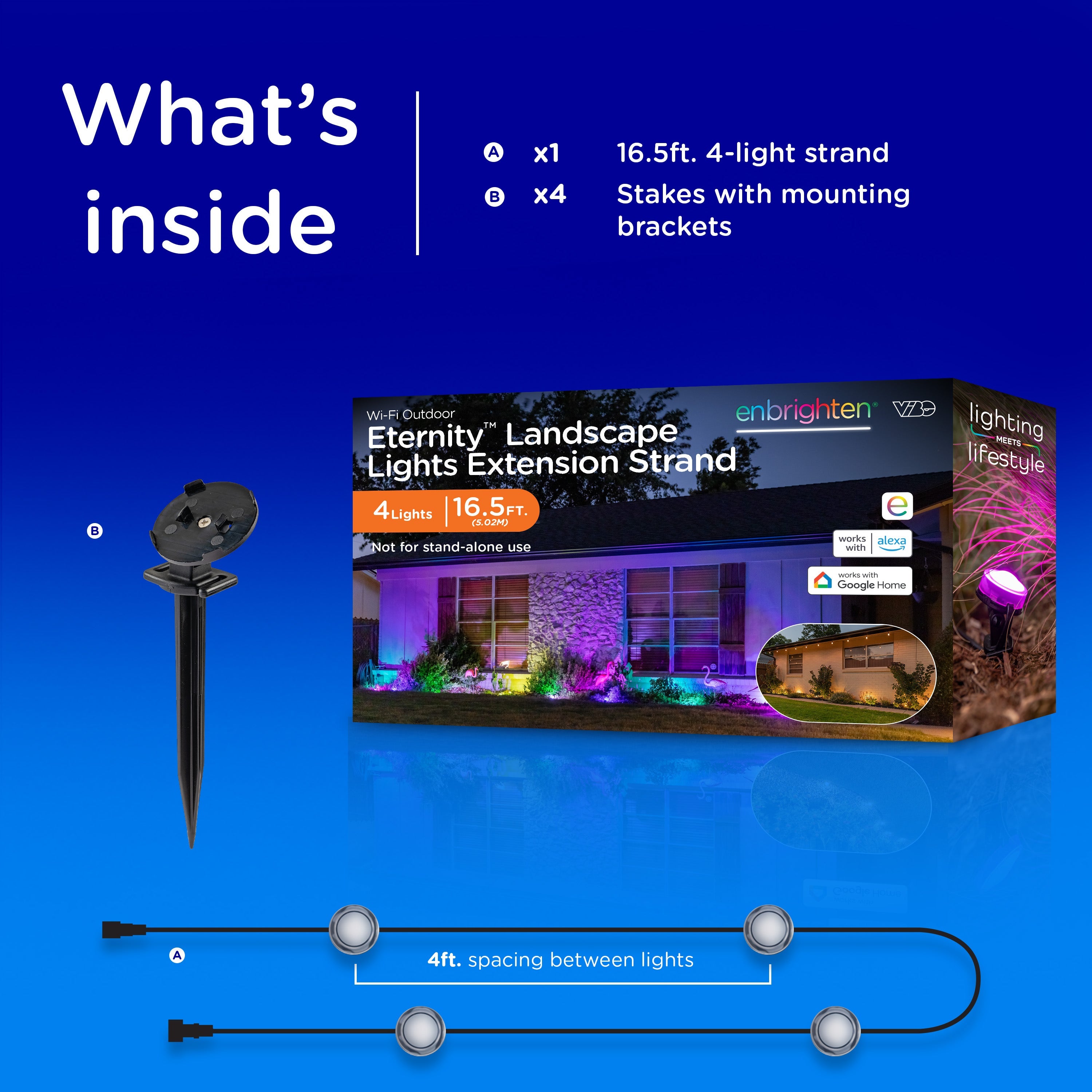
Sets come in 50ft., 100ft. and 150ft. lengths. You can add 16.5ft. extension light strands to extend your setup up to 200ft.
A 10ft. extension cable is included with each set and is also sold separately. Use it to bridge areas where lights aren't needed.
CAN ETERNITY EAVE LIGHTS WITHSTAND BAD WEATHER?
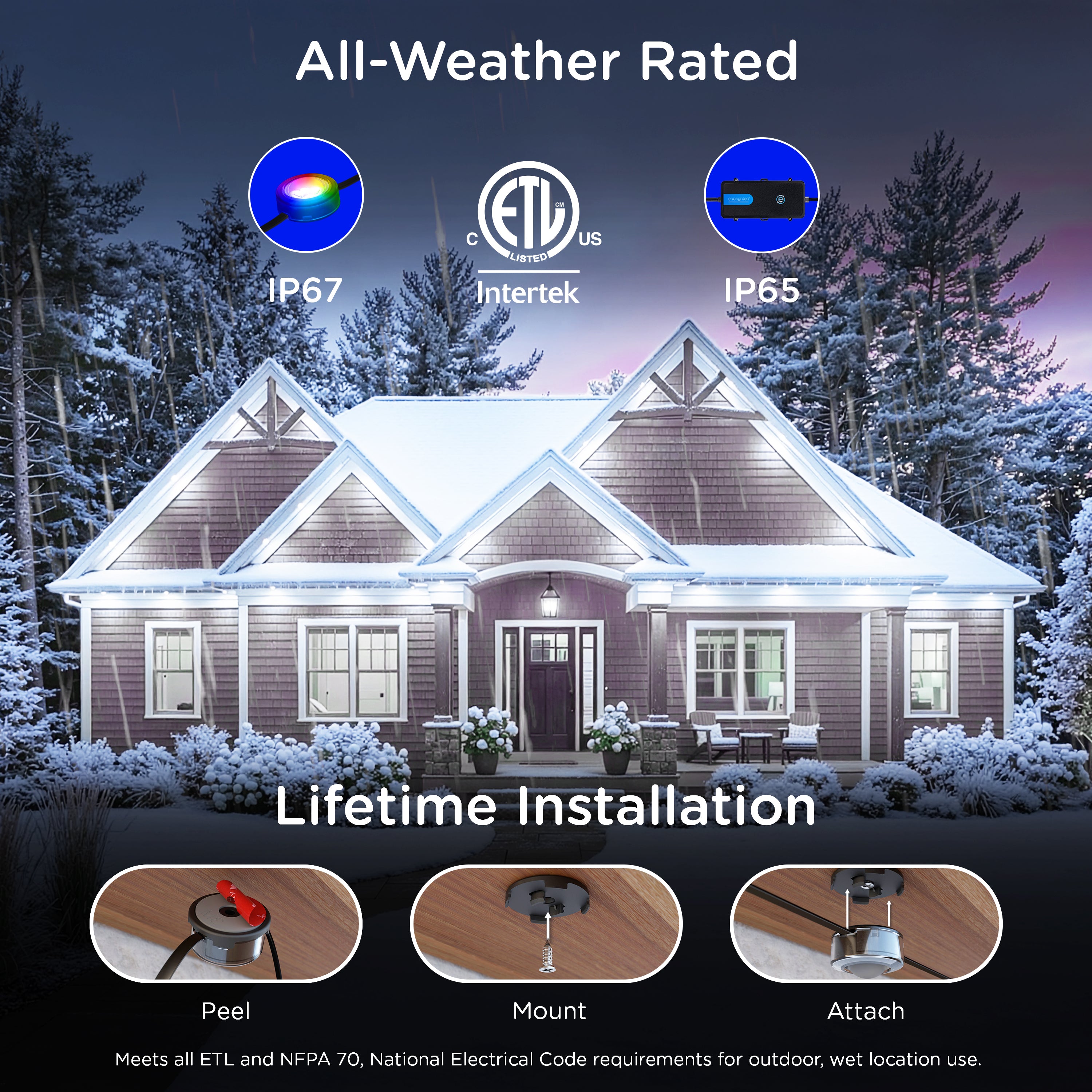
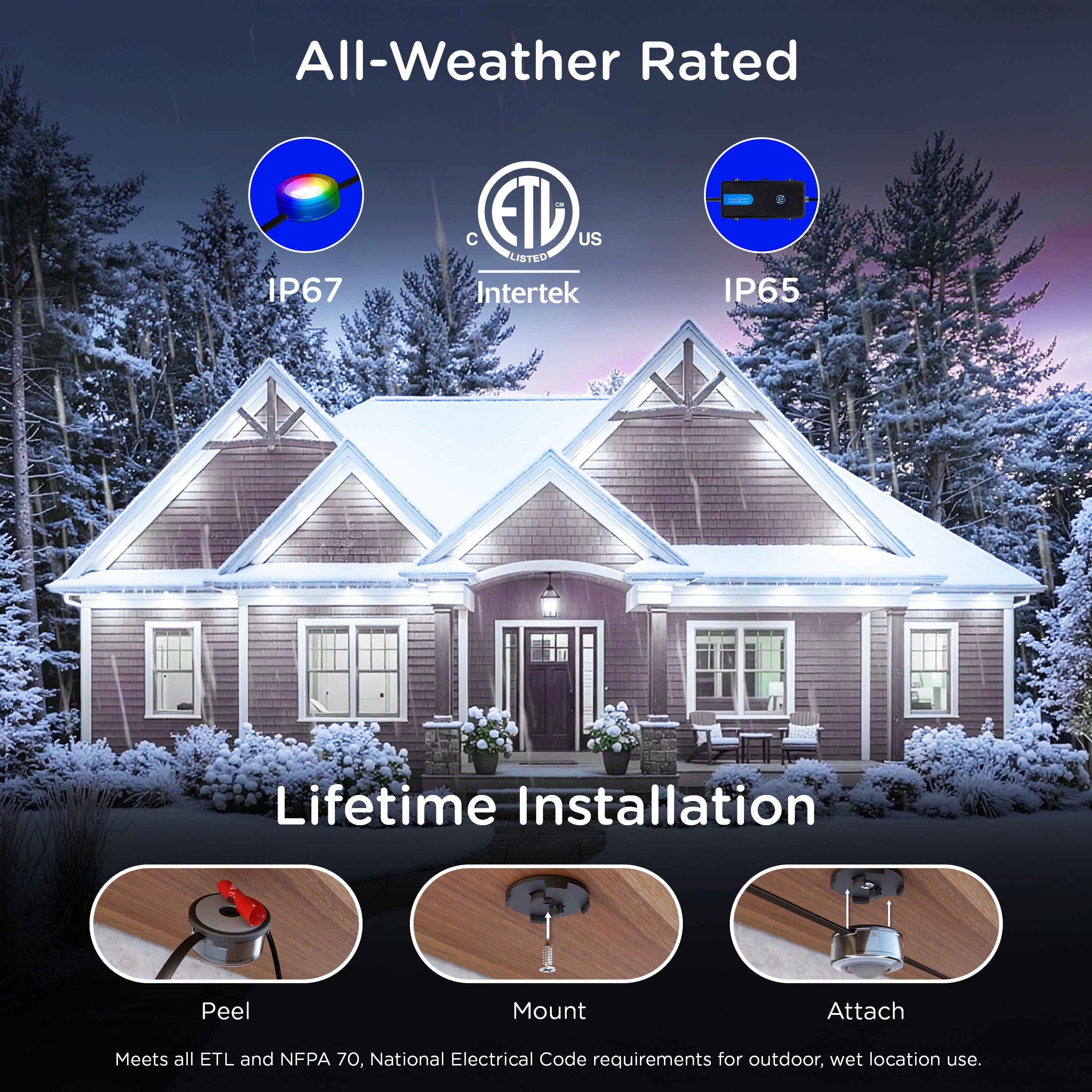
Yes, Eternity Eave Lights are weatherproof and rated for temperatures between -4°F and 131°F. They are intended to be installed on the eaves of your home, not on the ground.
COMPATIBILITY & FEATURES
CAN I CONTROL ETERNITY EAVE LIGHTS WITH OTHER ENBRIGHTEN WI-FI PRODUCTS?
Yes, Eternity Eave Lights use the Enbrighten app and can be controlled and grouped with other Enbrighten products. Only similar device types can be grouped, so Eternity Eave Lights cannot be grouped with ON/OFF switches, for example. The first item you select determines the interface and functions of the group.
HOW DO I CONTROL MULTIPLE SETS OF ETERNITY EAVE LIGHTS?
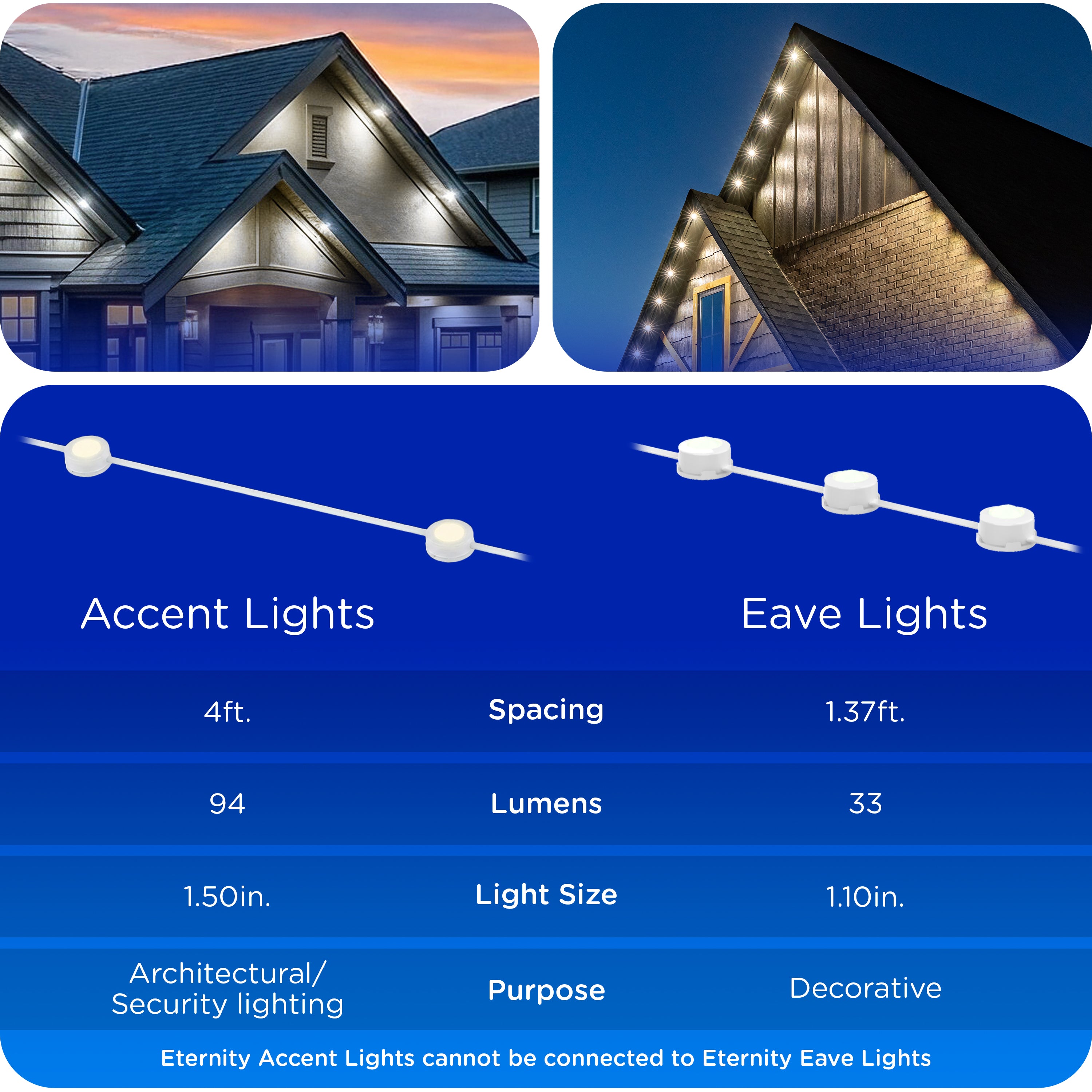
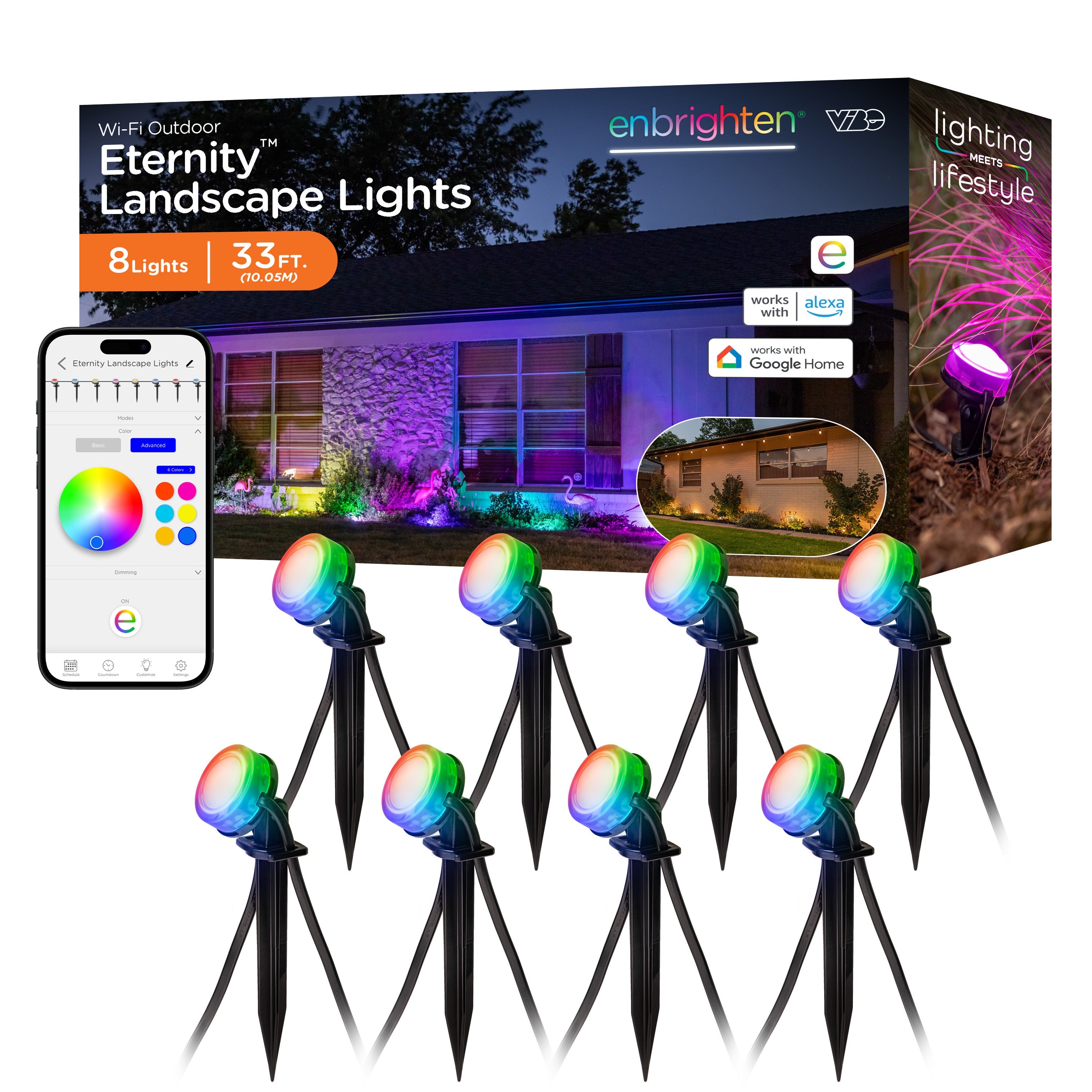
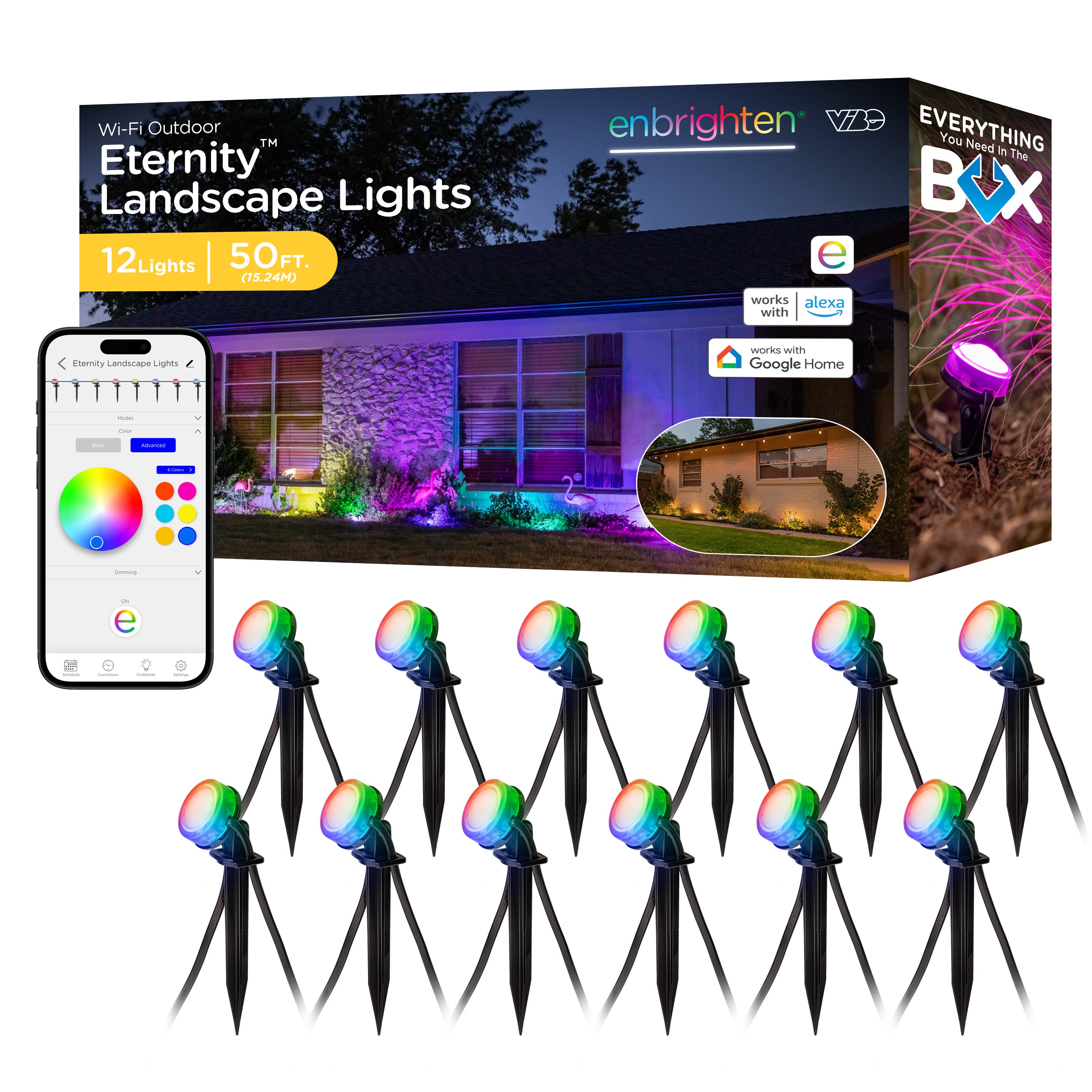
The group function in the Enbrighten app lets you control and schedule multiple sets and similar Enbrighten lighting products at once. This is useful if you exceed the maximum length of one set or also have Enbrighten VIBE Eternity Landscape Lights.
DO I NEED TO TURN MY ETERNITY EAVE LIGHTS ON AND OFF MANUALLY?
No, the schedule tab offers automatic control. Three presets turn the lights on and off at common times of day, and custom ON/OFF schedules are also available. Any schedule can run the day it is created or repeat on any day or days of the week.
ARE ETERNITY EAVE LIGHTS DIMMABLE?
Yes, full-range brightness adjustment is available in the Enbrighten app. Three preset buttons and a dimming slider let you set the brightness.
ARE THERE LIGHT COLOR OPTIONS FOR ETERNITY EAVE LIGHTS?
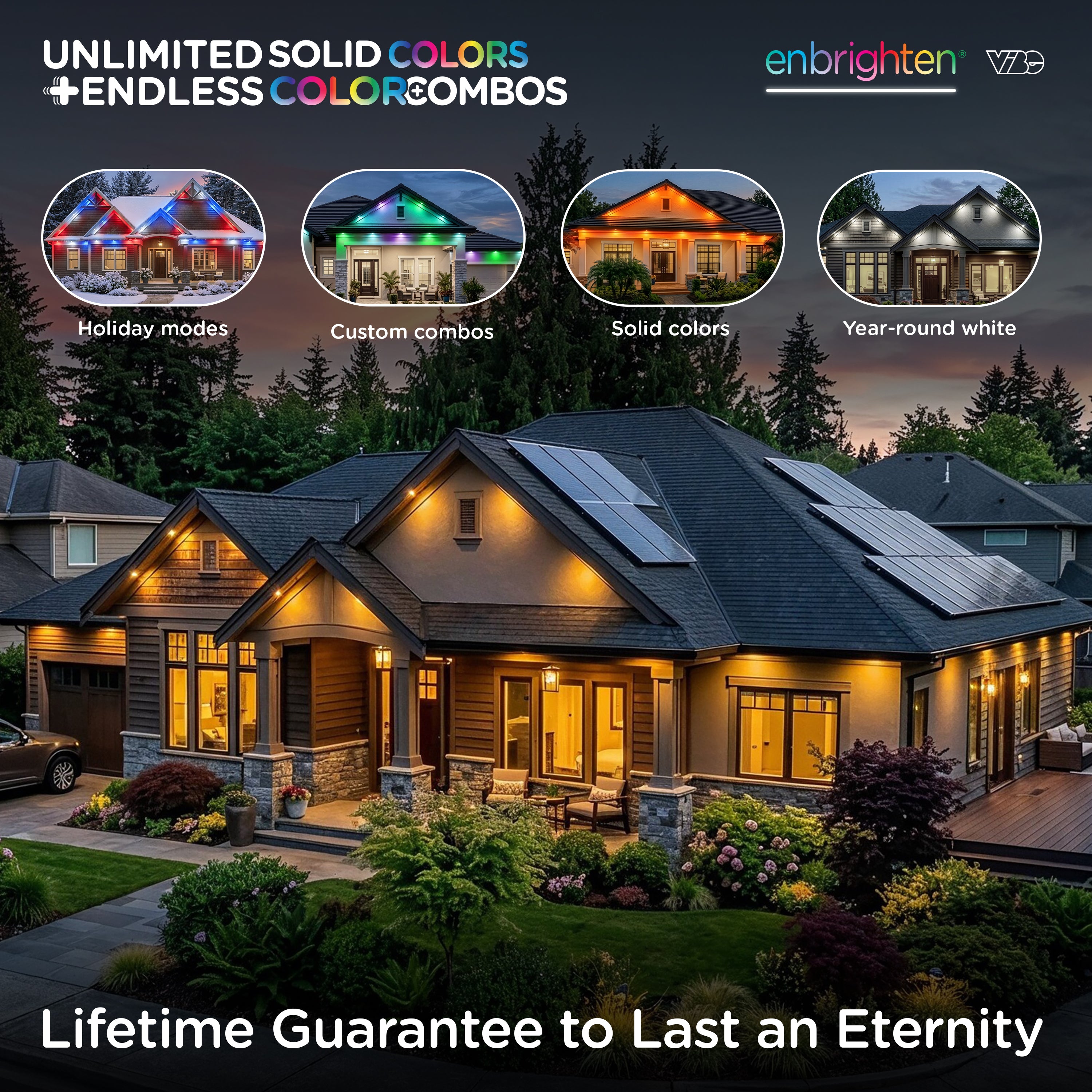
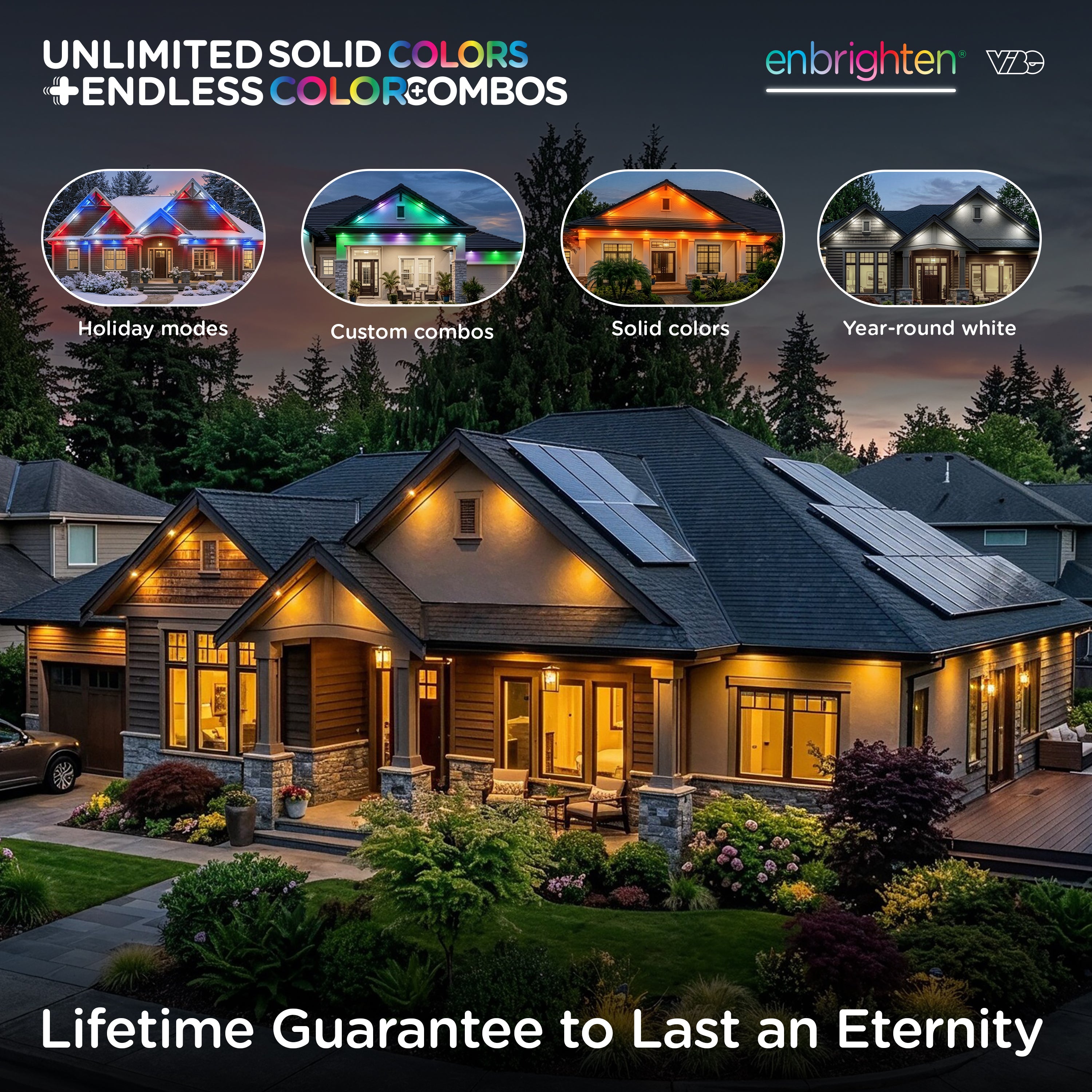
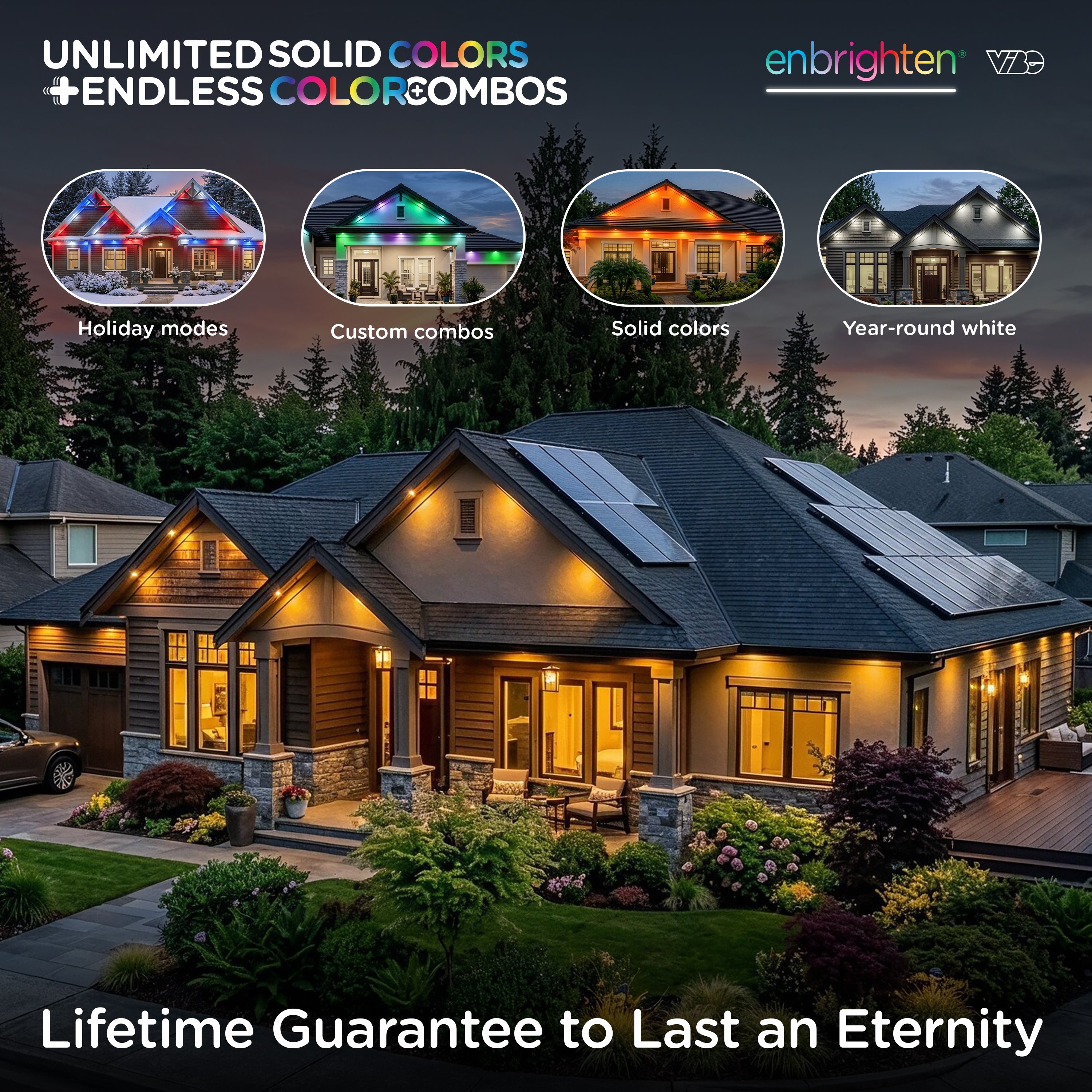
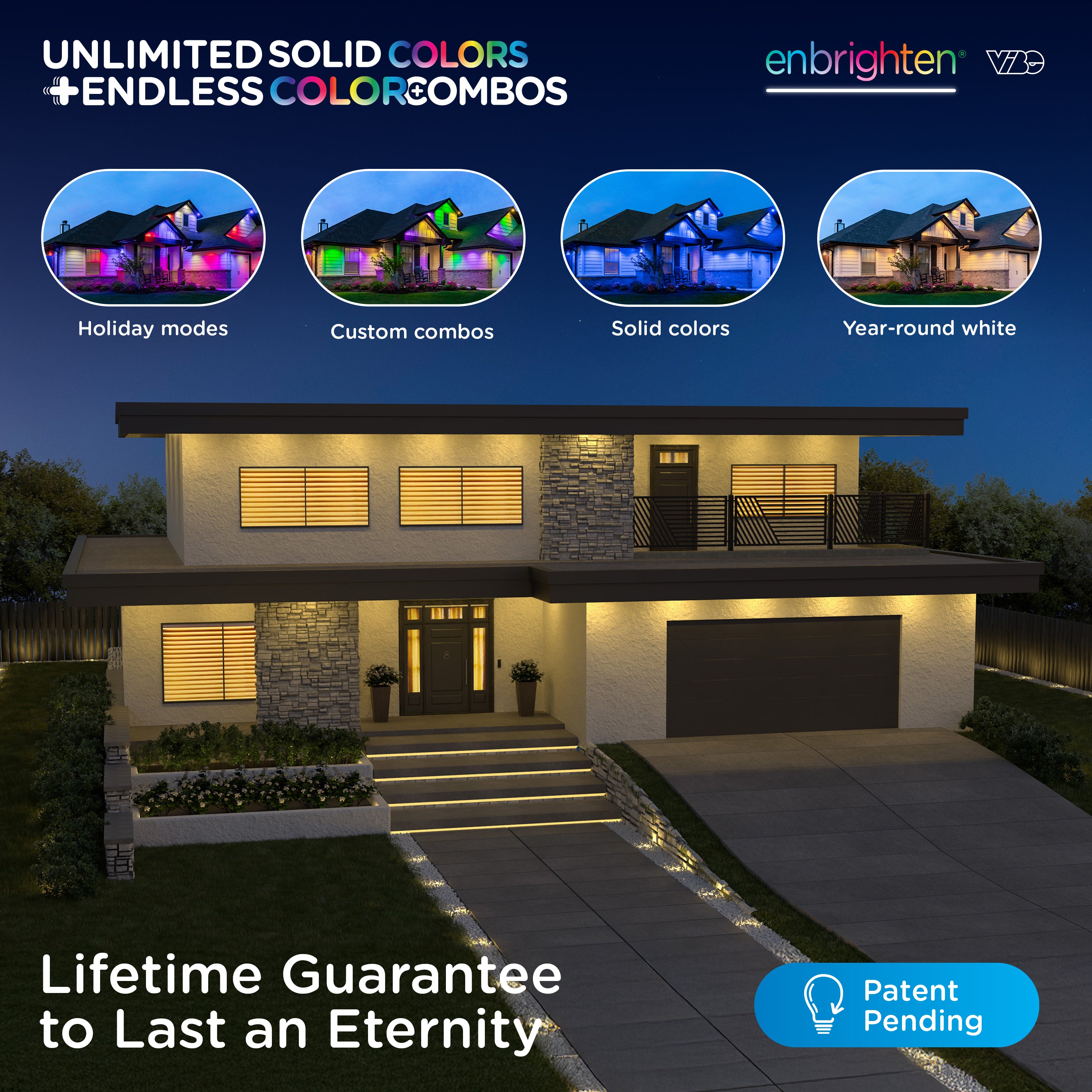
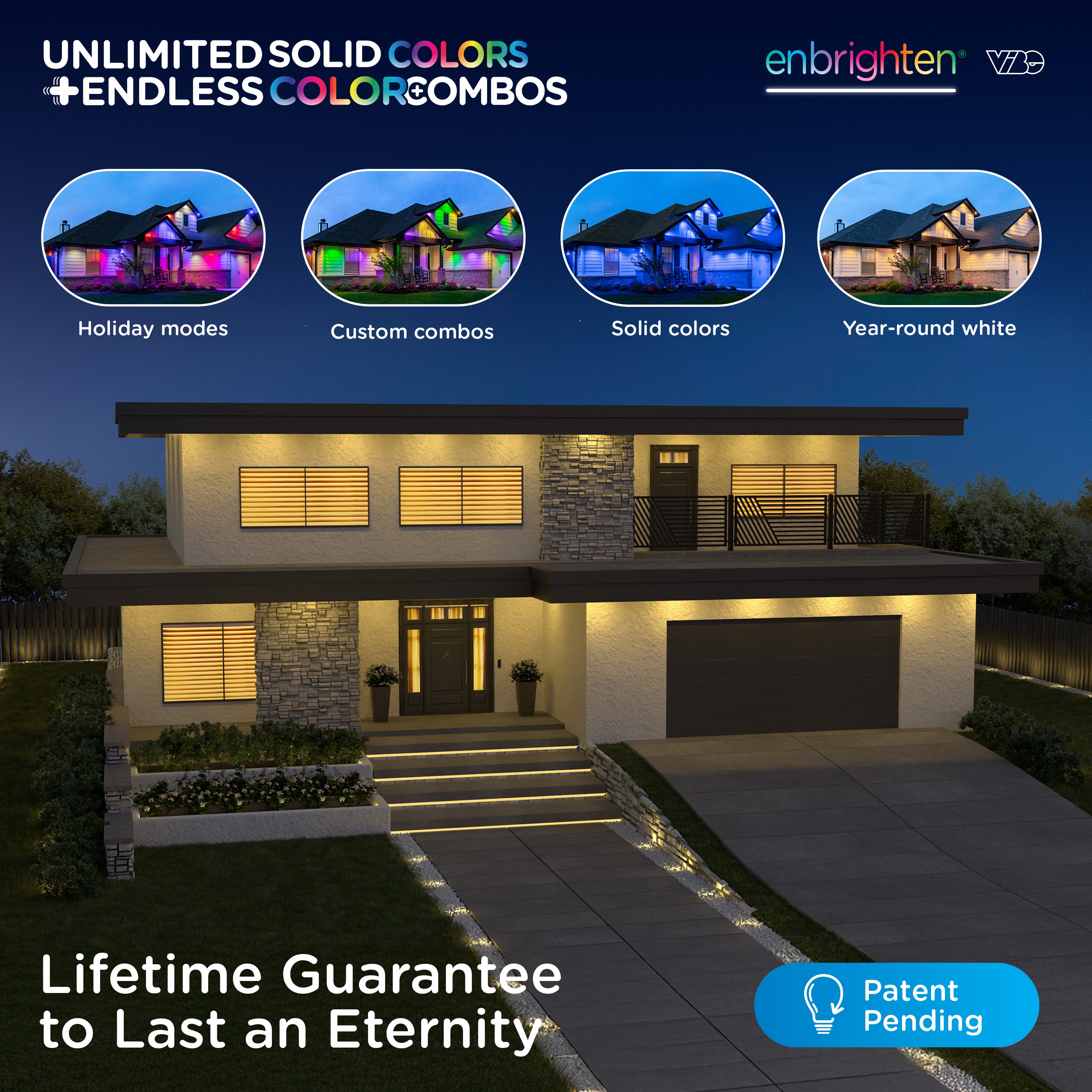
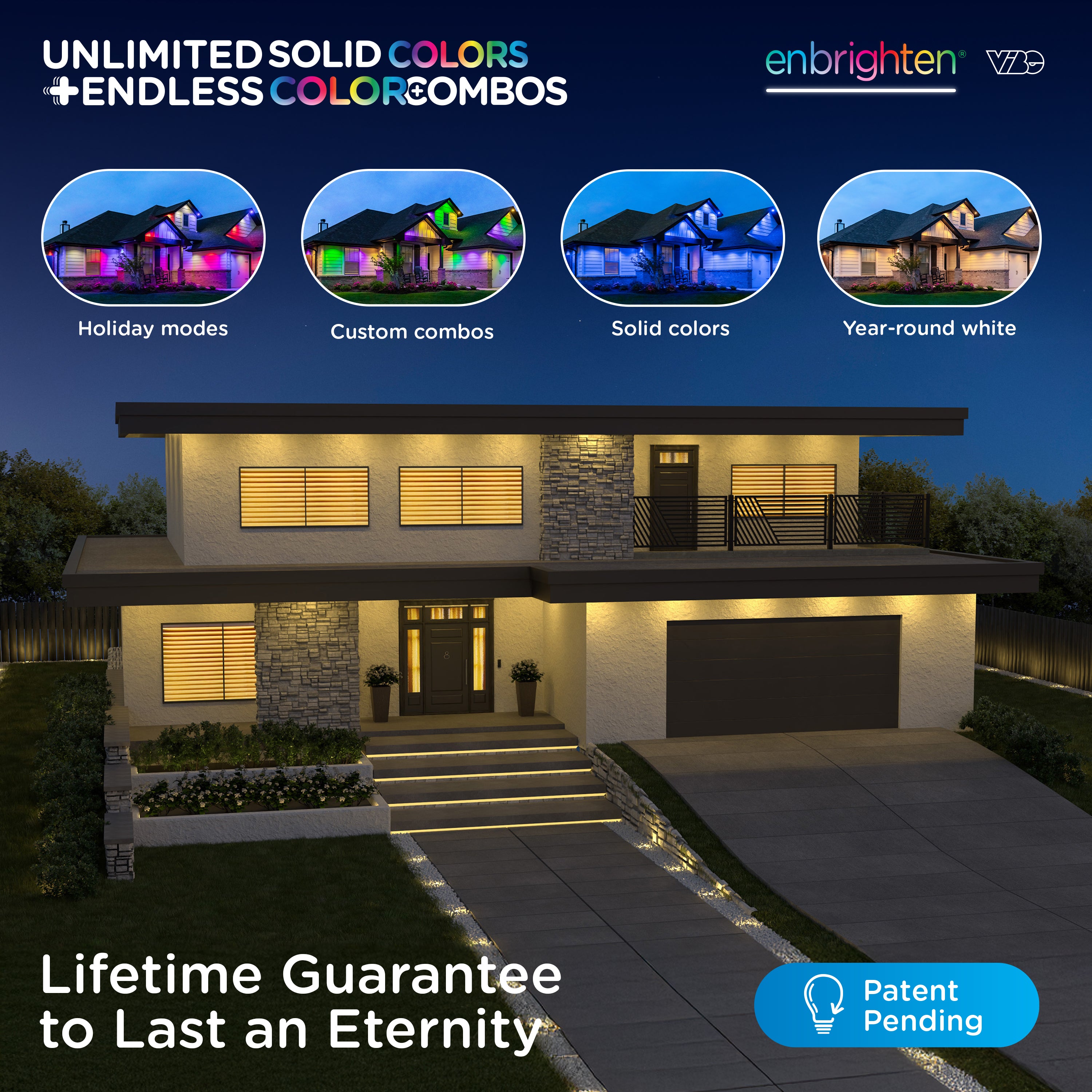
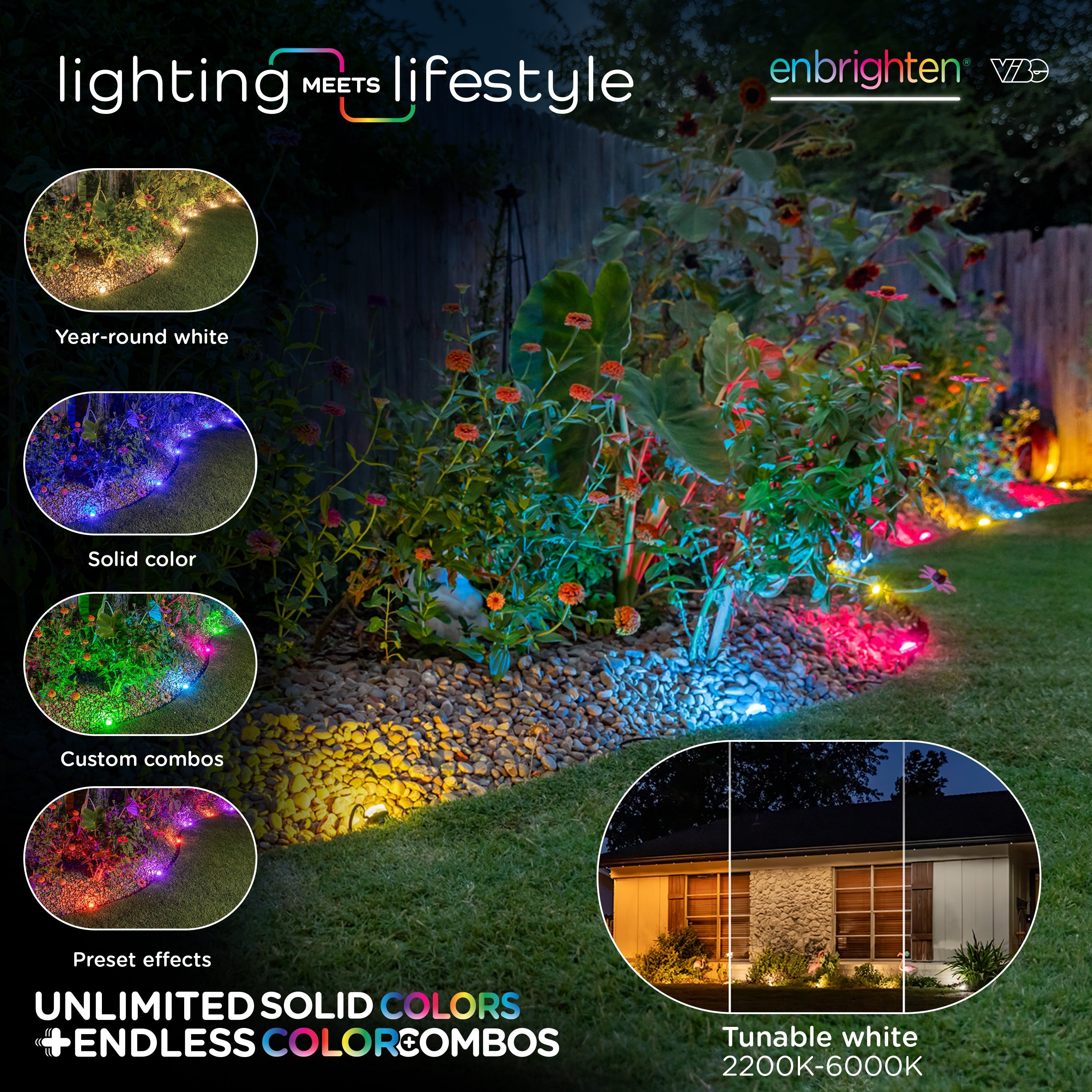
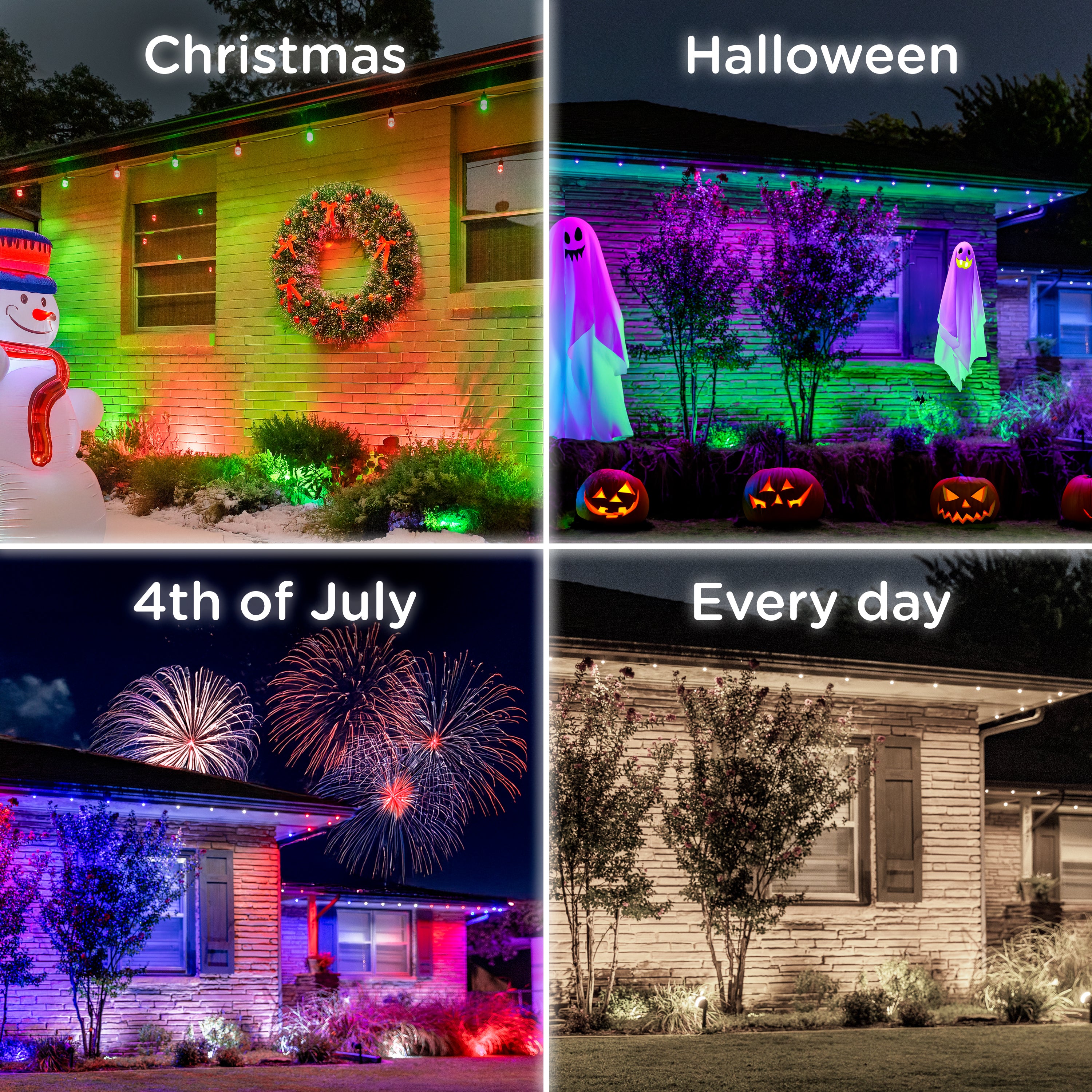
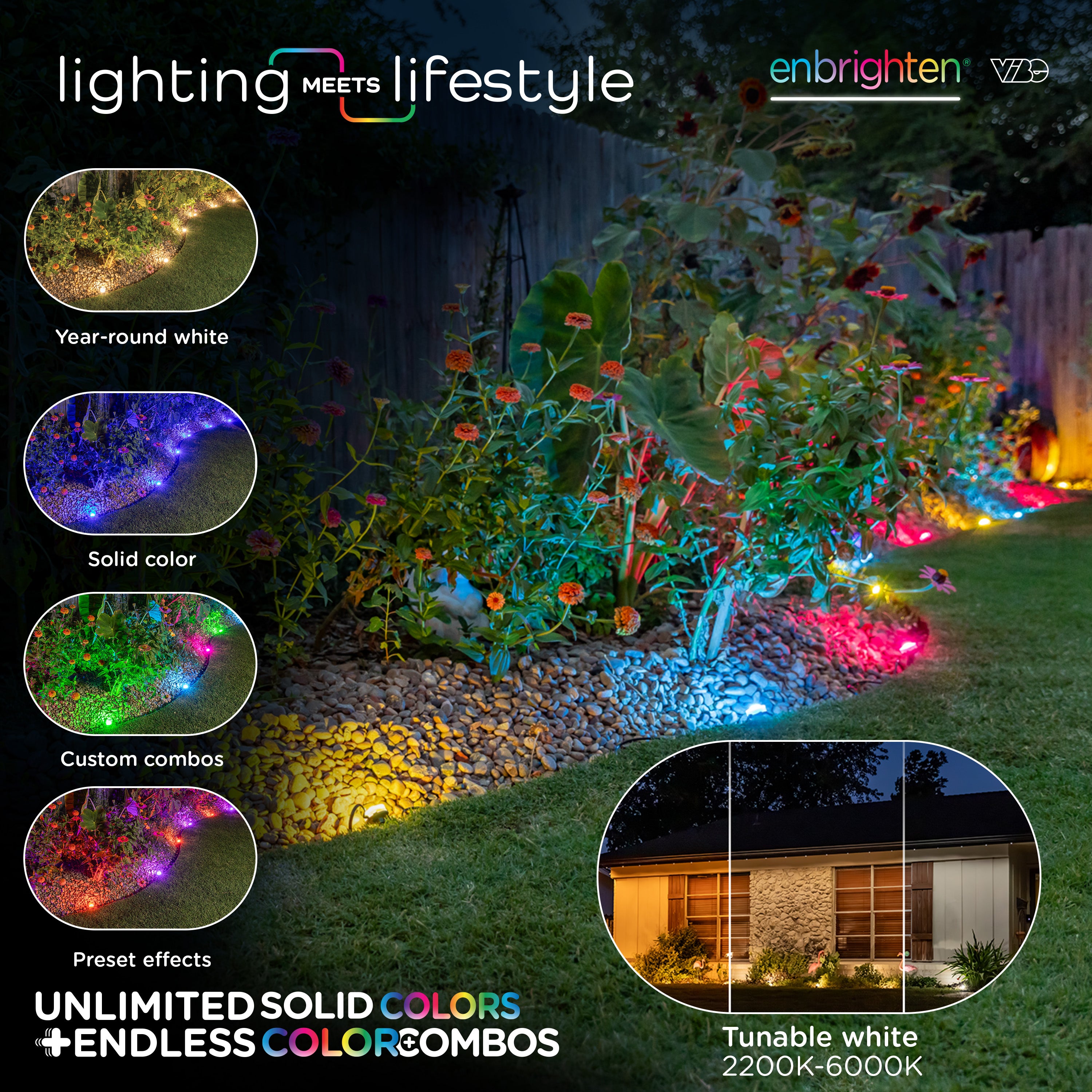
Yes, Eternity Eave Lights can be customized in a wide variety of colors, modes and combinations. Options include single color, white and up to six-color combinations, plus preset modes for holidays, seasons and more.
The "Basic" option offers a preset color palette with white options. The "Advanced" option has a color wheel for custom colors.
CAN I CUSTOMIZE MODES ON ETERNITY EAVE LIGHTS?
Yes, when you choose a preset mode, you can adjust the effect, speed and dimming. You can also create custom modes for quick recall.
HOW DO I EDIT A MODE IN THE ENBRIGHTEN APP?
From the Eternity Eave Lights screen in the Enbrighten app, select a mode in the drop-down and tap the pencil icon. Choose an available effect, such as "strobe" or "pulse," then adjust the speed and dimming of the selected effect. Tap "Save" to keep your changes, or tap "Reset to default" to return the mode to its original settings.
DO ALL THE LIGHTS TRAVEL IN THE SAME DIRECTION WHEN I USE AN EFFECT?
No, the "Reverse effect direction" option under Settings lets you choose the direction of the effect.
HOW DO I CREATE LIGHT TEMPLATES?
Each bulb in the set can be enabled or disabled to match the coverage you want. Save a template to quickly recall your settings for different seasons, holidays or occasions.
WHERE CAN I LEARN ABOUT ETERNITY EAVE LIGHTS APP FEATURES?
Watch the Eternity Lights video playlist for helpful videos on app features. The playlist is updated as features are added.
TROUBLESHOOTING
WHY AREN'T MY CONNECTED STRANDS LIGHTING UP TOGETHER?
Unplug the lights, then plug them back in and check that the lights flash together. When they flash together, the lights are synced.
WHAT SHOULD I DO IF THE APP CAN'T FIND MY LIGHTS DURING PAIRING?
Make sure your phone is connected to a 2.4GHz Wi-Fi network. Check the Wi-Fi strength where the lights are installed, and move your router closer to the lights if needed. Also make sure the app's permissions allow devices to be found.
SUPPORT & PRODUCT CARE
WHAT SHOULD I DO IF I HAVE AN ISSUE WITH MY ETERNITY EAVE LIGHTS?
Contact U.S.-based Consumer Care at 1-800-225-0653, Monday through Friday. Please have your receipt available.
ARE ETERNITY EAVE LIGHTS REPLACEABLE?
Replacement power supplies, extension light strands and extension cables are sold separately on enbrightenme.com. For help with a specific LED or part, contact Consumer Care at 1-800-225-0653. You can also register your product.